Before you start
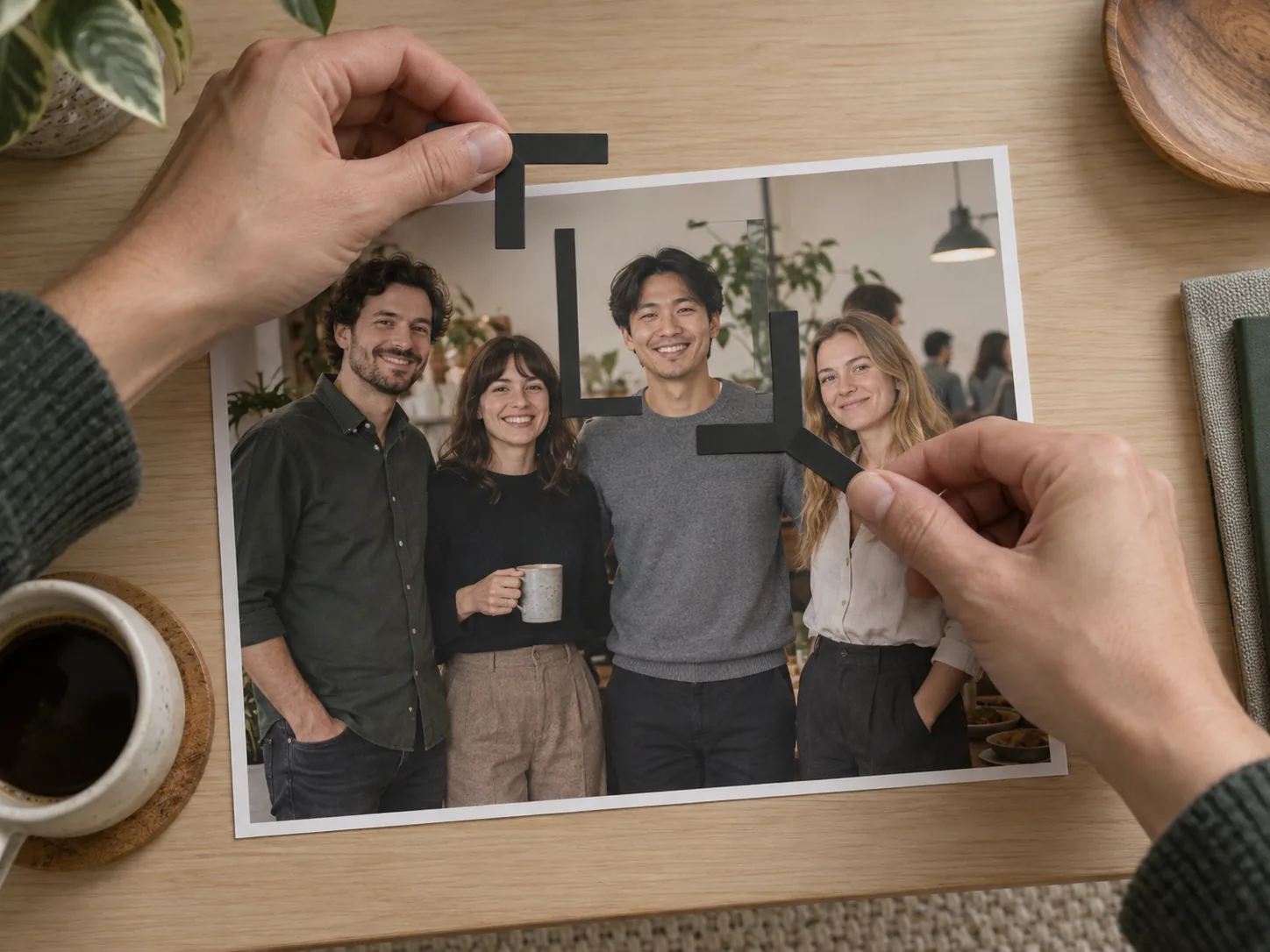
Sometimes. A group photo can supply a usable headshot when you have permission to use it, your face contains sufficient captured detail, and the intended crop leaves a believable, independent outline. It is a poor candidate when another person covers your shoulder or hair, your eyes are soft, or removing the group requires rebuilding parts of you.
Make the source decision before background editing. A clean-looking background cannot establish that the remaining portrait has enough detail or still represents the photographed pose accurately.
Check permission and intended use
Start with the highest-quality file you are authorized to edit and publish. Being pictured in an image does not, by itself, settle the permission question. Check the photographer's delivery terms or ask for an approved personal-use copy if the permitted use is unclear.
Avoid uploading the full group unnecessarily when the task concerns only your portrait. Prepare a local working crop after confirming permission, and keep the original privately for reference. Do not use an edit to imply an event, role, endorsement, or attendance that the image does not establish.
Define the destination too. A small profile image and a printed speaker portrait have different demands. If an organization requests a current, unaltered, or specifically framed photograph, follow that brief rather than assuming a group crop qualifies.
Measure the crop, not the whole photograph
An original containing many people may have large overall dimensions while allocating relatively few pixels to your face. Draw the proposed crop and read its retained pixel dimensions before enlarging or exporting it.
For a hypothetical arithmetic example, a 6000 × 4000 image might leave only a 500 × 650 crop around one person. Those are the available crop dimensions; saving it as 1500 × 1950 does not turn it into a capture with three times the original detail. Inspect the eyes, hair, and glasses in the retained region.
Use the headshot pixel-resolution guide when evaluating a larger output. A DPI label alone does not answer whether the crop has enough useful detail. Review the file at the required delivery size as well as at 100%.
Look for an independent outline
Follow your silhouette from the top of the head down both sides. Check loose hair, ears, glasses, collar, and the portion of each shoulder needed by the destination crop.
Someone standing nearby but fully outside the crop is different from someone whose hand rests across your shoulder. In the second case, the covered clothing and body boundary were not captured. Removing the hand would require more than cropping. Do not approve an invented shoulder as if it were recovered photographic evidence.
Use this source grid:
| Check | Usable sign | Reason to choose another source |
|---|---|---|
| Face detail | Eyes and required features remain readable | Softness or compression dominates the crop |
| Separation | Needed outline is visible | Another person obscures hair, neck, or shoulder |
| Crop room | Enough room for the target framing | Hair or required body area is already outside the frame |
| Pose | Expression and posture suit the intended use | Pose depends on leaning against someone removed from view |
| Light | Important facial features remain visible | Severe shadows or glare hide required detail |
| Permission and context | Intended edit and use are authorized | Rights or implied context remain unresolved |
Not every headshot needs complete shoulders. A tighter destination crop can be acceptable if it uses only existing content and looks intentional. Decide that before attempting reconstruction.
Review pose and light as captured
A group pose may make sense in context but look strained alone. Look for a tilted body, an arm raised around a friend, or an expression directed away from the intended viewer. Cropping removes surrounding context; it does not change the captured posture.
Adobe's portrait guide emphasizes lighting, composition, and focus on the subject's eyes. Use those capture considerations to assess the source rather than treating editing as a substitute for them. Adobe portrait-photography guide
Compare these hypothetical cases:
- Candidate A: An authorized event original contains an adult with clear eyes, intact hair and collar, usable crop room, and no overlapping people. A crop and modest tonal adjustment are worth reviewing.
- Candidate B: A compressed message copy shows the same person smaller, with another person's arm covering a shoulder. A new photograph is preferable to enlarging the face and generating the missing clothing or anatomy.
These examples are decision aids, not claims about hiring outcomes or a performed editing test.
Choose crop, limited cleanup, or a new capture
If the source passes, preserve it and make a separate crop. Limit cleanup to agreed changes that do not reconstruct the person. Then use the circle and square profile-crop guide to check the destination shape.
LinkedIn allows profile-photo cropping, positioning, rotation, and visibility choices. These controls arrange the supplied image; they do not guarantee that a small group-photo crop contains adequate detail. Inspect the upload preview and choose visibility deliberately. LinkedIn profile-photo help
If the source fails, a simple headshot at home gives you a chance to capture the missing framing and detail directly. Take and review the new photo before committing to extensive editing.
For LookScene outfit, hair, or scene previews, use your own authorized adult-photo crop with a clear source outline. Compare any candidate with the original and reject changed facial features or invented body boundaries. Keep the final export recognizable and appropriate for its destination; a plausible preview is not proof of what the original camera recorded.
Style options to compare
Use these illustrated directions to plan what to try. They are not verified before-and-after results; inspect the review checklist on each page.
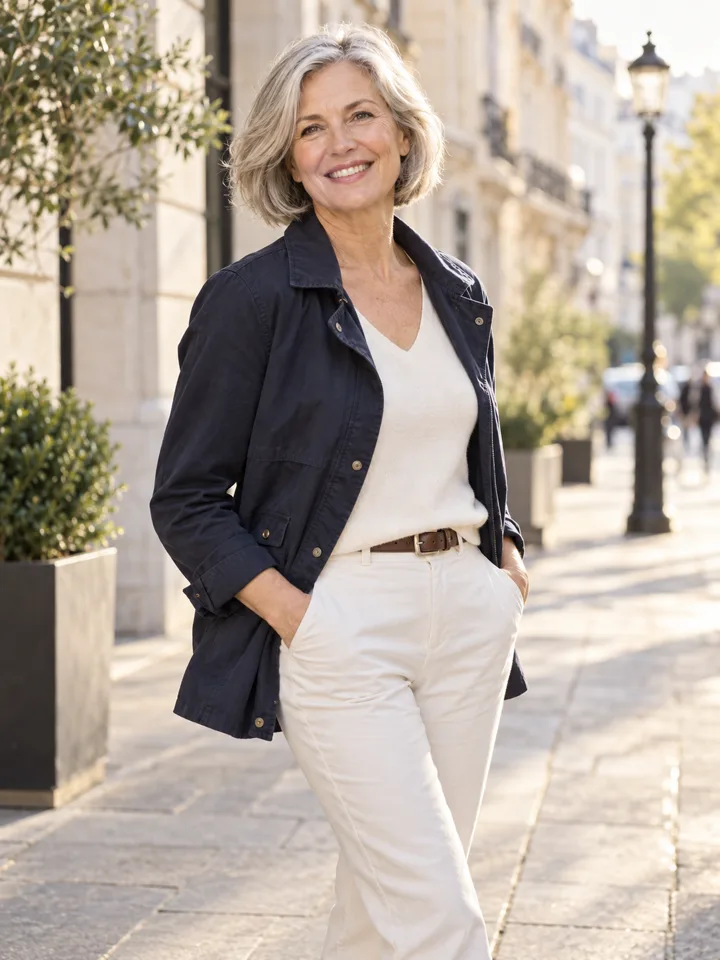
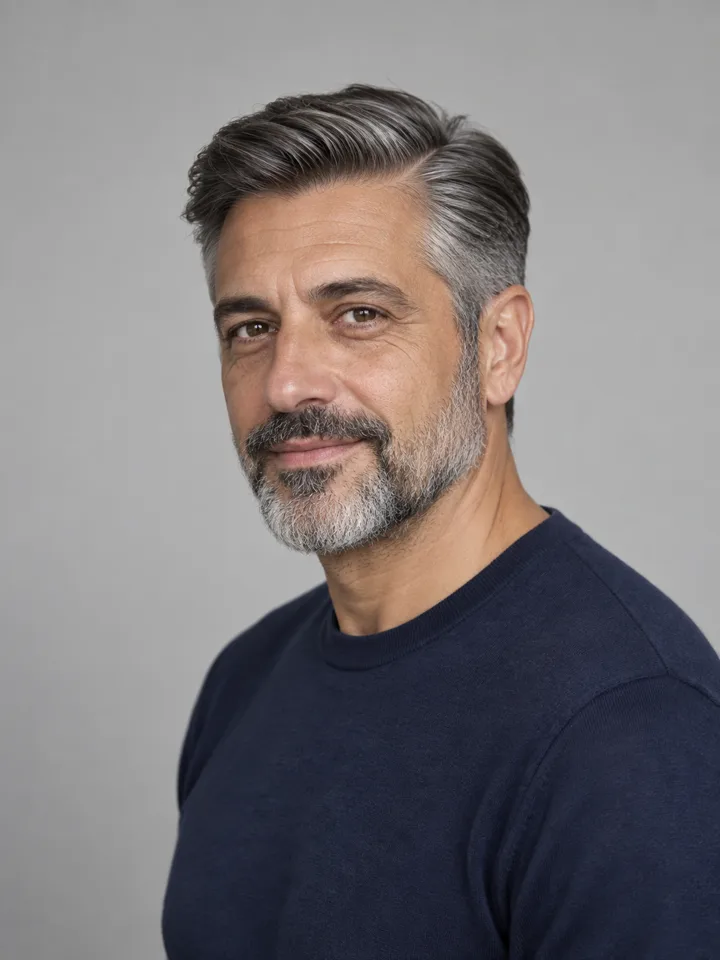
- Clean studio portrait — Compare the eyes, jaw, hairline and skin against the original. Crop for your intended profile size after reviewing.
- Warm studio — Check that warm background color does not unnaturally tint the face.
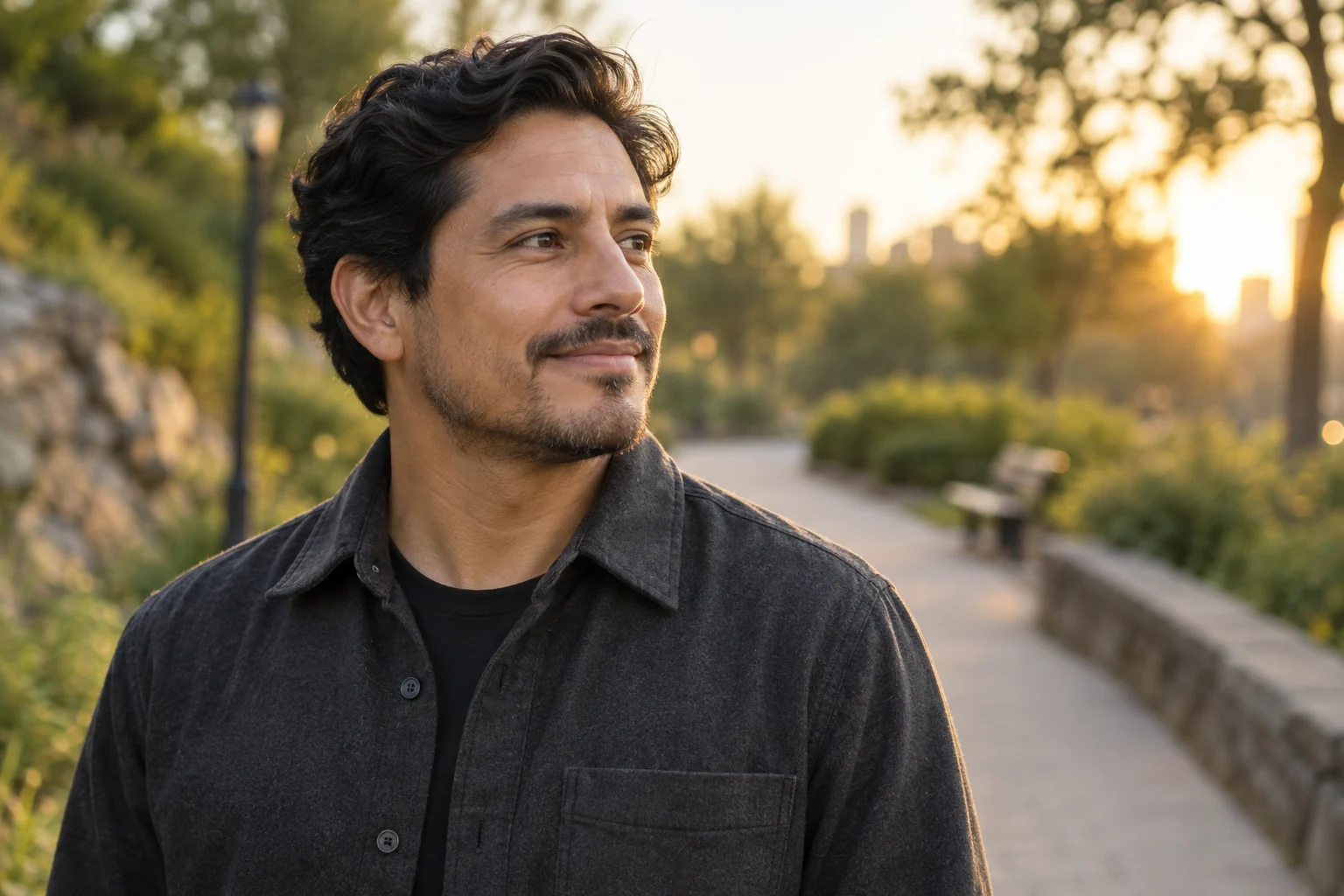
- Garden light — Inspect hair edges and ensure foliage does not cross the face.