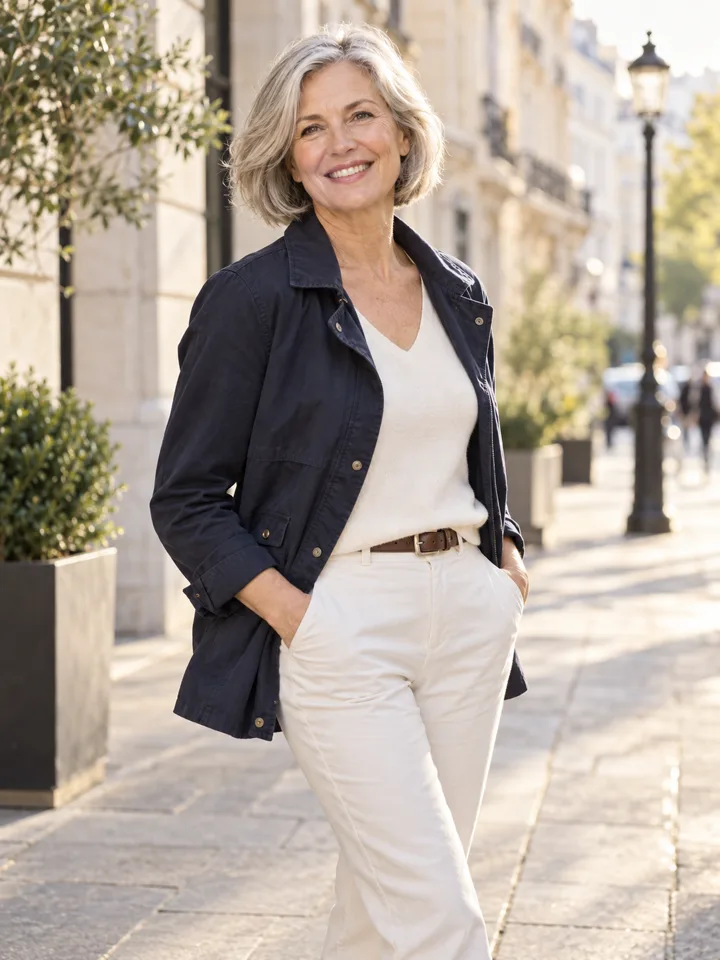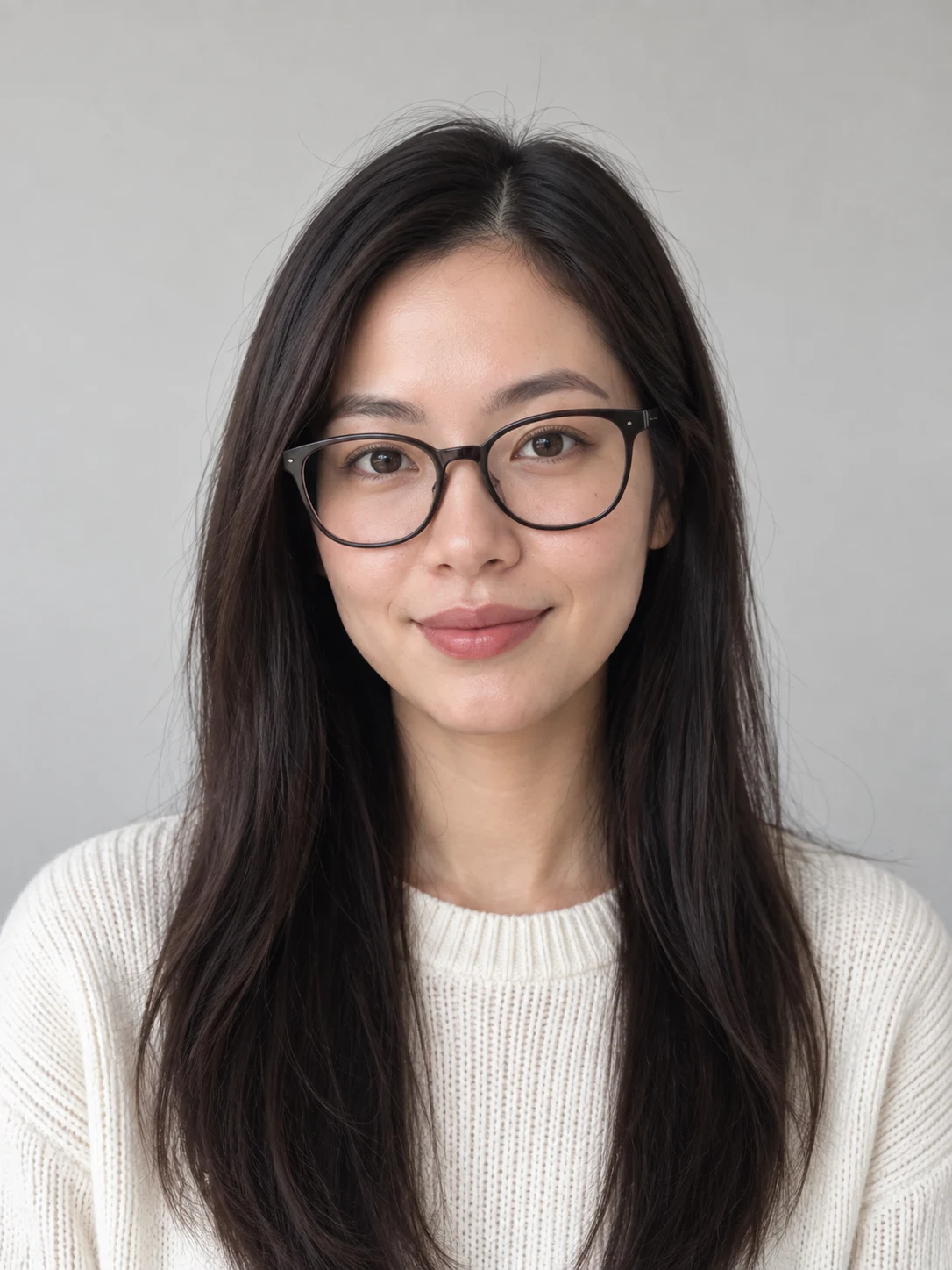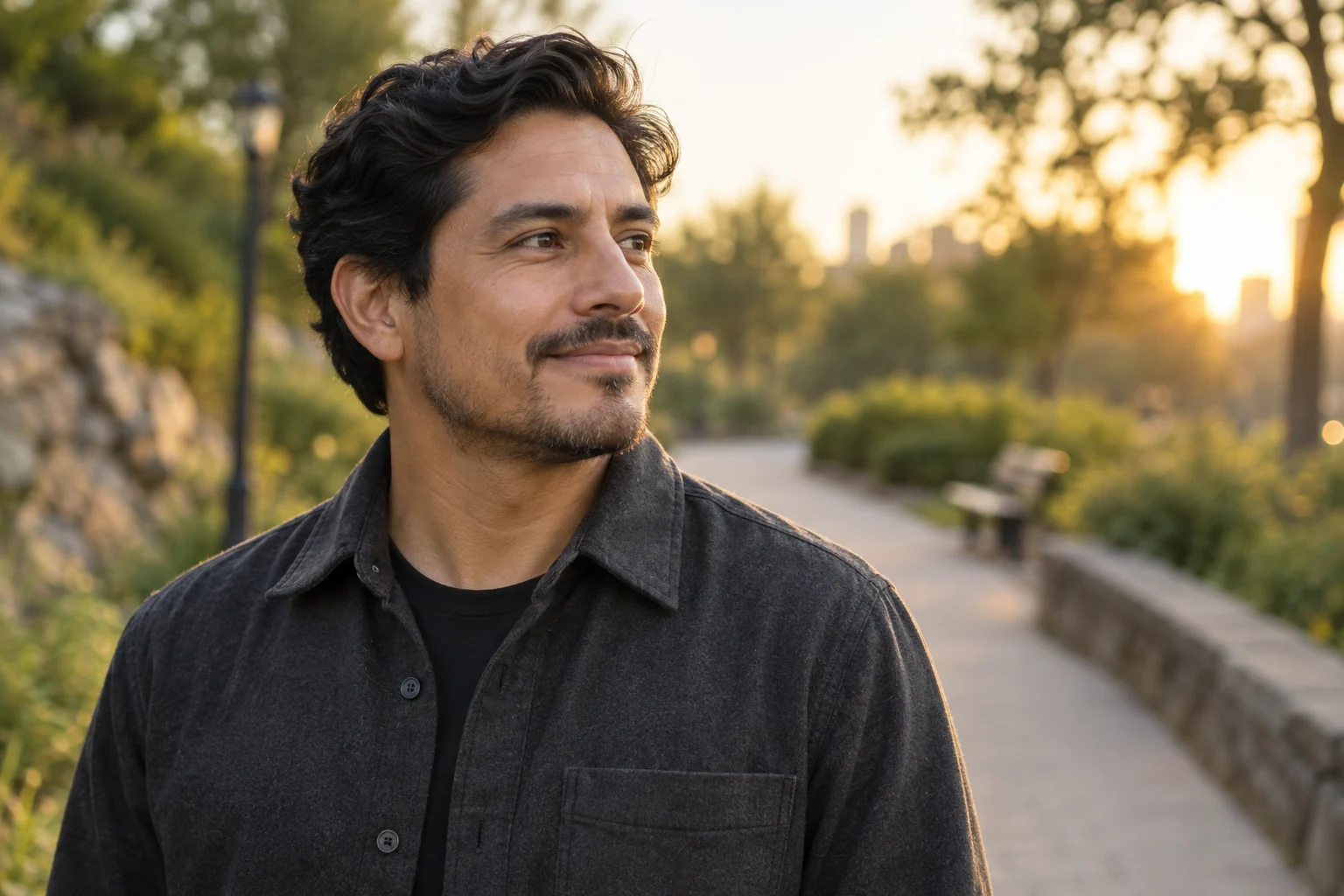
Choose the destination before the background
A work profile, speaker introduction and casual social profile do not need the same image. Decide where the portrait will appear, how small it will be displayed and whether the recipient expects a recent likeness. For a professional profile, a natural expression and clear face usually communicate more than an elaborate invented setting.
Check the destination’s current image and authenticity rules yourself before uploading. Do not treat a styling preview as an official identity photograph or evidence that you visited a place. A generated image can be useful for visual exploration without being suitable for every purpose.
Start with an honest, well-lit source
Stand facing a window with soft light and leave room above your head. Include both shoulders and wear clothing you would be comfortable showing in that context. Keep glasses or facial hair you normally wear. A low-resolution crop of an old group photograph gives the model fewer reliable details to preserve.
The clean studio portrait brief changes the background and light while asking to preserve your original clothes. If you also want different clothing, compare an outfit preview separately. Otherwise, it becomes difficult to tell whether you prefer the setting or the wardrobe change.
Review likeness before polish
Compare the original and output at the same size. Look at eye spacing, nose shape, jaw, hairline, glasses and facial hair boundaries. An image that looks polished but changes those features may be a poor introduction to someone who will meet you in person. Over-smoothed skin can also make a portrait less recognizable.
Check that the face and background have compatible light direction. Hair should not have a bright cutout edge without a plausible light source. Do not keep an image just because the background is attractive if the face or anatomy fails your review.
Crop a copy and keep the original
After you accept the likeness, crop a downloaded copy for the intended placement. Keep enough space around the face for a circular avatar and check the result at a small size. Do not stretch the whole photograph to force it into a different ratio. The current provider may return a different native canvas, so a requested ratio alone is not proof of the final framing.
Keep your accepted download and original outside the service if you need them later; service retention is limited. Read the private photo workflow for the distinction between preview, upload, saved result and deletion. Website illustrations are synthetic examples, not customer endorsements.
A final profile check
- Likeness: compare eyes, jaw, hairline and expression with the source.
- Context: confirm the destination permits this kind of image.
- Crop: inspect the portrait at the actual displayed size.
- Backup: keep an accepted copy before service retention expires.