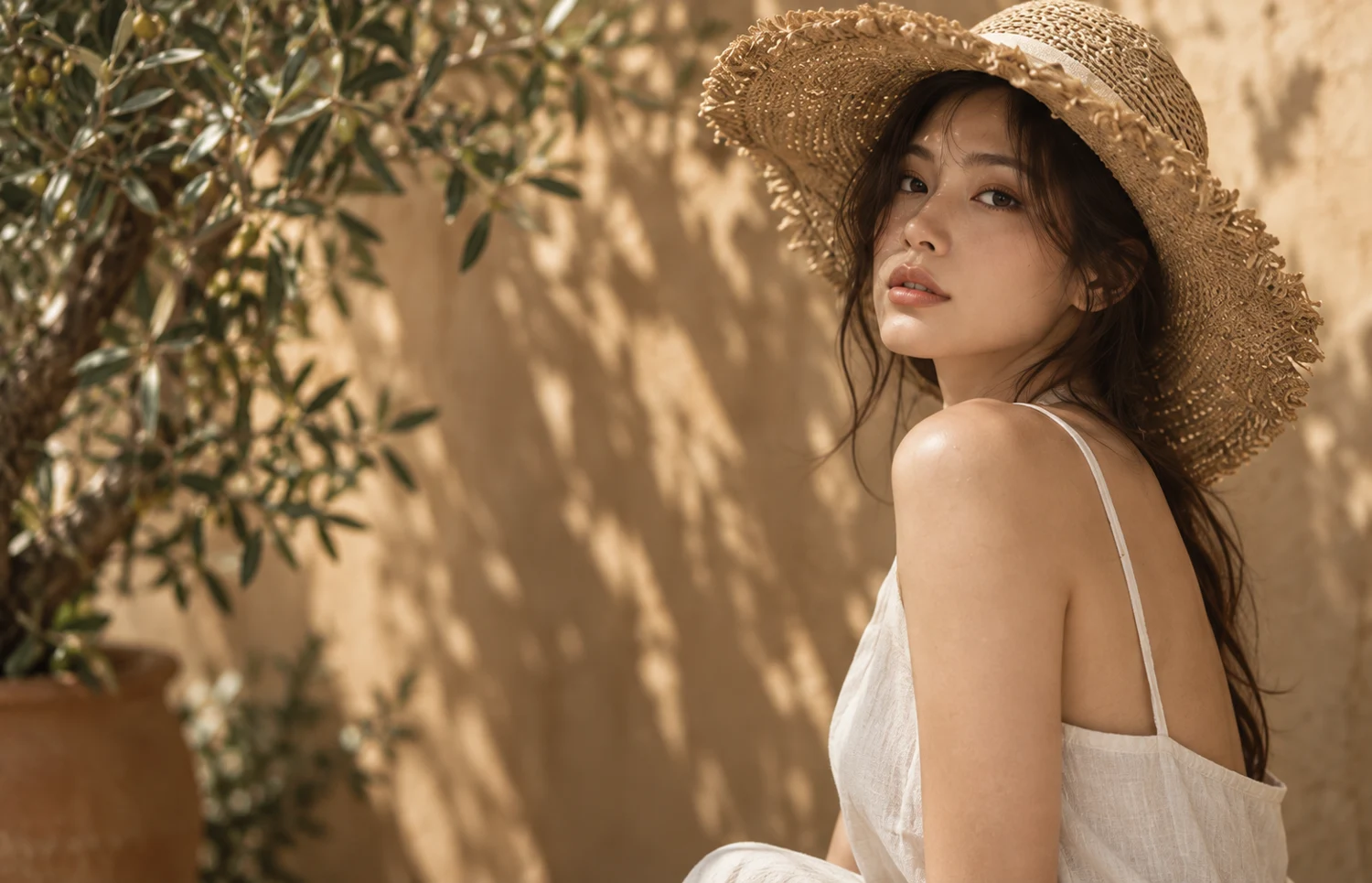
A NEW HAIRSTYLE. STILL YOU.
AI hairstyle changer.
Preview haircuts, bangs and layers on your own photo. Free generation is available to invited accounts; results need checking.
Explore hairstylesPhoto-based exploration. Illustrative previews.
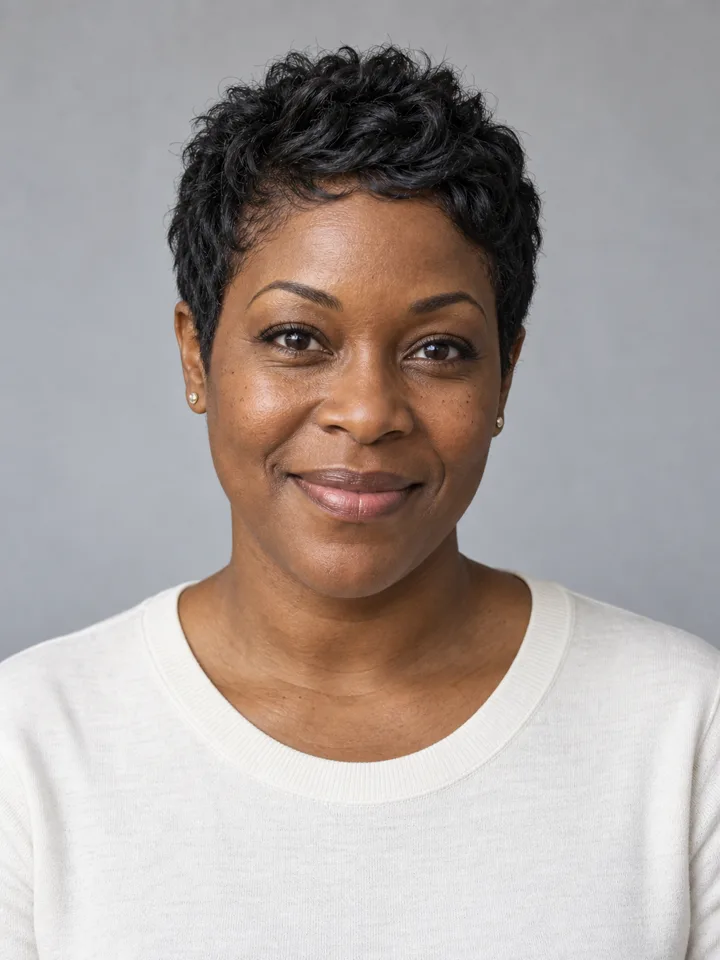
MAKE A SMALL CHANGE
Choose your starting point.
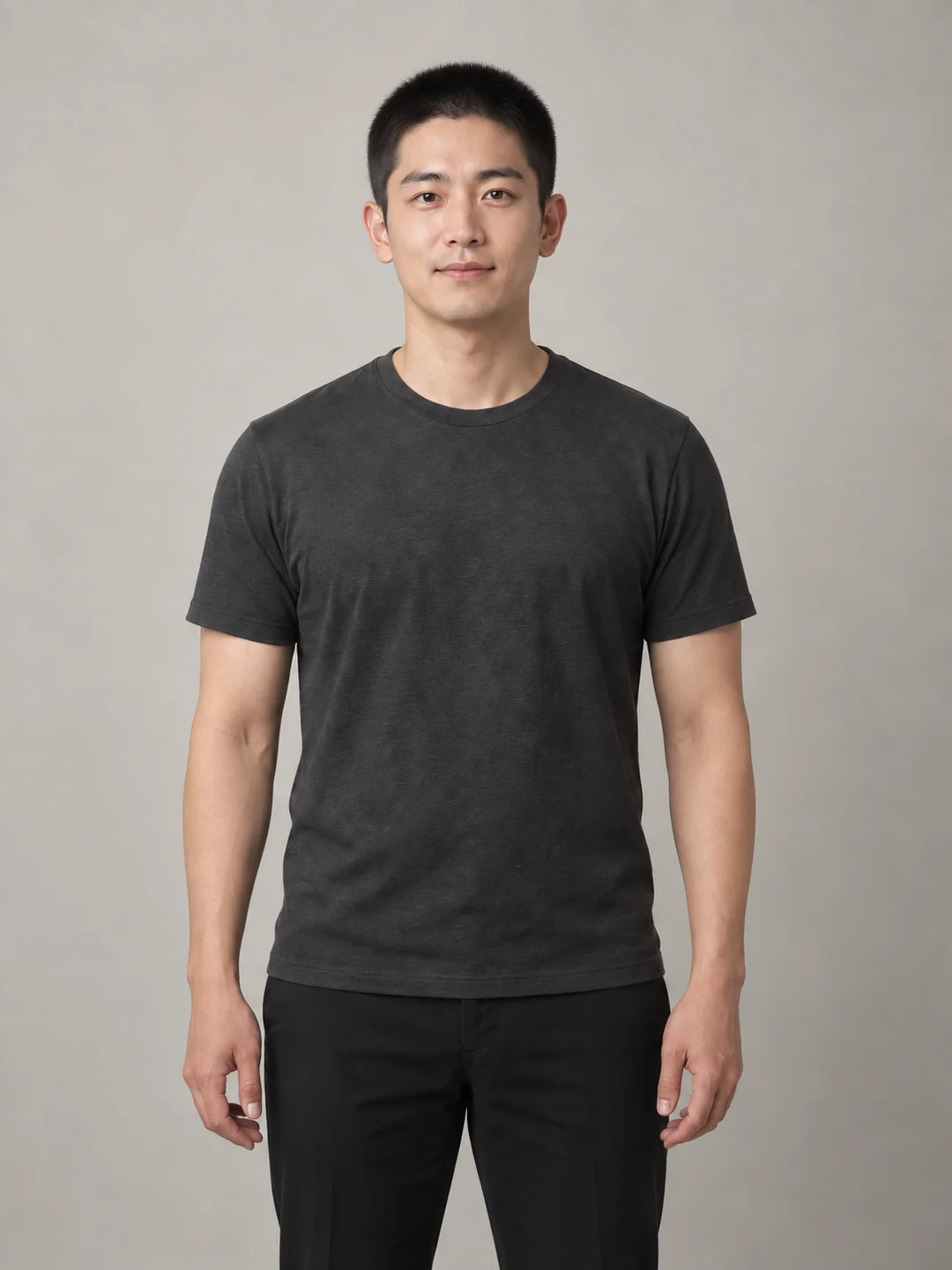
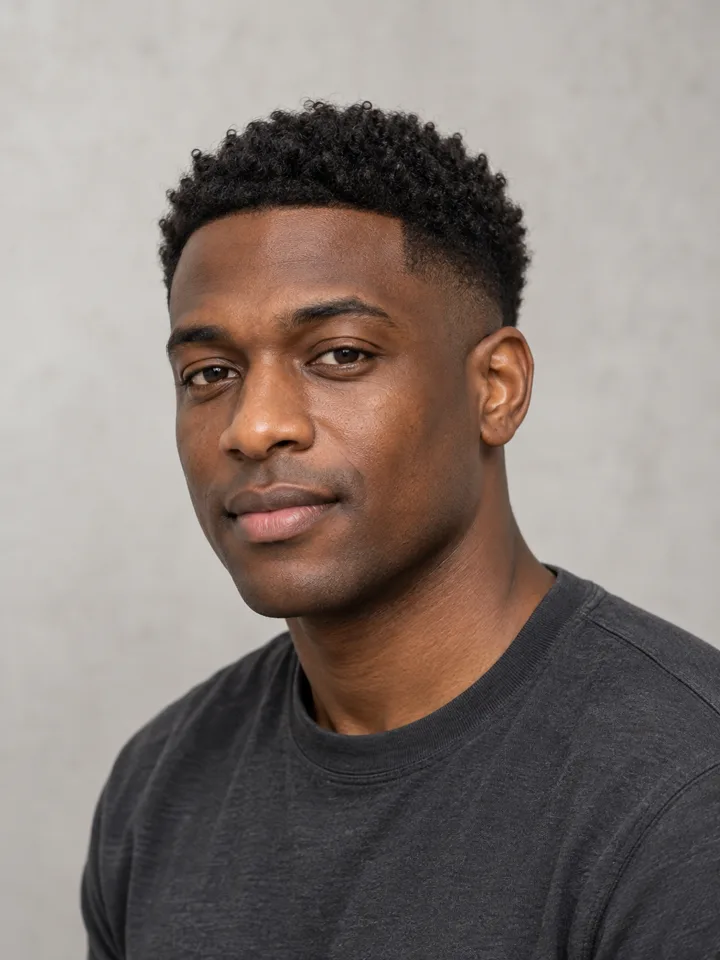
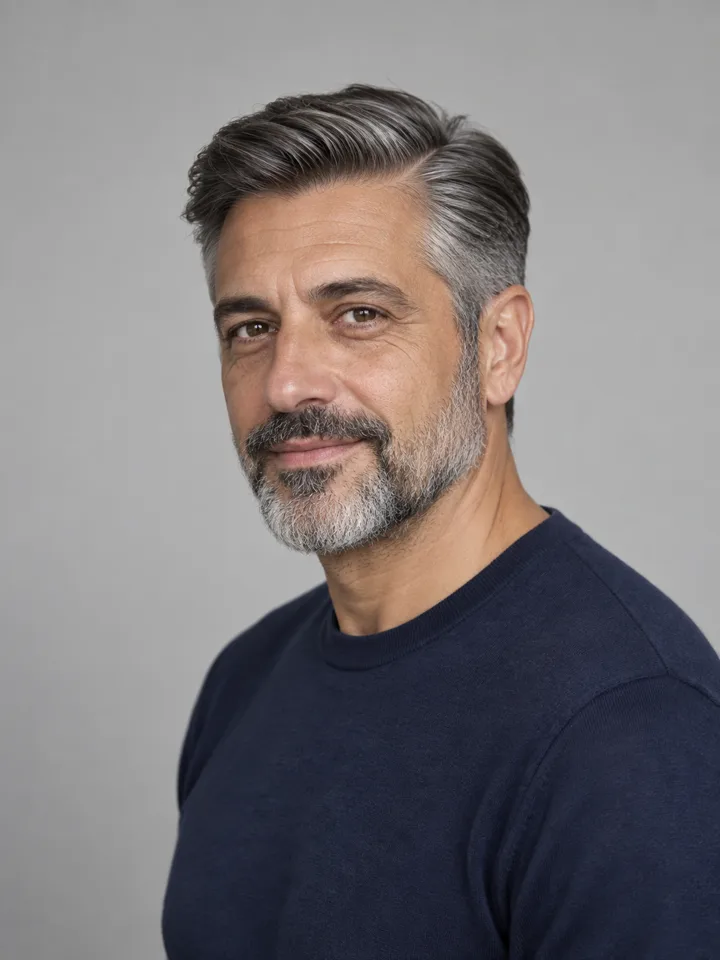
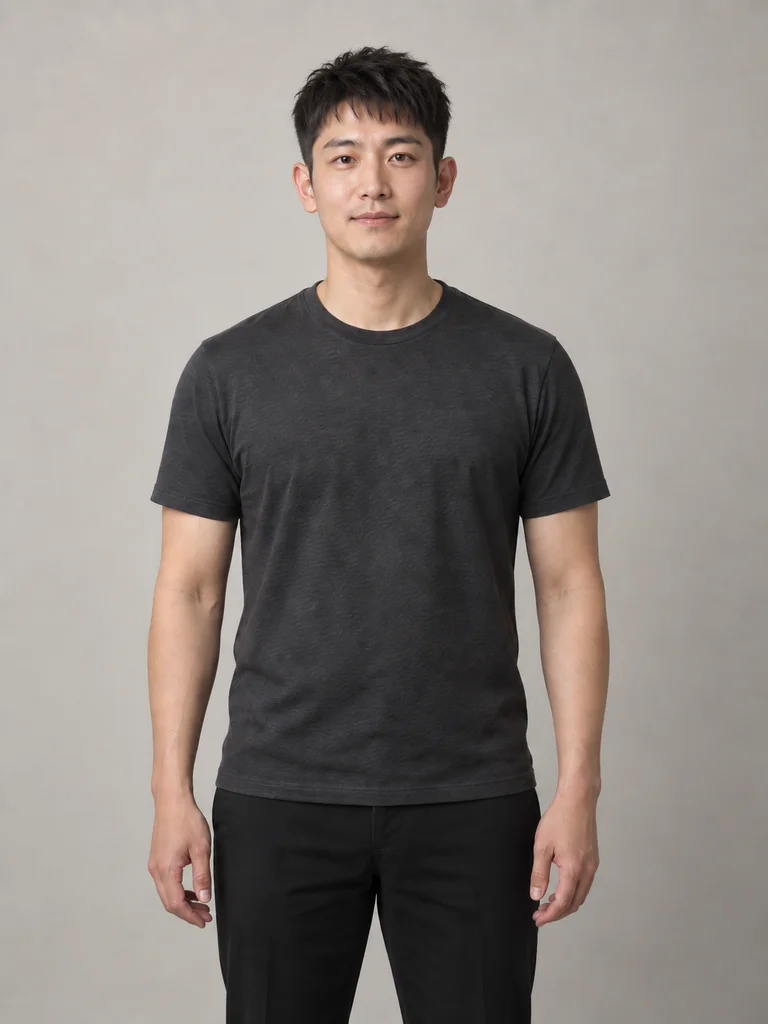
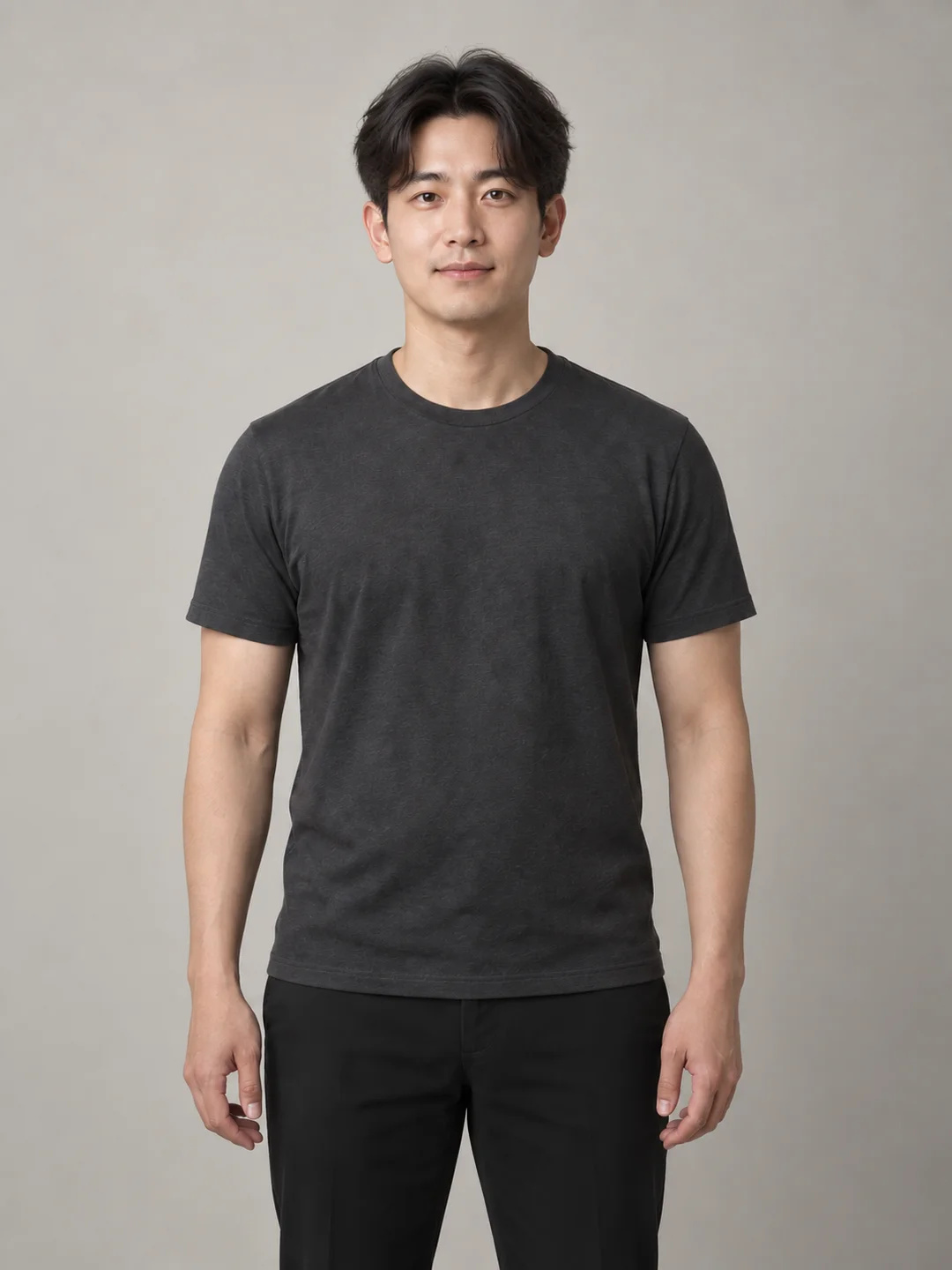
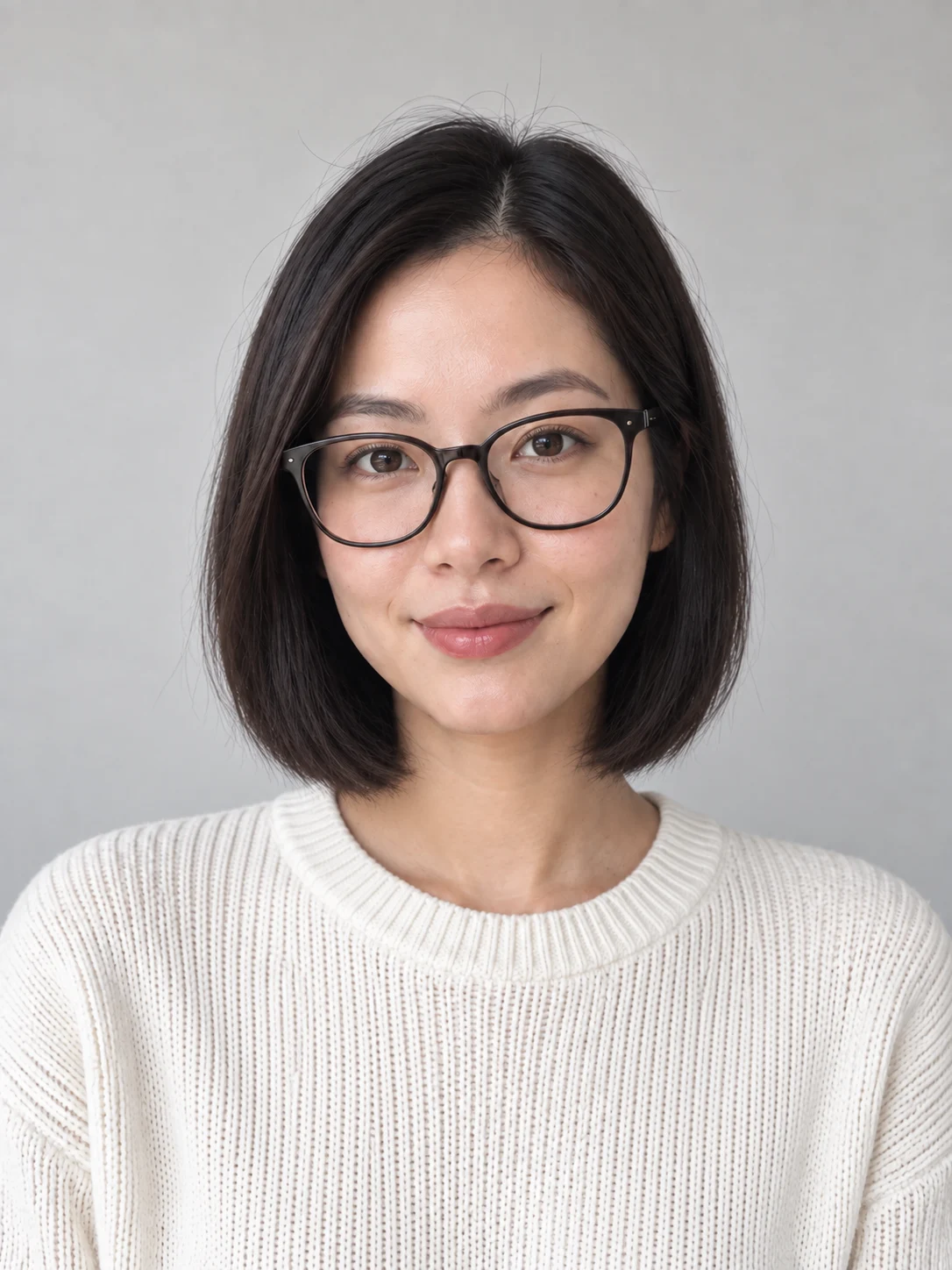
Use a front-facing portrait with your whole head visible. Keep hair away from your face.
HAIRCUT PREVIEW GUIDE
Compare one change at a time.
Compare the fringe first
Keep the overall length and compare curtain bangs with a blunt fringe. Use the same source photo to judge forehead coverage, eyebrows and glasses.
Then compare length
Compare a bob with shoulder-length hair: where do the ends meet your jaw and neck? Leave hair color unchanged for this comparison.
Then compare texture
Compare soft layers with long waves around the face. A generated image cannot establish whether your actual hair density or texture can achieve that cut.
Prepare a useful source photo
Use an evenly lit, front-facing photo of yourself as an adult, with the crown and both sides of the hair visible. Avoid hats, hands over the hairline and heavy filters. If you wear glasses, keep them naturally positioned and check their shape in the result. Use a still JPEG, PNG or WebP up to 10 MB, at least 256 pixels on each side.
When to stop comparing a result
- Fringe merging into glasses or hair passing through a collar: inspect occlusion in the source; these edges are not a reliable style reference.
- Changed face shape, eyes, eyebrows, ears or hairline: do not use that result to judge how the haircut suits you.
- A shorter cut reveals ears or neck hidden in the source: those newly visible details may be inferred by the model, not your actual appearance.
These are review criteria, not documented failure cases or measured success rates. Site images remain design illustrations. Generation requires invitation access and does not include professional stylist consultation.
Before-you-cut checklist · Bob or curtain bangs? · Invitation access and help
What is LookScene?
LookScene is a personal AI photo styling tool. Adults can upload their own photo, choose a hairstyle, outfit or portrait setting, then review and download generated images. It offers visual exploration, not a human styling consultation, wardrobe management or garment sizing.
- When is my photo uploaded?
- Selecting a photo shows a local preview. Upload happens after you sign in, confirm consent and submit a generation request.
- How much does it cost?
- The current invitation trial is free, with no payment card required. Check the trial page and your account for eligibility and available credits. Trial rules
- What are the limits?
- AI may alter facial details, hands or body proportions. Compare each result with your original. Outfit images do not prove that a garment exists or fits. Website samples are AI illustrations. Image disclosure
- How are photos handled?
- Account permissions control photo access; generation involves a third-party model provider. Read the privacy notice for retention, deletion and processing-region limitations. Photo privacy
HOW IT WORKS
Three simple steps.
Upload
Start with one clear photo of yourself.
Choose
Find a hairstyle, outfit or scene you want to explore.
Create
Review the image count, then compare your results.
What can I change with LookScene?
Choose a hairstyle, outfit or photo setting. Each edit starts with your own photo. This is image creation, not a wardrobe service or a consultation with a stylist.
What kind of photo should I use?
Start with one clear photo of yourself, without filters or other people. Use JPEG, PNG or WebP up to 10 MB. For hair, include the whole head; for outfits, include the clothing you want to change. Convert HEIC before uploading.
How do credits work?
A standard output uses one credit per delivered image. Choose one, two or four images and review the total before generating. Definite technical failures release the reserved credits. The studio shows current service availability.
Will it look exactly like me?
AI can change facial details, body proportions and fabric. Compare every result with your original. A preview can help you explore an idea; it cannot guarantee a real haircut, garment fit or exact identity preservation.
Are these real customer results?
The photographs on this preview site are AI-generated design illustrations. They are not customer testimonials or verified LookScene output.
What happens to my photos?
Selecting a photo creates a local preview. After sign-in and consent, pressing Create uploads it privately. Originals expire after 7 days and results after 30 days. You can delete them earlier from your gallery.
Can I buy a plan now?
The current preview is free and invitation-only. No payment card is required. Check trial access for a one-time allocation; contact support if you need more credits. Paid packages are not available during this phase.