Start with the Organizer's Spec Sheet Before You Style
Before choosing an outfit or booking a shoot, request the organizer's production specifications. Conference teams work against strict print deadlines and layout constraints. An image that clashes with their templates delays promotional collateral and forces awkward automatic cropping.
Confirm these six parameters directly with the event coordinator:
- Submission deadline: Ask when the organizer needs the final approved file, including any earlier print cutoff.
- Orientation and framing: Verify whether the layout requires a vertical portrait, a standard square, or a wide banner.
- Minimum pixel dimensions: Ask for the exact minimum width and height and whether the image will also be printed.
- Accepted file formats: Use the format the organizer requests rather than assuming one standard.
- Background preference: Requirements vary from transparent cutouts and solid studio neutrals to natural stage environments.
- Editing policy: Confirm whether AI-assisted or substantial edits are accepted and whether disclosure is required.
Recognizability Trumps Elaborate Studio Glamour
A speaker bio photo serves one practical goal: enabling attendees, session chairs, and organizers to recognize you instantly in the venue, at registration, or at the podium.
First-time presenters often assume they need high-gloss studio glamour. However, practical discussions among conference speakers—such as a recent thread on conference picture etiquette—emphasize that an authentic, current likeness matters far more than theatrical staging. A five-year-old photo or an overly smoothed face creates friction the moment you step onto the stage.
Keep your portrait representative:
- Ensure the photo reflects your everyday appearance, including current hair, facial hair, and eyewear.
- Avoid heavy filters that alter facial proportions or skin texture.
- If capturing a fresh image yourself, follow practical steps for setting up a professional headshot at home using diffuse window light and a clean wall.
What to Wear for a Speaker Headshot
Deciding what to wear for speaker headshot submissions requires balancing intentional presence with your industry's norms. As noted in community discussions weighing what to wear for public speaking work, speakers often struggle between looking authoritative and feeling excessively stiff.
Select a professional headshot outfit tailored to your audience and venue:
- Executive and Corporate Stages: Tailored blazers, structured suit jackets, crisp collared shirts, and clean necklines signal credibility.
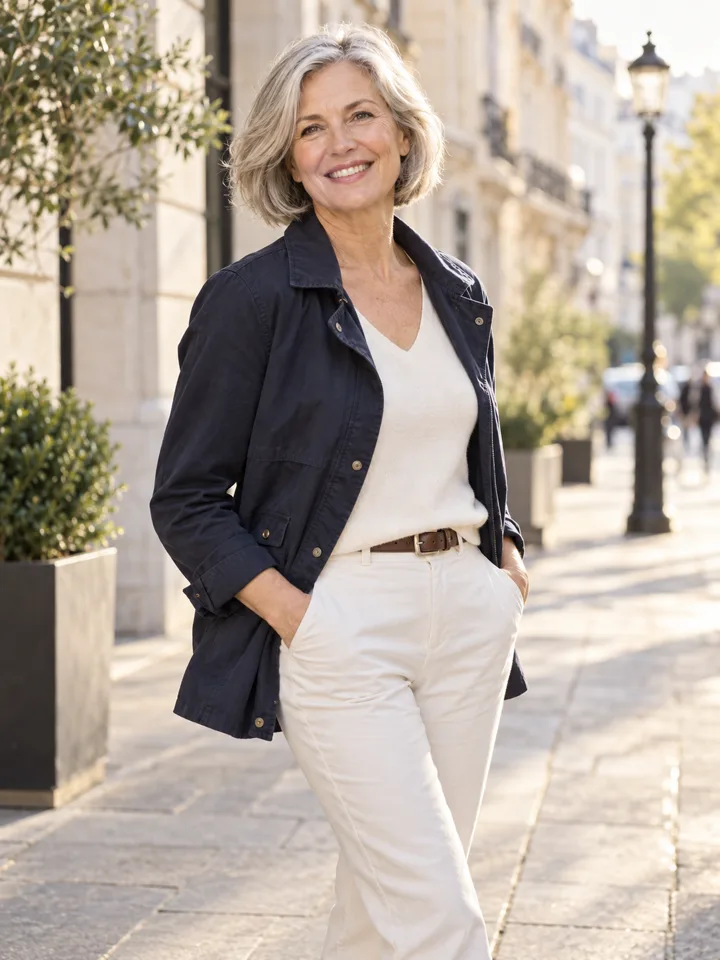
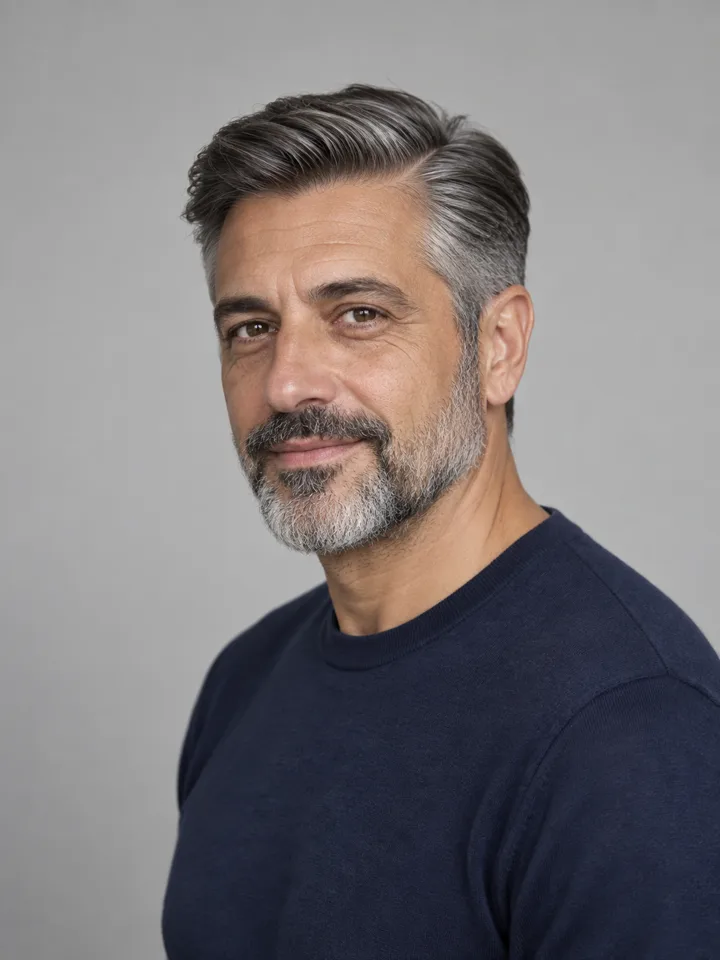
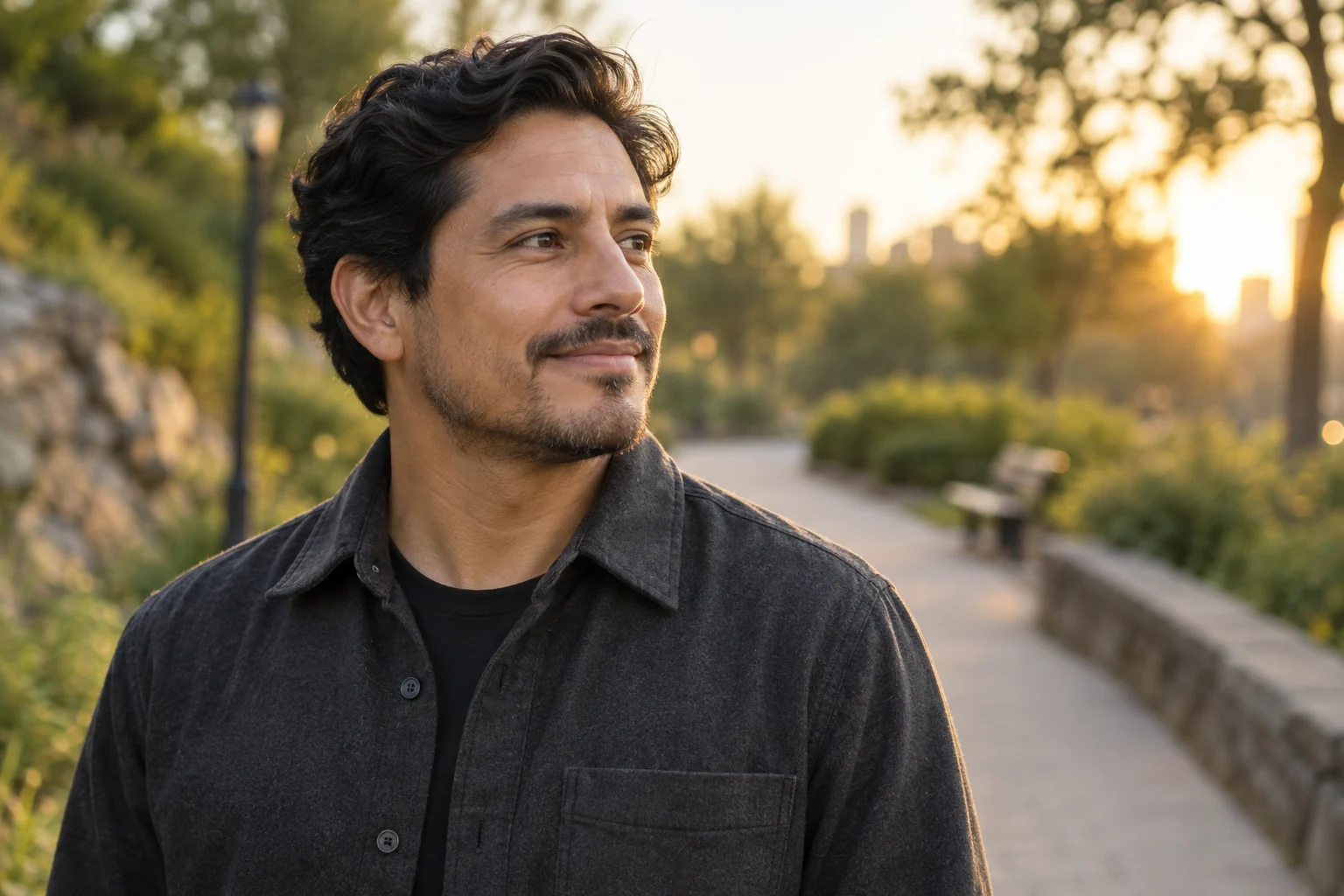
- Tech, Product, and Academic Panels: Elevated smart-casual may fit the context: a structured knit, button-down, or tailored jacket over a solid top can add definition without excessive formality.
- Workshops and Creative Festivals: Intentional layering, saturated solid colors, and subtle architectural silhouettes communicate focus without distraction.
Technical Wardrobe Rules for the Camera
Some fabrics and patterns can render poorly after capture or compression:
- Avoid micro-patterns: Tight houndstooth, fine pinstripes, and small grids produce moiré—a distracting shimmering wave on digital screens.
- Eliminate visible branding: Avoid logos, slogans, and old badges that compete with your face.
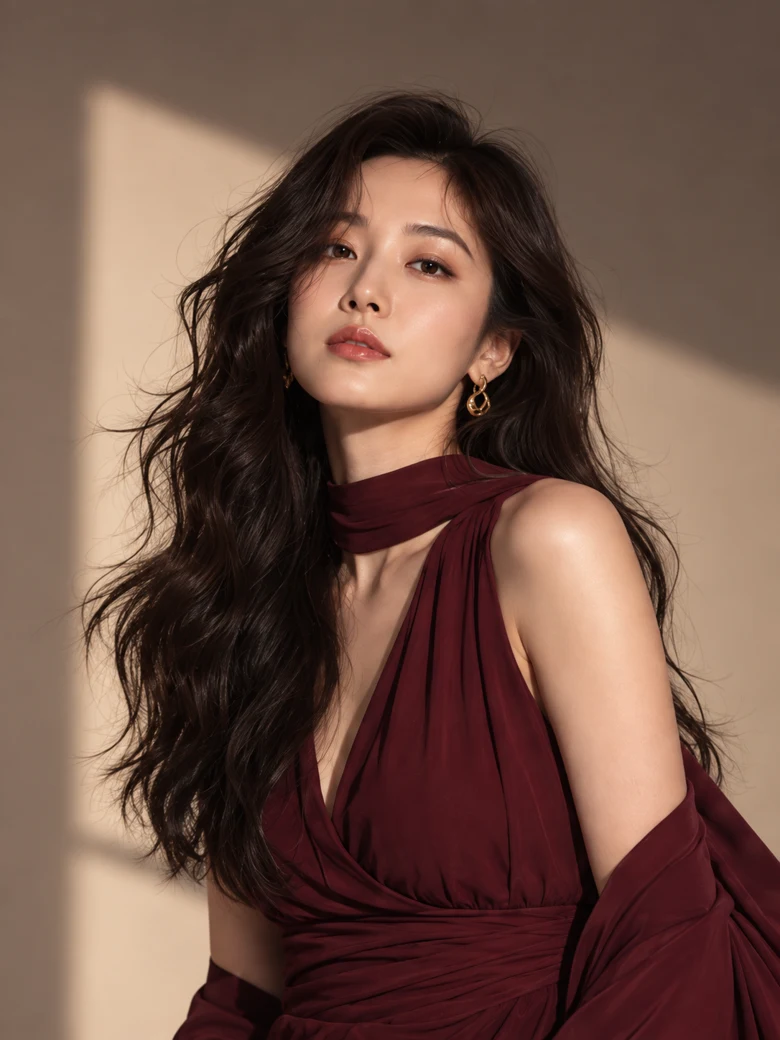
- Choose solid, grounding tones: Deep navy, charcoal, rich olive, burgundy, and warm earth tones offer contrast without washing out under stage lighting.
- Prioritize neckline structure: Flimsy collars collapse under bright lights. Choose garments that hold a clean shape around your neck and shoulders.
| Event Context | Recommended Outfit Direction | Traps to Avoid |
|---|---|---|
| Executive & Keynote Stages | Structured blazer, tailored suit jacket, clean collared shirt | Shiny synthetic fabrics, busy neckwear |
| Tech & Academic Panels | Smart casual: structured knit, blazer over solid tee, crisp button-down | Faded t-shirts, worn hoodies, tight moiré stripes |
| Creative Talks & Workshops | Layered jacket, intentional solid colors, subtle texture | Loud graphic prints, oversized logos |
Background and Contrast: Designing for Event Collateral
Event designers integrate speaker photos across diverse media: light and dark website themes, printed booklets, mobile schedule apps, and social cards.
Ensure your photo translates cleanly:
- Maintain clear separation: If wearing dark navy or charcoal, avoid dark backgrounds that swallow your shoulders. If wearing light tones, avoid pure white backdrops that cause edge bleeding.
- Control edge lighting: Discernible borders around your hair and shoulders keep you distinct from the background. For lighting strategies, consult our guide to portrait background lighting.
- Plan for alternate masks: If the organizer uses circles, rounded cards or other templates, leave breathing room around your head so automatic cropping does not clip your forehead or chin.
Delivering the Crop Suite: Master Files and Variants
Providing a coordinated crop suite prevents hurried, distorted re-cropping by event staff:
- The Master File (Original Ratio): A high-resolution bust or waist-up shot with ample negative space around your head and shoulders, giving designers room for text overlays, banners, or bleed margins.
- The Square Crop (1:1): A useful option for speaker directory grids, app avatars, and circular framing.
- The Vertical Portrait (4:5 or 2:3): Preferred for printable stage banners, slide deck intros, and full-column spotlights.
- The Head-and-Shoulders Tight Crop: Suited for compact agenda tables and multi-speaker panel grids.
Use consistent file naming to simplify the organizer’s workflow:
LastName_FirstName_Speaker_Master.jpgLastName_FirstName_Square.jpgLastName_FirstName_Vertical.jpg
Boundaries for AI Editing and Digital Styling Previews
Digital preview tools, including an AI headshot outfit changer, allow speakers to test styling concepts before committing to a photoshoot. When using LookScene's AI outfit preview, understand the distinction between wardrobe planning and final submission integrity.
LookScene provides personal styling previews for hairstyles, outfits, and settings starting from your own photograph. It serves as visual comparison and decision support—helping you evaluate how different colors or collars frame your face—not as a guarantee of garment fit, a professional styling consultation, or an event acceptance warranty.
When evaluating AI-assisted previews:
- Reject likeness drift: Discard any output that alters facial structure, skin tone, eye shape, hair texture, or body proportions. Your likeness must remain genuine.
- Verify clothing plausibility: Seams, lapels, and collars must align naturally with your posture and shoulders.
- Never fabricate speaking venues: Never generate synthetic stage or podium backgrounds to falsely suggest you have spoken at an event. Generated settings are illustrations, not attendance records.
- Comply with disclosure policies: While testing wardrobe concepts privately is standard, submitting an AI-edited portrait must respect the host organization's editorial standards. Disclose edits whenever required.
Final Submission Handoff Checklist
Before submitting your media kit to the event coordinator, complete this final review:
- Specifications confirmed: Orientation, dimensions, and file formats align with the organizer's guidelines.
- Current likeness: Photo reflects how attendees are likely to recognize you now.
- Wardrobe screened: Formality matches the audience; no micro-patterns, and no distracting logos.
- Contrast checked: Distinct edge separation between subject and background across light and dark displays.
- Negative space preserved: Adequate room around head and shoulders for circular or square masking.
- Crop suite delivered: Master file along with 1:1 square and vertical variants.
- Clear file naming: Labeled systematically with your name and format rather than default camera file codes.
- Bio match: Headshot tone matches the seniority and scope described in your written speaker bio.
- Usage rights & credits: Publication rights confirmed, with any photographer credit line included.
- Organizer confirmation: Receipt confirmed with the coordinator to verify assets render correctly.
Test Wardrobe Variations on Your Real Photo
If you are deciding whether a structured blazer, fine knit, or collared shirt best complements your neckline and complexion, test options visually first. With LookScene’s free invitation preview, you can upload your own photo (JPEG, PNG, or WebP up to 10 MB) to compare wardrobe directions side by side before finalizing your speaker headshot.