The background is part of the portrait
A setting can feel wrong even when every object is drawn neatly. Often the problem is the relationship between the subject and the light. A softly lit indoor portrait placed into harsh midday sun asks the image model to reconcile two different lighting conditions. Start with a setting that is close to the mood of the source photo.
The goal is not to choose the most spectacular destination. It is to find a background that supports the face and the intended use of the image. A quiet neutral surface can work better than a complicated city scene when the final portrait will be small.
Read the light in your original
Look at the shadow beside the nose and under the chin. Is one side of the face brighter? Are the shadows sharp or soft? Is the light warm, cool or fairly neutral? You do not need a technical lighting diagram; a short observation is enough to choose a more compatible brief.
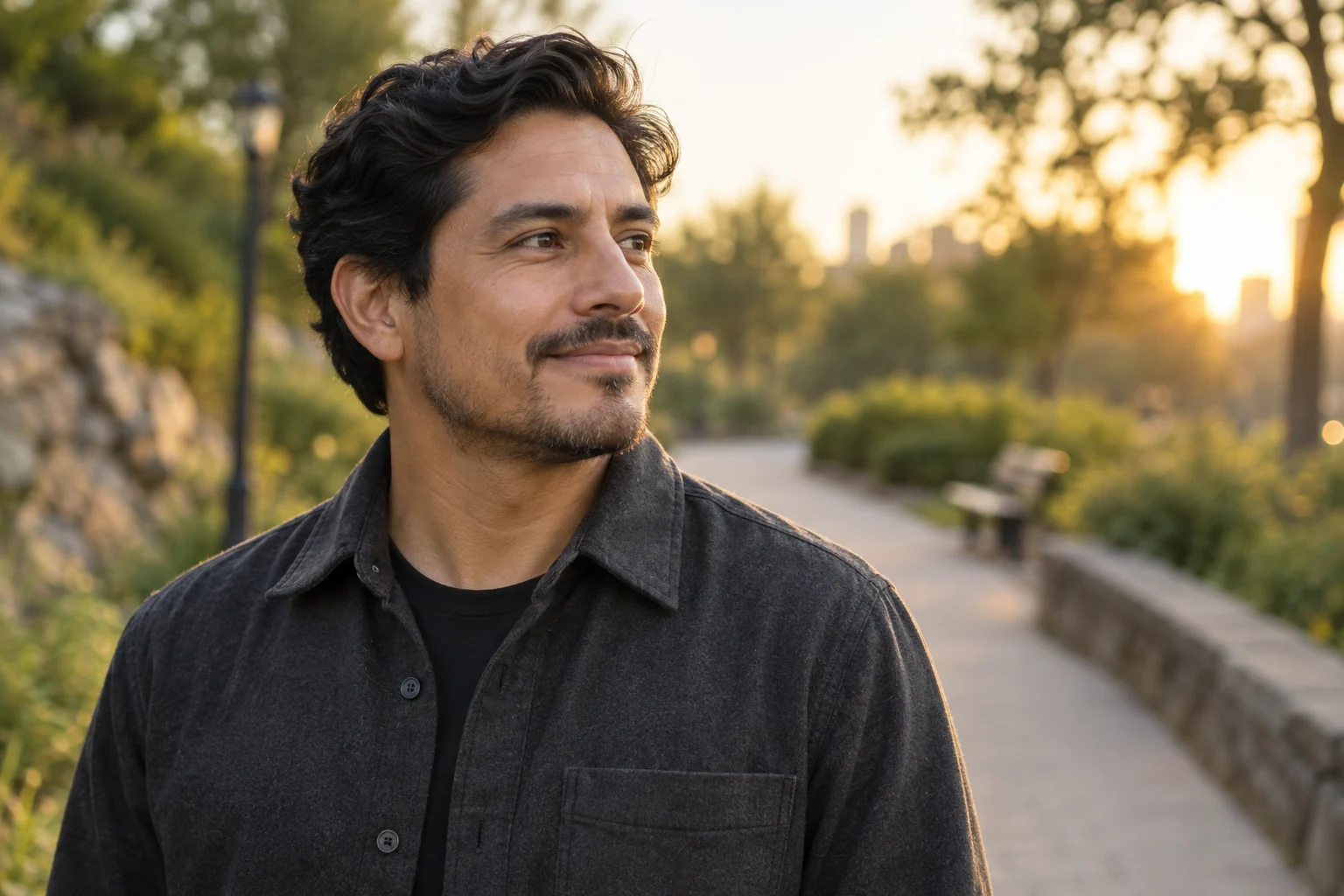
For example, “soft light from the left” suggests a shaded outdoor setting or a window-lit studio more naturally than a hard backlit sunset. If the source has strong colored light, consider taking a new photo before asking for a neutral professional portrait.
Compare three settings
| Setting | Visual purpose | Watch for |
|---|---|---|
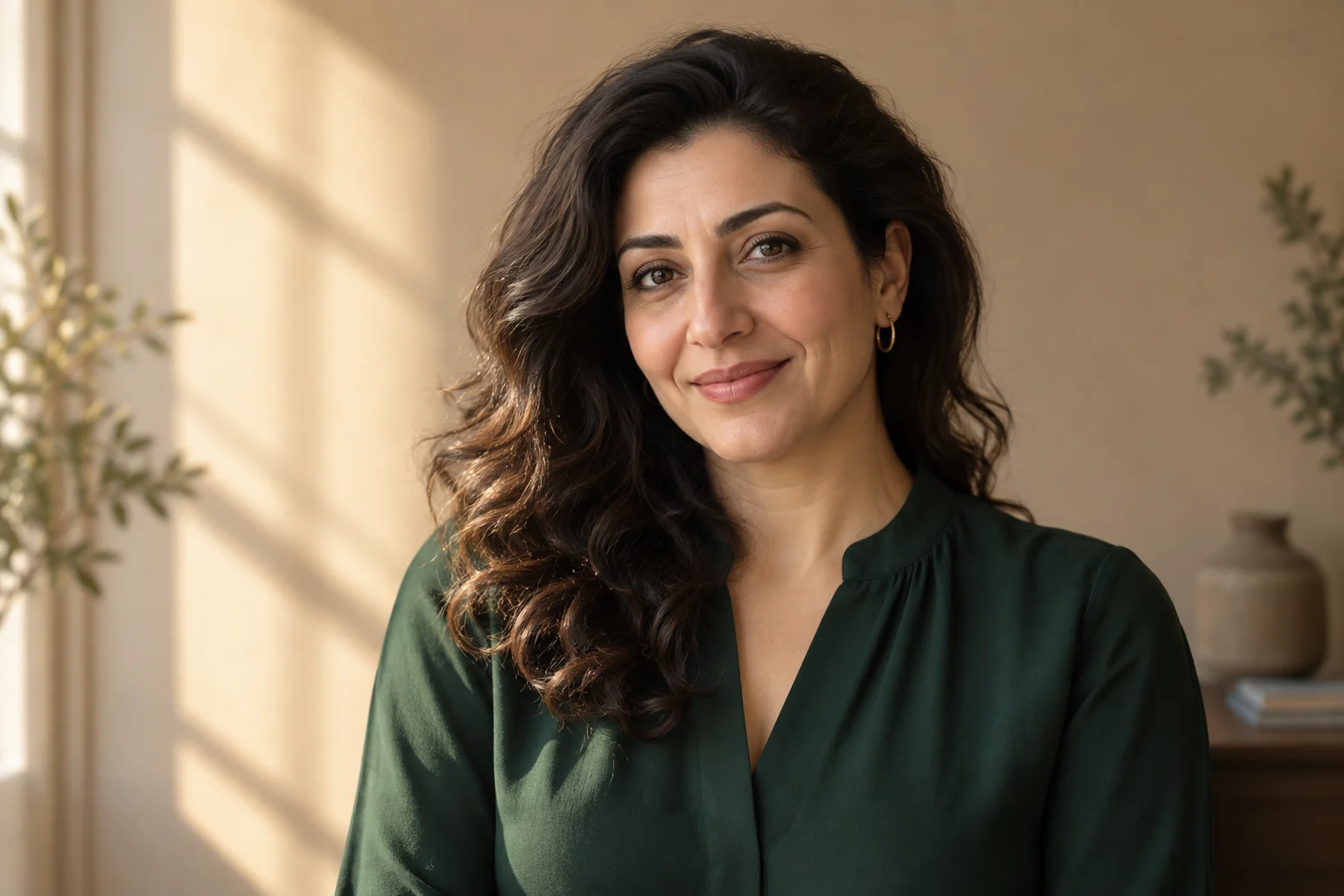
| Warm studio | Focus attention on face and color | Orange color spilling onto skin |
| Garden light | A relaxed outdoor impression | Busy leaves touching the hair outline |
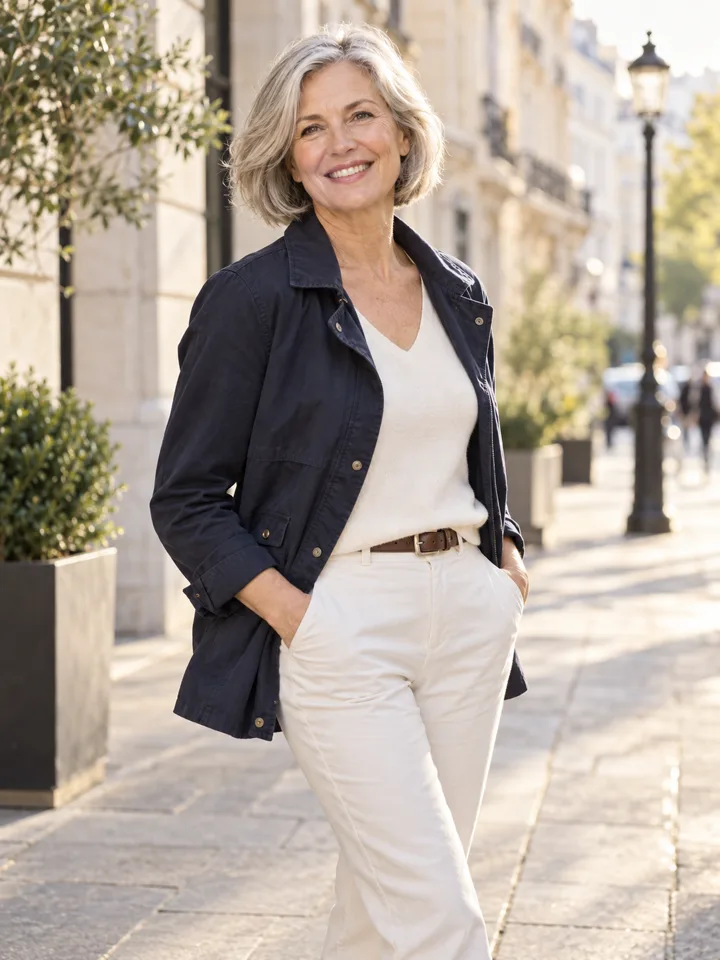
| City afternoon | A setting with everyday context | Signs, people and architecture competing with the face |
Use the warm studio, garden light and city afternoon briefs. Keep the face and clothing constant while comparing the setting; otherwise, you may prefer the expression rather than the background.
Leave room for the crop
Decide whether the final image is square, portrait or landscape. A profile avatar needs enough space around the head for a circular crop. A website banner may need free space beside the subject for text. Requesting a wider scene from a tightly cropped input requires invented surroundings, so inspect the new edges carefully.
Do not place important facial details near the edge of a banner. Check a narrower mobile crop before deciding that the composition works. Background detail that looks balanced on a desktop may disappear when the image is used in a vertical card.
Write a restrained scene brief
Replace the background with a quiet garden in open shade, with soft light from the same direction as the original. Preserve the person's face, clothing, expression and proportions. Keep foliage behind the subject, with no branches crossing the face. Avoid text and recognizable landmarks.
This describes an intended result. It cannot guarantee that an image model will preserve every feature. Compare hair edges, glasses and shoulders against the original before considering the composition finished.
Check context as well as realism
Ask what someone seeing the picture would reasonably infer. A generated office should not be used to imply employment at a particular organization. A scenic portrait should not be presented as evidence that you visited a place. Use the image as an illustration when that distinction matters. Finish with the portrait quality checklist, or use the headshot preparation guide for a more neutral direction.