Quick answer
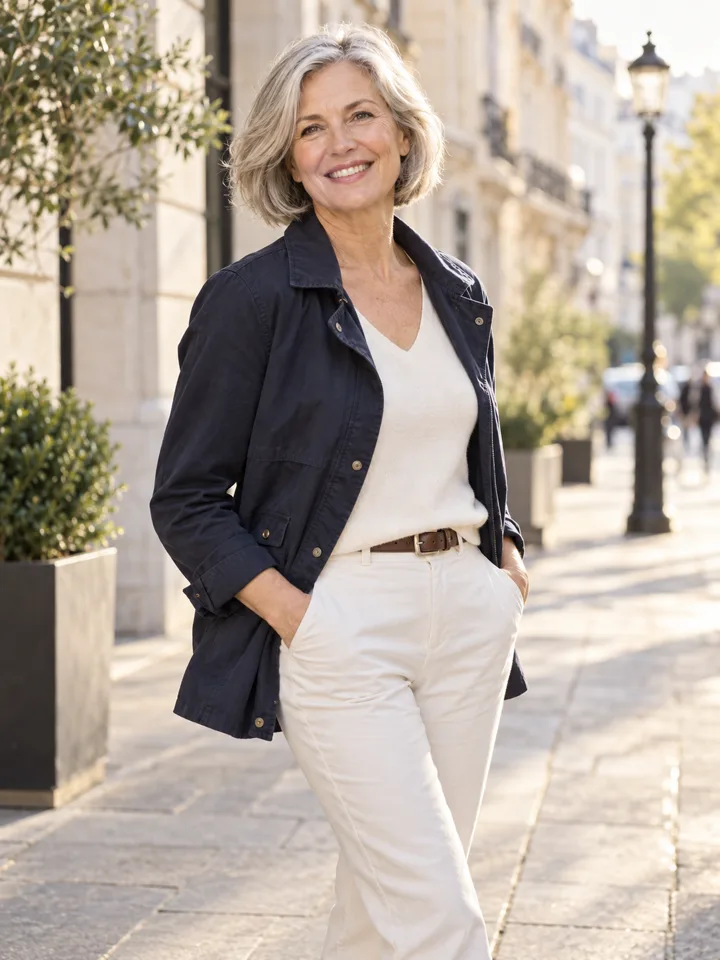
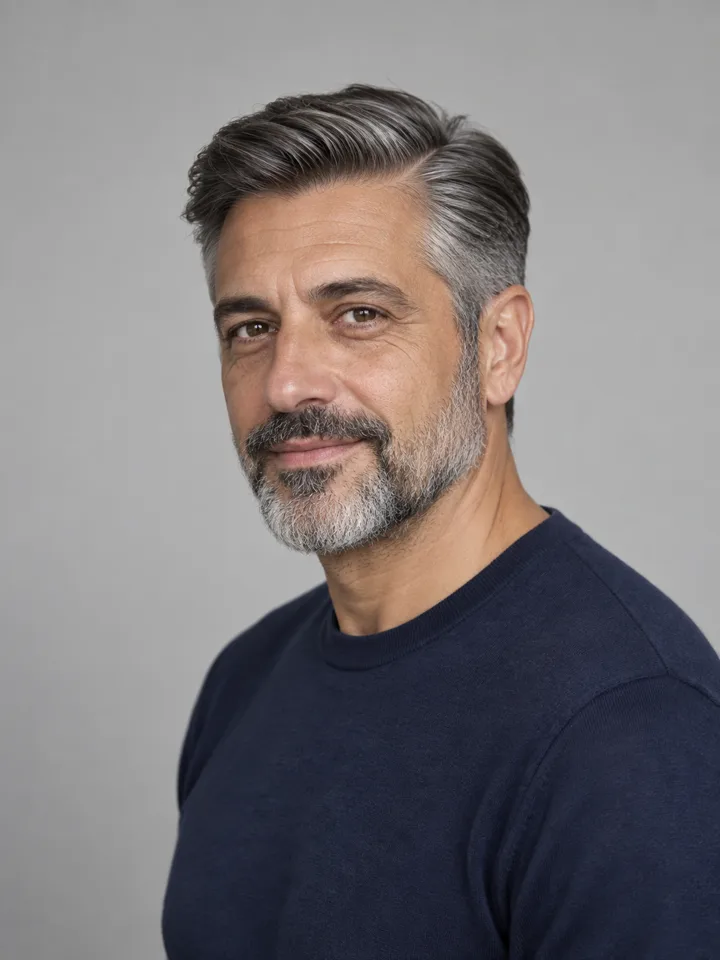
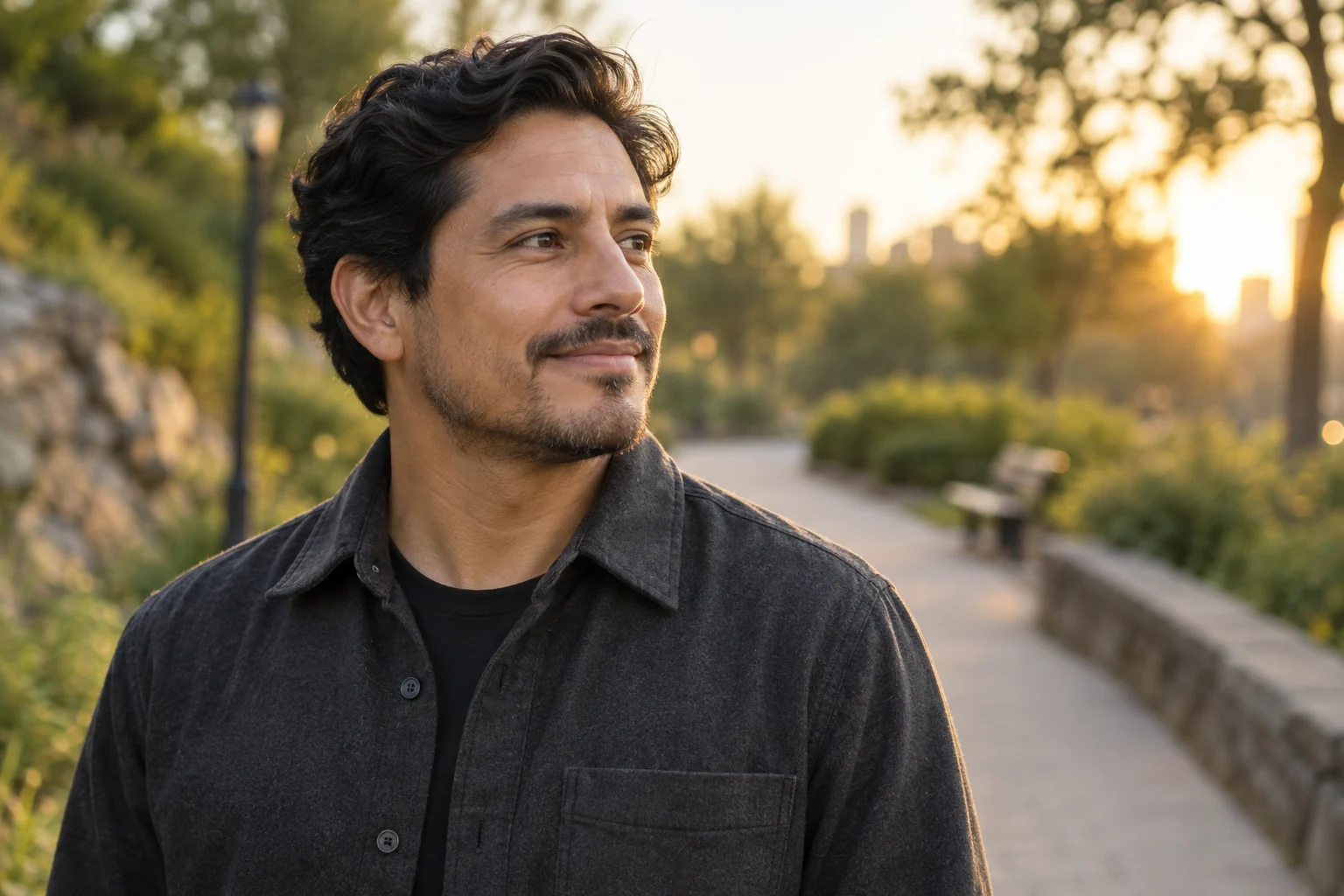
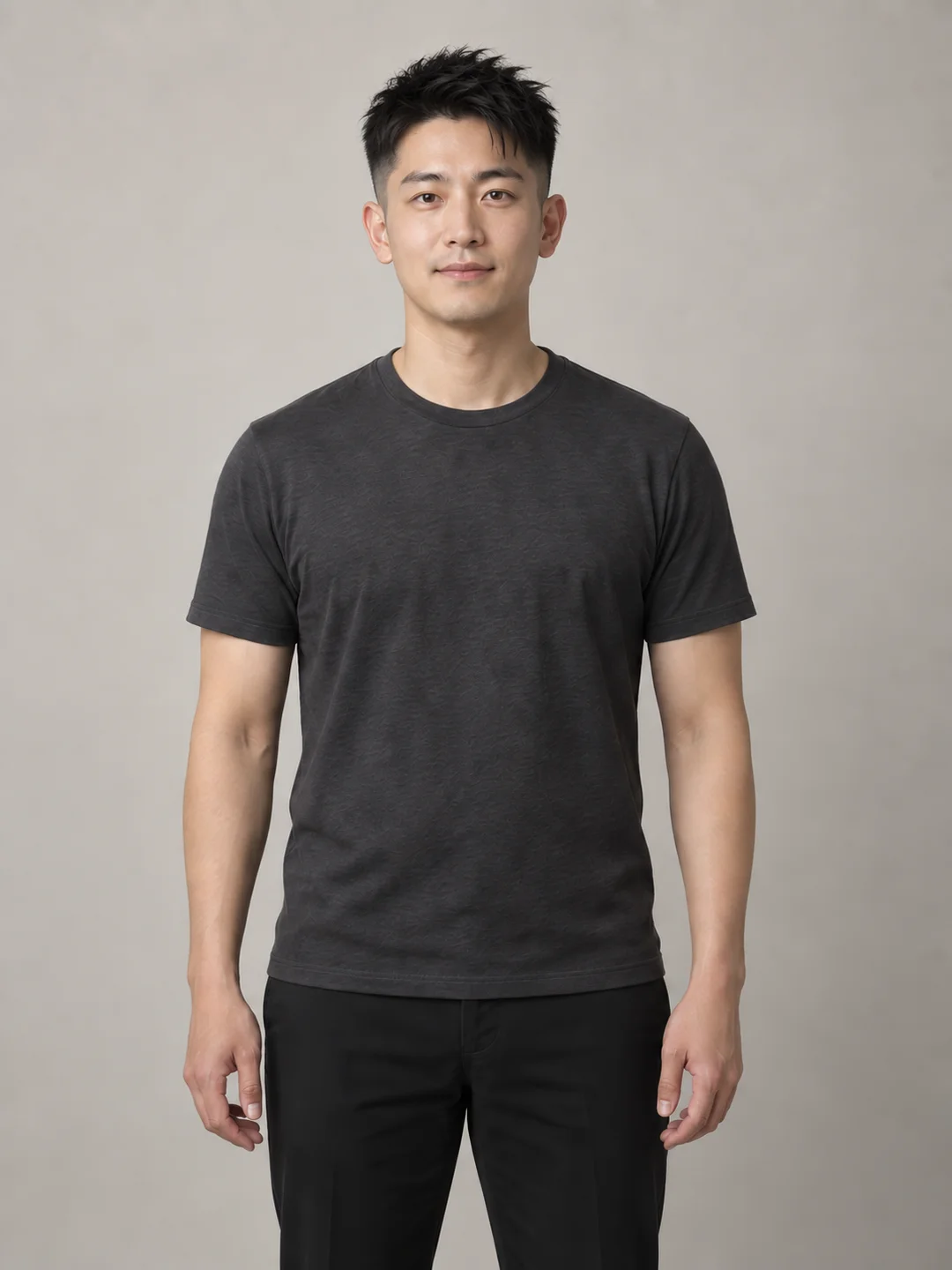
A startup founder headshot is a single, high-resolution master portrait adapted into standardized crops for a company website, pitch deck, LinkedIn profile, and press kit. Its foundational job is immediate personal recognition: an investor opening a slide deck, a candidate interviewing over video, or a journalist writing an introductory profile should immediately recognize the exact same person when meeting face-to-face.
An effective founder portrait does not rely on heavy airbrushing or theatrical staging; it relies on credibility. By capturing one truthful master image framed with sufficient negative space, founders can generate square, portrait, and wide crops tailored to specific distribution channels without staging disjointed photo sessions for every platform. This guide outlines how to define channel specifications, preserve current physical likeness, conduct a false-context audit, and package files for clean operational handoff.
Who This Workflow Is For (and When Another Method Is Safer)
This operational workflow is designed for early-stage and growth founders who need a consistent, professional public presence across digital touchpoints. It applies whether you are launching a product, announcing a funding round, pitching angels, or updating your company directory.
However, distinct visual needs require different approaches:
- Speaker and Event Programs: If you are preparing an image primarily for conference programs or panel introductions, reference our focused speaker bio headshot checklist to address high-contrast badge printing and stage-screen legibility.
- Full Team Pages: If you are coordinating portraits across a multi-member distributed team or designing a cohesive company roster, consult the guide on personal brand photos for about pages to align background palettes and framing ratios.
- Enterprise Board and Regulated Filings: When preparing formal regulatory filings, IPO prospectuses, or compliance-mandated executive portraits, hiring an experienced corporate photographer for an in-person studio session with calibrated physical lighting remains the safest route.
Channel Requirements: Website, Pitch Deck, LinkedIn, and Press
Rather than producing disconnected photographs for different outlets, establish one master portrait that accommodates four primary channels and three core aspect ratios:
| Distribution Channel | Primary Format | Typical Dimensions | Framing and Composition Requirements |
|---|---|---|---|
| Company Website (About / Team Page) | Portrait (4:5 or 3:4) or Square (1:1) | 1200×1500 px or 1200×1200 px | Balanced head-and-torso framing. Background tone must harmonize with site UI design without visual clutter. |
| Pitch Deck (Team Slide) | Compact Square (1:1) or Circular Avatar | 600×600 px to 800×800 px | Tight head-and-shoulders crop. Requires clean edge separation and high contrast to remain legible at small slide scales. |
| LinkedIn Profile | Square (1:1), displayed circular | 400×400 px minimum (upload 1000×1000 px) | Centered composition with direct eye contact. Crop must account for circular mask clipping corners. |
| Press Kit / Media Handoff | Wide (16:9 or 3:2) and High-Res Portrait | 3000+ px on long edge (300 DPI) | Generous negative space surrounding the subject to allow external editors to crop horizontally or vertically for editorial layouts. |
+-------------------------------------------------------------------------+
|                    Master Portrait Crop Adaptations                     |
+-------------------------------------------------------------------------+
|                                                                         |
|   +-----------------------------------------------------------------+   |
|   |                       Wide Crop (16:9 / 3:2)                    |   |
|   |   [Editorial Negative Space]   +--------------+                 |   |
|   |                                | Portrait     |                 |   |
|   |                                | (4:5 / 3:4)  |                 |   |
|   |                                |  +--------+  |                 |   |
|   |                                |  | Square |  |                 |   |
|   |                                |  | (1:1)  |  |                 |   |
|   |                                |  |  Face  |  |                 |   |
|   |                                |  +--------+  |                 |   |
|   |                                |    Torso     |                 |   |
|   |                                +--------------+                 |   |
|   +-----------------------------------------------------------------+   |
|                                                                         |
+-------------------------------------------------------------------------+
The Master Image Strategy: What to Hold Constant
Attempting to produce different personas across platforms creates confusion. If your LinkedIn profile shows an informal outdoor selfie while your pitch deck features a stiff corporate suit, counterparties receive contradictory signals. Maintaining a single master portrait ensures seamless continuity.
To ensure your master image remains versatile across channels, hold these four factors constant:
- Current Physical Likeness: The photo must accurately depict your present appearance. Hairline, hair length, facial hair, everyday corrective eyewear, skin texture, and apparent age must match who shows up to an introductory call.
- Business-Credible Wardrobe: Select attire consistent with your actual operational role. A developer-tool founder pitching technical infrastructure looks authentic in a clean, high-quality t-shirt, overshirt, or casual knit. A fintech or healthtech founder interfacing with compliance officers and institutional partners might opt for an unstructured blazer or tailored shirt.
- Neutral Eye Contact and Direct Posture: Face the camera directly or at a slight, natural angle. Keep posture relaxed without aggressive folded-arm stances. Direct eye contact anchors trust across both compact digital avatars and full-page editorial features.
- Uncluttered, Truthful Background: Avoid distracting elements, harsh background lights, or artificially staged environments. A soft, neutral architectural backdrop, a clean workspace wall, or a solid muted studio tone keeps visual attention anchored on your face.
Step-by-Step Workflow: From Capture to Multi-Channel Handoff
Executing a professional founder headshot requires a disciplined five-step sequence:
[ 1. Capture Master ] ──> [ 2. Explore Options ] ──> [ 3. Likeness Audit ] ──> [ 4. Export Crops ] ──> [ 5. Package Kit ]
1. Capture the High-Resolution Master
Capture your source photo using a dedicated camera or a modern smartphone camera mounted on a tripod at eye level. Stand 4 to 6 feet away from a neutral wall or simple interior setting, utilizing soft, diffused window light. As highlighted in Lemon Shark Studio's practical guide for startup founders, shooting with ample border space around your head and torso is essential. Avoid tight framing during capture; framing too closely prevents subsequent wide horizontal cropping for press materials.
2. Explore Styling Variations Responsibly
If you want to evaluate how subtle changes in neckline, wardrobe layering, or backdrop contrast impact your image before committing to a final look, AI styling tools can assist in rapid ideation. For example, LookScene provides an invitation-preview personal AI photo styling tool for adults using their own uploaded photos to explore hairstyle, outfit, and portrait-setting options.
When exploring styling:
- Change only one variable at a time (e.g., test an unstructured blazer versus a crewneck knit against the exact same background).
- Note that LookScene is designed for personal visual exploration; it does not provide garment sizing, exact-SKU try-on, wardrobe management, human styling, or team administration.
- Keep in mind that LookScene's paid packages are displayed as planned but are unavailable during the current free invitation preview.
3. Conduct the Likeness and False-Context Review
Examine your original capture alongside any edited or styled variations. Scrutinize the results against strict reject criteria:
- Facial Drift: AI tools can inadvertently alter facial geometry, skin texture, eye shape, or dental structure. If the image modifies your facial identity or body proportions, reject it immediately. LookScene does not guarantee identity preservation, real hair accuracy, or fabric fidelity.
- Context Disconnect: Evaluate whether the environment and wardrobe reflect your real-world business context, as detailed in the False-Context Check below.
4. Generate Standard Crops
From your approved master image, create three clean derivative exports:
- Square (1:1): Centered on the head and upper shoulders, leaving sufficient margin around the head so circular masks (such as LinkedIn or pitch deck slide circles) do not clip your hair or chin.
- Vertical Portrait (4:5 or 3:4): Cropped from mid-torso upward, suitable for website team grids and standard bio columns.
- Wide Horizontal (16:9 or 3:2): Positioned with the subject slightly off-center, preserving generous negative space to the left or right for media overlay text and publication banners.
5. Package for Frictionless Distribution
Store your master files in a dedicated company folder accessible to your co-founders, executive assistants, or PR managers. Maintain uncompressed PNG or high-quality JPEG files alongside transparent-background variants if your website design requires custom badge placement.
The False-Context Check: Avoiding Incongruous Imagery
A frequent failure mode in early-stage founder photography is adopting an environment or wardrobe that contradicts the company's actual operating reality. A seed-stage founder building an open-source developer framework photographed in a palatial mahogany boardroom or glass-and-steel penthouse creates immediate cognitive dissonance.
Founders should select settings and attire that correspond directly to their operational domain:
+-------------------------------------------------------------------------+
|                       False-Context Decision Matrix                     |
+-------------------------------------------------------------------------+
| Sector / Business Model | Credible Setting         | Credible Wardrobe   |
+-------------------------+--------------------------+---------------------+
| B2B SaaS / DevTools     | Clean modern interior,   | Quality t-shirt,    |
|                         | neutral architectural    | overshirt, merino   |
|                         | backdrop, simple studio  | crewneck, casual    |
+-------------------------+--------------------------+---------------------+
| Fintech / Insurtech /   | Understated office space,| Unstructured blazer,|
| Healthtech              | muted architectural wall | collared shirt,     |
|                         |                          | tailored knitwear   |
+-------------------------+--------------------------+---------------------+
| Climate / Hardware /    | Functional lab, workshop | Practical layers,   |
| Logistics               | perimeter, neutral wall  | durable collared    |
|                         |                          | shirts, clean work- |
|                         |                          | casual              |
+-------------------------+--------------------------+---------------------+
Inspection Standards: Pass vs. Reject Criteria
Before committing a headshot to your public assets, audit the image against this verification matrix:
| Inspection Area | Pass Verification Standard | Immediate Rejection Criteria |
|---|---|---|
| Facial Likeness | Exact match with current physical appearance, authentic skin texture, and real hairline. | Altered eye spacing, modified jawline, smoothed skin removing natural lines, or modified teeth. |
| Eyewear & Details | Actual prescription frames preserved cleanly without warped rims or artificial glare. | Warped frame bridges, missing nose pads, or hallucinated lens reflections. |
| Wardrobe Credibility | Realistic fabric drape, believable texture, and styling appropriate to your sector. | Synthetic or melted fabric textures, asymmetrical lapels, or uncharacteristic formalwear. |
| Setting Realism | Believable lighting angle matching subject illumination; natural depth of field. | Hallucinated luxury architecture, mismatched shadow directions, or blurry digital halos around hair. |
| Framing & Margin | Sufficient negative space on all sides to allow 1:1, 4:5, and 16:9 cropping. | Tight crop cutting off hair, chin, or shoulders, preventing multi-channel adaptation. |
``
Trade-offs, Product Limits, and Real-World Verification
When deciding how to produce your founder headshot, evaluate the operational trade-offs between available methods:
- Professional Studio Sessions: Can provide custom physical lighting, direct human coaching, and high-resolution final files. Raw-file delivery depends on the photographer's contract. Sessions also require scheduling, lead time, and budget.
- Disciplined DIY Photography: Capturing an image using a smartphone, a tripod, and natural window light costs nothing and guarantees authentic physical likeness. However, it requires careful self-direction to manage framing, focus, and background exposure.
- AI-Assisted Styling Exploration: Tools like LookScene allow founders to experiment with styling, wardrobe palettes, and background contrast on their own photos before investing in physical clothing or studio time.
Understanding AI Tool Limitations
If you utilize AI styling tools during your preparation, maintain realistic expectations:
- No Identity Preservation Guarantees: Generative models modify pixel structures and can inadvertently alter your recognizable facial features. Treat AI-generated images as editorial illustrations or styling references rather than guaranteed photographic records.
- No Physical Tailoring: AI styling does not provide garment sizing, fabric fit data, or exact-SKU try-on. What appears flattering in a generated preview may look different in physical retail garments.
- Preview Status: LookScene is currently offered as a free invitation preview; paid packages are displayed as planned features and cannot currently be purchased.
- No Business Outcome Guarantees: A refined founder headshot will not close an investment round, raise capital, or guarantee press coverage. Its role is strictly operational: presenting an honest, professional, and easily recognizable image that avoids distraction.
Founder Headshot Final Checklist
Before distributing your image across pitch decks, website builds, and press kits, verify each operational item:
[ ] Current Likeness   : Photo matches current appearance, hair, age, and everyday eyewear.
[ ] Channel Formats    : Master image exported to Square (1:1), Portrait (4:5), and Wide (16:9).
[ ] Context Check      : Wardrobe and setting reflect your actual business model and stage.
[ ] Resolution & Depth : Files exported at maximum resolution (minimum 3000px on long edge for press).
[ ] Uncluttered Framing: Background is neutral and free of visual artifacts or synthetic halos.
[ ] No Identity Drift  : Image verified against original raw capture; zero facial warping accepted.
Next Steps
Review your current public profiles across your website, LinkedIn, and pitch materials. If your existing images are outdated, inconsistent, or tightly cropped, capture a high-resolution master portrait using natural lighting and generous margins. If you wish to test subtle wardrobe or setting adjustments on your own photo prior to updating your team page, explore controlled changes using LookScene's invitation preview, or proceed with a clean DIY capture following the framing guidelines above.