Quick answer
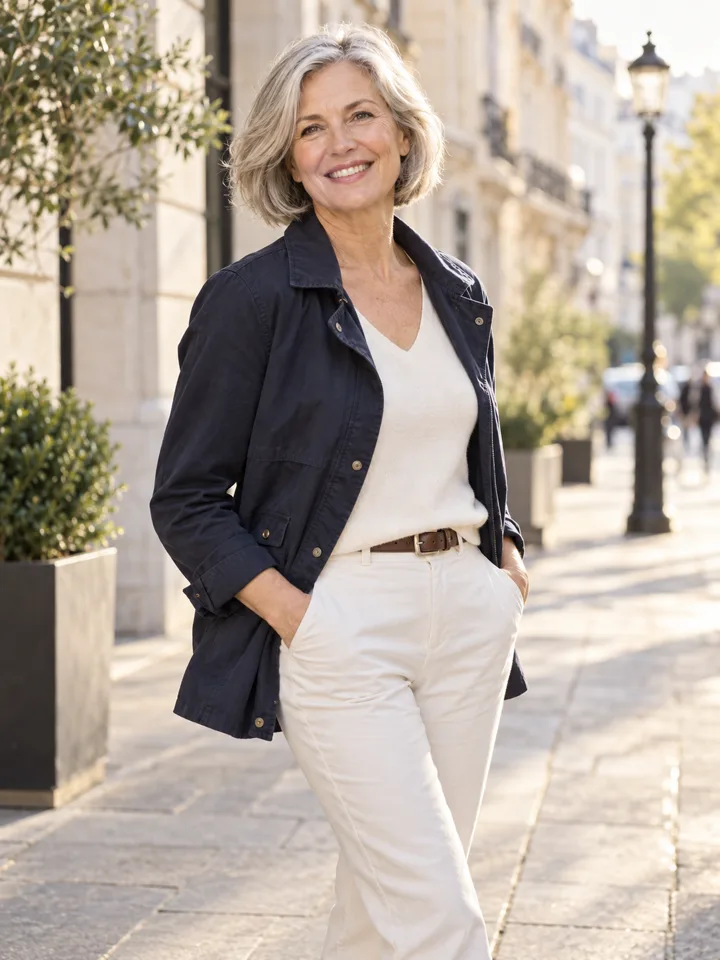
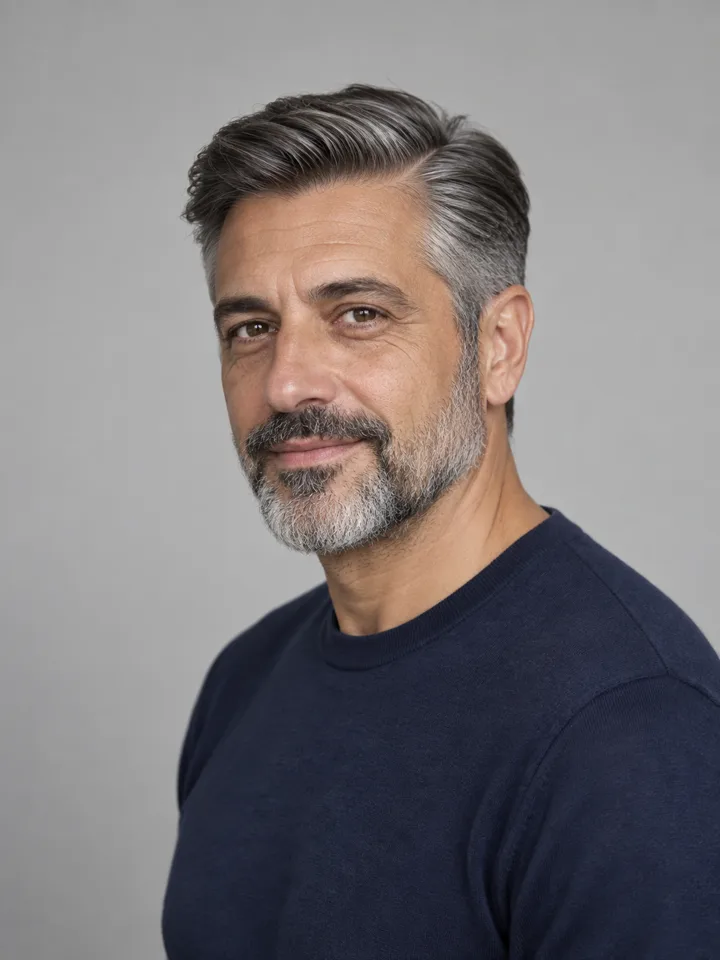
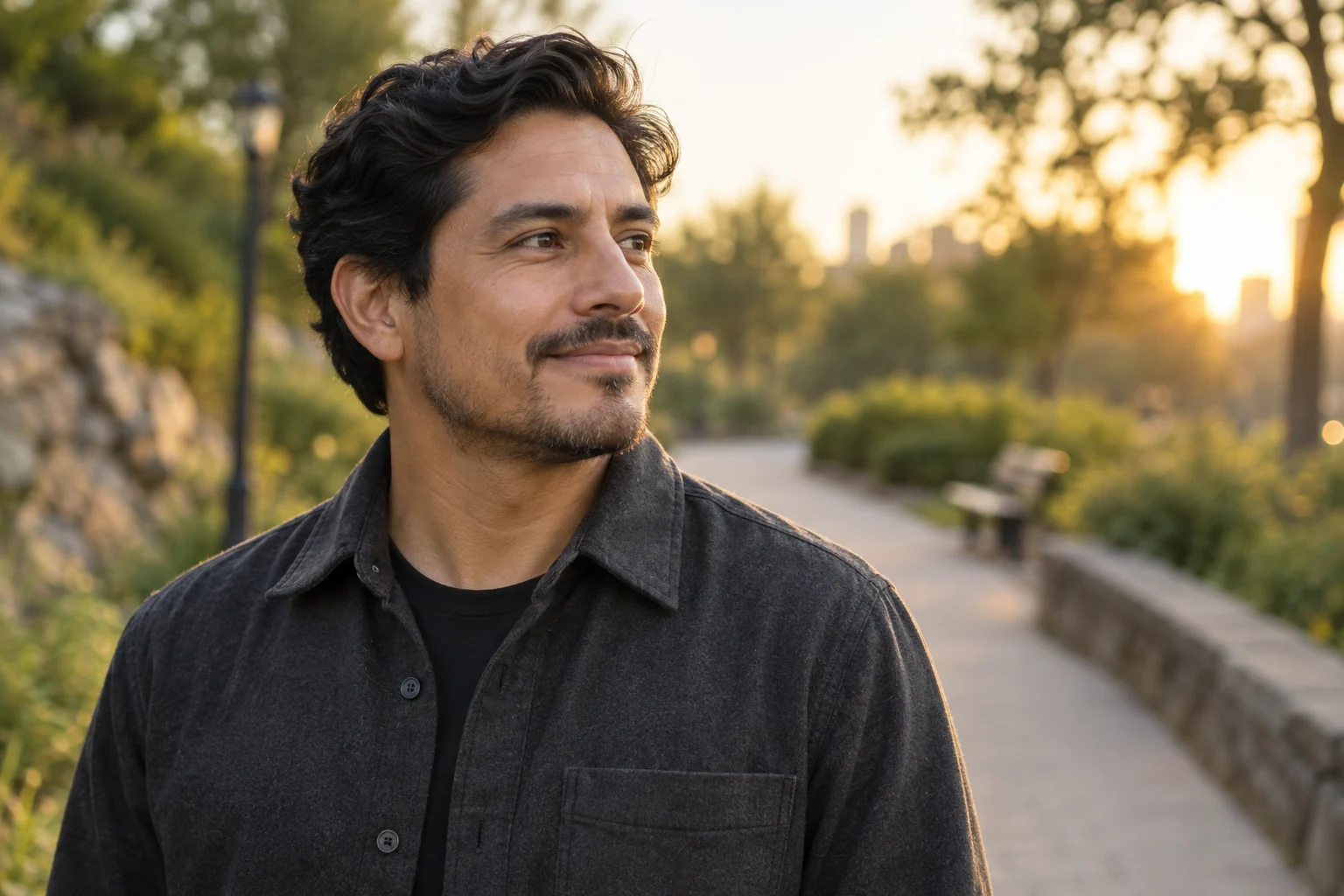
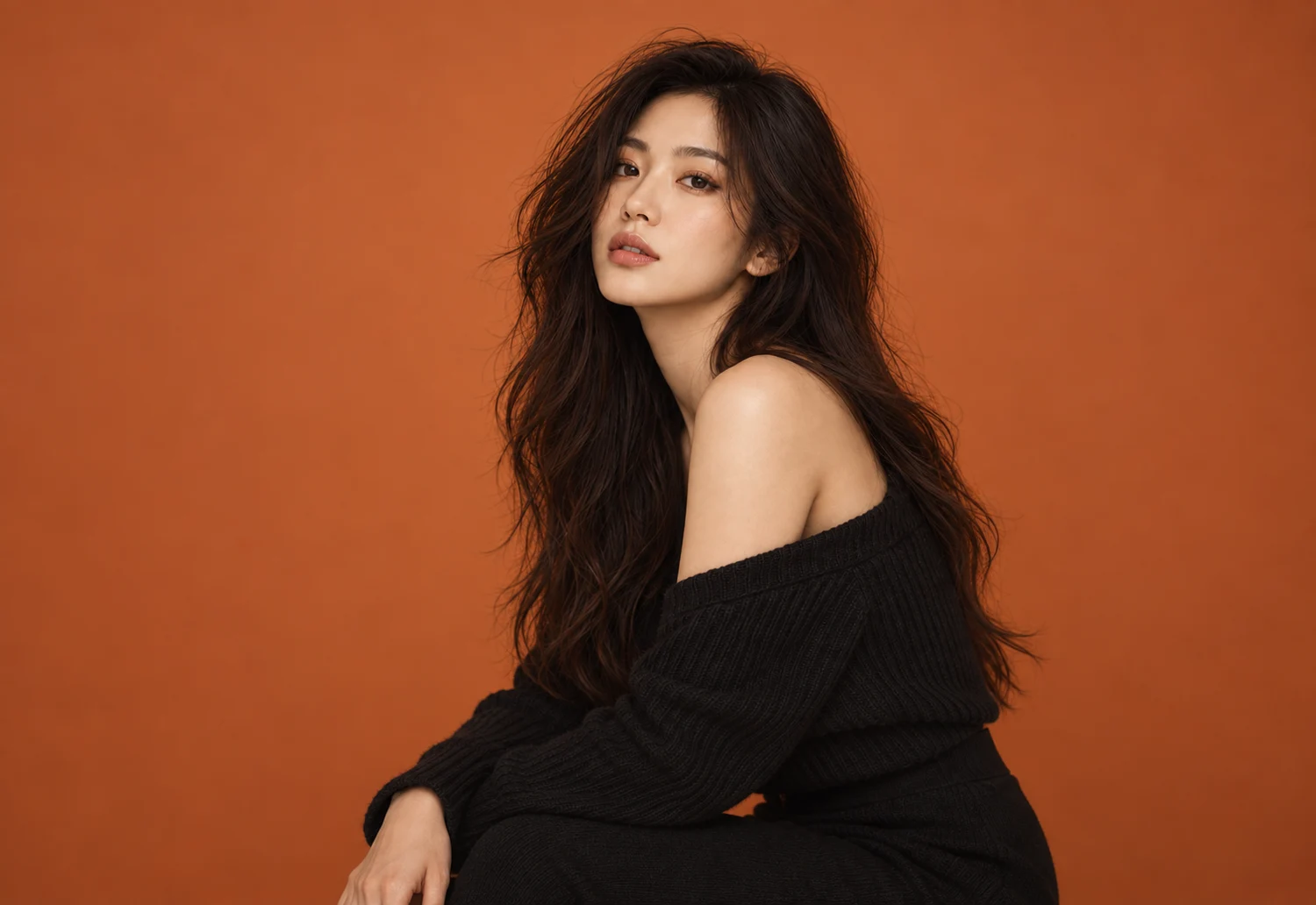
When you receive a batch of AI-generated headshots, your immediate impulse is usually to scan for the most flattering picture. You look for warm lighting, a confident smile, or sleek styling. However, starting with subjective preference is the fastest way to choose an unusable image. Many AI portraits look impressive as small thumbnails but reveal distorted earlobes, warped lapels, or subtle facial shifts when viewed at full size.
To learn how to compare AI headshot results effectively, you must invert the typical selection process and use a strict two-pass evaluation: first reject all images that fail objective standards of identity, anatomy, clothing, and context; only then rank the surviving candidates for crop, expression, and channel fit. Eliminating flawed outputs before choosing favorites prevents decision fatigue and protects you from publishing a portrait that confuses colleagues or undermines professional credibility.
Who Should Use This Workflow (and When to Choose Another Method)
This two-pass framework is designed for professionals evaluating a batch of AI headshots or personal styling previews for standard digital touchpoints: LinkedIn profiles, corporate directories, speaker bios, personal consulting websites, or freelance portfolios. In these contexts, viewers expect a polished, current representation of what you look like in a working environment.
However, an AI-generated portrait is not appropriate for every professional use case:
- Actors and Performers: Casting directors require an exact, unaltered depiction of your current facial structure, skin texture, and hair length. Submitting a generated or heavily altered image can disqualify you from auditions. For casting requirements, rely exclusively on a live session with an experienced headshot photographer.
- Legal and Government Identification: Passports, driver's licenses, and regulated security badges must meet strict biometric capture guidelines. Never use AI-generated or AI-modified photos for official identity documents.
- Exact Wardrobe or Sizing Requirements: AI styling tools do not represent exact-SKU clothing items or guarantee true fabric drape and physical body measurements. If you must showcase specific uniform specifications or real apparel, capture actual garments on camera.
When your objective is general professional presentation, following a systematic review ensures your chosen image looks natural, credible, and recognizable.
Step 1: Set Up an Objective Side-by-Side Comparison
Evaluating images in isolation makes it easy to overlook facial drift. Your brain adapts quickly to slight alterations in eye spacing or jaw contours if you do not have a baseline for comparison.
Before reviewing any generated outputs, establish a controlled comparison environment:
- Select an Anchor Photo: Choose a recent, unedited photograph of yourself taken in neutral daylight within the past six months. This photo serves as your immutable reference point for facial geometry, eye shape, and skin tone.
- Inspect at 100% Zoom on a Desktop Monitor: Never make final selections on a smartphone screen. Small displays conceal structural flaws like pupil asymmetry, skin plasticization, and blurred collars. Open the images on a desktop monitor and zoom to 100% (1:1 pixel view).
- Compare Directly Side-by-Side: Place your anchor photo directly alongside the AI results. Do not flip back and forth between tabs; view both images simultaneously so your eyes can immediately detect discrepancies in proportion or feature placement.
- Hold Variables Constant: When testing different styling directions—such as exploring a new haircut or outfit using an exploration tool like LookScene—keep the source face and pose constant across generations. Comparing multiple changing variables at once obscures whether an issue stems from styling or underlying identity distortion.
Pass One: The Elimination Pass (Reject Before You Rank)
In Pass One, your goal is not to find an image you like; it is to eliminate every image that has structural or ethical defects. If an image fails any single checkpoint in this pass, discard it immediately. Do not keep it as a "maybe."
Batch Results (e.g., 40 images)
       │
       ▼
[Pass One: Elimination] ──► Discard (Identity drift, anatomical flaws, clothing glitches, fake settings)
       │
       ▼
Surviving Candidates (e.g., 6–8 images)
       │
       ▼
[Pass Two: Channel Fit & Ranking] ──► Select Final Image(s) (Expression, crop, platform alignment)
1. Identity Drift
The most critical failure mode in generative imagery is identity drift—where the image resembles an attractive stranger rather than you. Research into generative models highlights the ongoing technical difficulty of preserving fine biometric identity across synthetic variations (arXiv:2406.08651).
Inspect these specific facial anchors against your reference photo:
- Eyes: Are the shape, tilt, eyelid crease, and distance between pupils identical to your real face? Watch out for synthetic eye shapes that default to generic almond contours.
- Nose and Bridge: Does the width of the bridge and the shape of the nasal tip match your profile?
- Smile and Teeth: If your teeth are visible, do they match your actual dental alignment? AI models frequently generate generic, unnaturally uniform veneers.
- Facial Architecture: Has your jawline been sharpened or your face shape narrowed? Discard any result that reshapes your underlying bone structure. For a deeper breakdown of facial integrity, review our guide on how to verify an AI hairstyle preview still looks like you.
2. Anatomical and Artifact Errors
Generative synthesis often creates subtle physical inconsistencies that viewers register subconsciously as "uncanny":
- Pupils and Catchlights: Look closely at the reflections in the eyes. In a natural photograph, catchlights match the direction and shape of the environmental light source. Mismatched reflections or irregularly shaped pupils indicate synthetic generation.
- Ears and Jewelry: Check earlobes and earrings for symmetry. AI often melts earring posts into skin or creates asymmetrical ear shapes.
- Eyewear: If you wear glasses, inspect the frames carefully. Look for uneven rims, bridge lines that fuse into the nose, or temples that disappear into the hair.
- Hair Boundaries: Check where hair meets the forehead and background. Look for blurred "halos," strands that dissolve into nothing, or unnatural clumps of texture.
3. Clothing and Fabric Glitches
Synthetic clothing frequently reveals physics errors upon close inspection:
- Lapels and Collars: Suit jacket lapels may end at different heights, lack defined seams, or fuse directly into the dress shirt underneath.
- Patterns and Textures: Pinstripes, plaids, and knit textures often warp unnaturally across curves or blur randomly near edges.
- Buttons and Plackets: Check for missing buttons, nonsensical buttonhole placement, or fabric plackets that twist unevenly down the chest.
4. Untruthful Setting and Context
Your portrait background communicates your professional environment. Evaluate whether the context is truthful to your role:
- Lighting Direction: The light falling across your face must match the light sources visible in the background. A strong rim light on your hair with a dark, diffused office backdrop creates an immediate synthetic tell.
- Perspective and Scale: Ensure that architectural elements, office furniture, or outdoor features in the background align with your physical scale and camera height.
- Contextual Plausibility: Avoid environments that misrepresent your daily working reality. If your role does not involve speaking on stadium stages or working from penthouse boardrooms, using an exaggerated synthetic environment undermines authenticity.
For a comprehensive checklist covering these technical failure points, consult our AI portrait quality checklist.
Pass Two: Ranking the Survivors for Channel Fit and Composition
Only after removing all structurally flawed outputs should you begin Pass Two. You should now be working with a small group of technically clean images. Here, you evaluate subjective fit, composition, and specific channel requirements.
1. Channel Decision and Crop Compatibility
Different platforms impose distinct framing constraints:
- LinkedIn and Team Directories: Most profile avatars are displayed inside small circles (often 32 to 128 pixels on mobile screens). The crop must be a tight head-and-shoulders framing where your face occupies roughly 60% of the circular area. Ensure that cropping into a circle does not cut off your chin or leave awkward empty space above your head.
- Speaker Bios and Press Kits: Editorial bios often require rectangular landscape or portrait orientations with room around the subject for text overlays or banner cropping. Ensure the image has sufficient shoulder width and negative space.
- Personal Websites and Portfolios: These placements allow for slightly wider bust-up or waist-up framing, provided the background supports your professional positioning without distracting from your face.
2. Expression and Approachability
With technical errors out of the way, assess the human tone of the portrait:
- Micro-Expressions: Does the smile feel genuine, or does it look frozen? Look for natural crinkling around the eyes (a Duchenne marker) rather than teeth bared without eye involvement.
- Eye Contact: Does the gaze meet the camera lens directly? A direct gaze conveys engagement and confidence in digital professional contexts.
- Professional Alignment: Match the expression to your industry norms. Creative and client-facing roles often benefit from an open, warm smile, whereas legal, financial, or technical consulting roles often call for calm, composed neutrality.
3. Background Separation and Depth
In your surviving images, examine how cleanly you separate from the background:
- The background should be slightly out of focus (shallow depth of field) to keep visual attention on your face.
- Avoid busy patterns, high-contrast light patches, or bright colors behind your head that compete with your features.
The Two-Pass Scoring Sheet
Use this practical decision matrix to evaluate your images systematically:
| Review Pass | Evaluation Area | Specific Checkpoint | Pass Criteria | Immediate Disqualification (Fail) |
|---|---|---|---|---|
| Pass One (Hard Rejection) | Identity | Eye shape, nose bridge, jawline, teeth | Matches recent anchor photo exactly | Facial thinning, synthetic eye shape, altered bone structure |
| Pass One (Hard Rejection) | Anatomy | Pupils, ears, hair boundary, skin texture | Natural asymmetry, sharp hair edges, realistic pores | Irregular pupils, melted ears, plasticized skin, fused glasses |
| Pass One (Hard Rejection) | Clothing | Collars, lapels, buttons, fabric drape | Plausible tailoring, distinct seams, logical buttons | Fused fabric layers, vanishing collars, warped patterns |
| Pass One (Hard Rejection) | Context | Lighting angle, scale, environmental realism | Face lighting matches background direction | Mismatched shadows, exaggerated or fake luxury environments |
| Pass Two (Ranking) | Crop | Head-and-shoulders composition, circular framing | Centers face cleanly within a circular avatar | Chin cut off, crown clipped, shoulders too narrow for avatar |
| Pass Two (Ranking) | Expression | Eye engagement, natural smile, tone | Communicates warmth and competence for your field | Stiff grimace, vacant stare, overly intense gaze |
| Pass Two (Ranking) | Channel Fit | Platform requirements (LinkedIn, Bio, Website) | Appropriate aspect ratio and background neutrality | Distracting background, incompatible aspect ratio |
Trade-Offs, Tool Limitations, and Real-World Verification
Understanding what AI styling tools can and cannot do prevents unrealistic expectations.
Tools such as LookScene allow adults to explore hairstyle ideas, outfit concepts, and portrait settings using their own photos during its invitation preview. However, generative tools have distinct functional boundaries:
- No Identity Guarantees: AI models do not guarantee identity preservation. Generative diffusion algorithms approximate facial features probabilistically, which means facial drift can occur even when using high-quality source photos.
- No Physical Sizing or Fabric Simulation: Styling tools do not measure body dimensions, provide exact-SKU virtual try-on, or simulate real-world fabric weight and fit.
- No Enterprise Administration: LookScene is designed for individual personal exploration, not team headshot management or enterprise directory provisioning.
- Preview Status: Paid packages displayed on LookScene are planned for future release but are not available during the current free invitation preview. All generated styling examples should be treated as editorial illustrations rather than exact predictions of real-world results.
The Real-World "Colleague Test"
Before committing any AI-assisted headshot to a public profile, conduct one final verification step: the colleague test.
Discussions among hiring managers and professionals on community forums such as Reddit r/headshots consistently emphasize that walking into an interview or meeting looking noticeably different from your profile picture damages trust immediately.
Send your top two surviving choices to a trusted colleague or friend alongside your unedited anchor photo. Ask one specific question: "If you met me for coffee based on this photo, would you recognize me immediately without a double-take?" If they hesitate, point out that your skin looks smoothed, or comment that your jaw or eyes look different, eliminate that image.
Final Review Checklist
Before uploading your selected headshot to any professional channel, run through this summary checklist:
- Desktop Review Completed: Viewed all images at 100% zoom on a large screen, not on a mobile phone.
- Anchor Photo Compared: Evaluated candidate side-by-side with an unedited, recent daylight photograph.
- Pass One Passed: Confirmed zero identity drift, no anatomical glitches (pupils, ears, teeth), no clothing fusion, and no lighting mismatches.
- Circular Crop Tested: Verified that the image frames properly inside a LinkedIn or directory circle without cutting off key features.
- Expression Calibrated: Checked that the expression conveys appropriate professional warmth and direct eye contact.
- Colleague Verified: Confirmed with a colleague that the photo matches your real-life, day-to-day appearance.
Next Action
If you want to explore personal hairstyle, outfit, or background concepts on your own photo using a controlled, single-variable approach, you can test LookScene's photo styling preview within its current invitation-preview boundaries. If your goal requires a guaranteed likeness for casting, legal identification, or formal corporate compliance, schedule a session with a professional photographer or take a clean, unedited daylight photo with your phone camera.