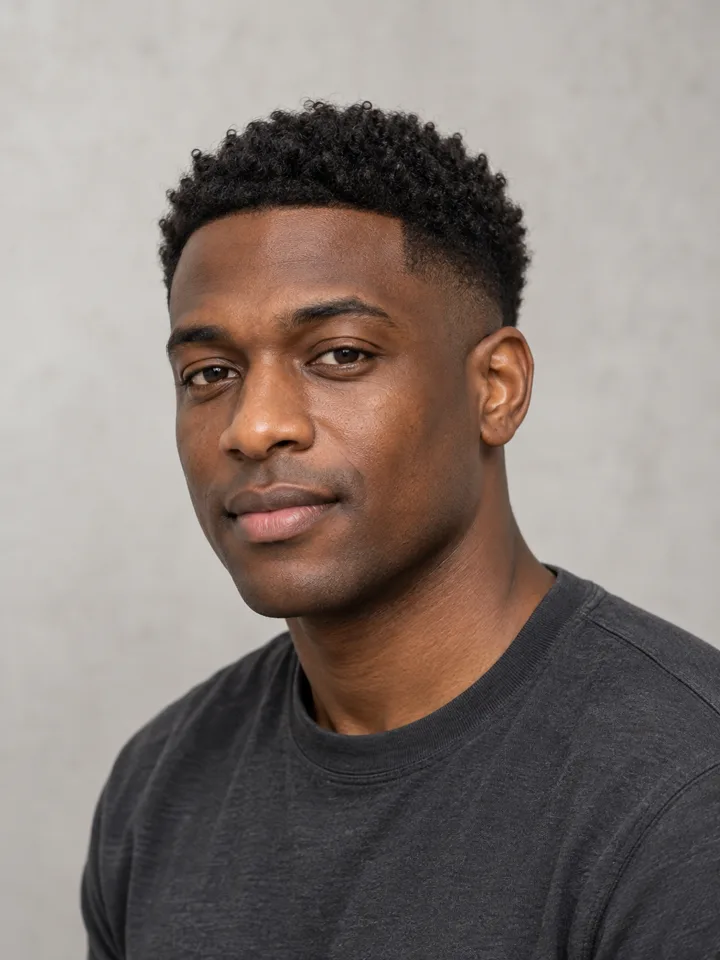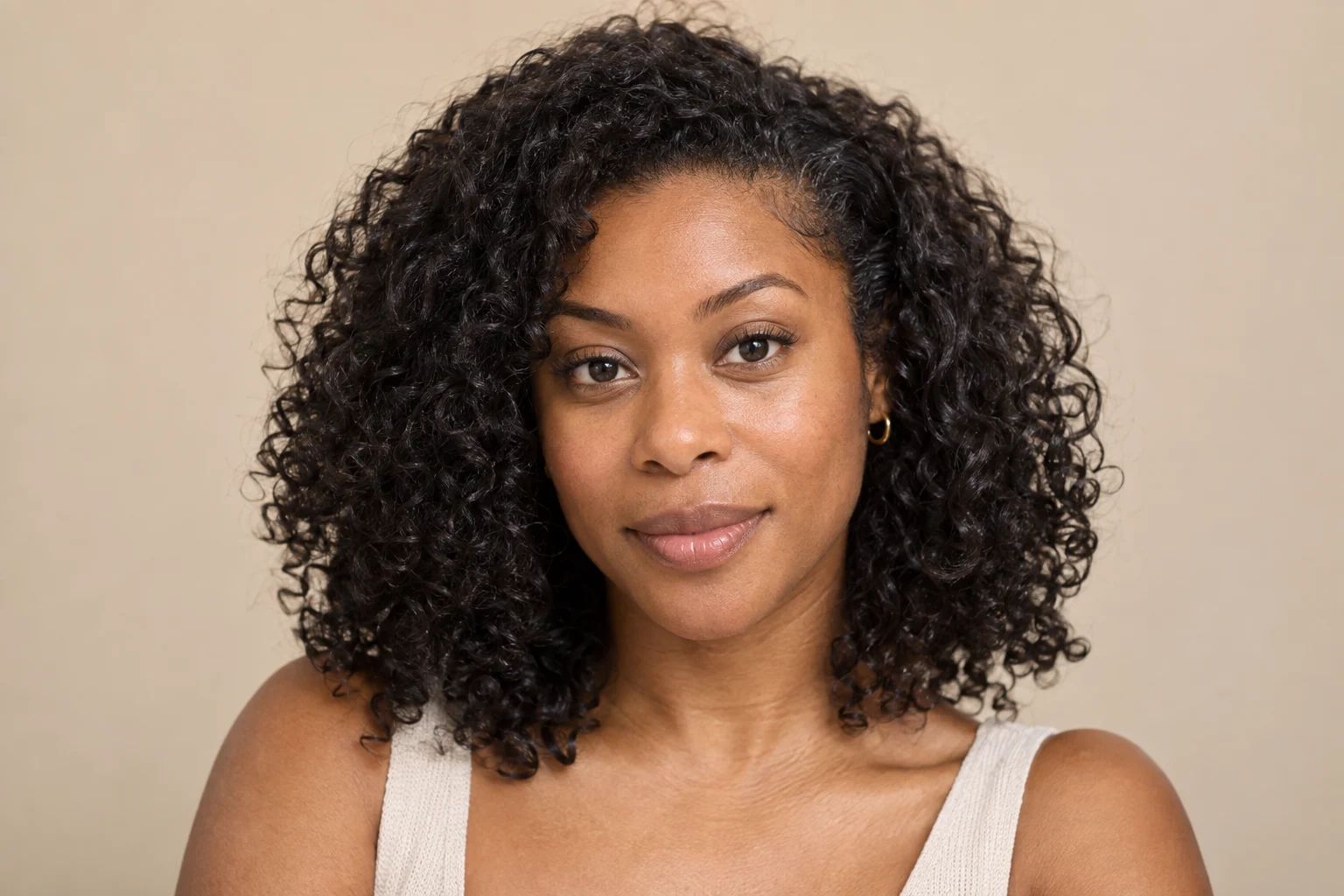
Why Identity Must Come Before the Haircut
When an AI hairstyle preview renders, your eyes naturally jump to the haircut: how the bangs sit, how the layers fall, or whether a shorter cut looks fresh. That instinct is where haircut regret begins.
Before asking whether you like the style, you must answer a stricter question: does the underlying face still belong to you?
Evaluating AI hairstyle preview accuracy is not only about how glossy the hair looks. A generated result may introduce subtle identity drift—such as a slimmer jaw, a different brow arch, or softened character lines. When that happens, you are no longer comparing the haircut on a reliable version of your own face.
If your facial landmarks drifted, the preview is invalid. Verify identity preservation against your original photo before judging the cut.
Setting Up a Fair Side-by-Side Comparison
Facial drift is easy to miss when you flip between tabs or glance at a mobile thumbnail. Use a controlled, side-by-side comparison:
- Match scale and eye level: Place your original photo and the preview side by side at 1:1 scale on one screen, aligning eye levels horizontally.
- Use an unedited reference: Start with an honest photo taken in even light without beauty filters or wide-angle selfie distortion.
- Inspect at 100% zoom: Review features up close. Shifts in nose width, jaw taper, or hairline position hide easily in low-resolution views.
Once both images sit side by side at identical dimensions, evaluate your features using a fixed landmark sequence.
The 7-Point Landmark Identity Sequence
Inspect your facial structure from the center outward to ensure the AI hairstyle looks like me across every critical feature:
- Eyes and Eyebrows: Check pupil spacing and eyelid shape. AI models sometimes adjust eye distance or lift brow arches to fit new fringe volume.
- Nose and Mouth: Verify bridge width, nostril shape, philtrum length, and lip fullness. Look for contours that have become smoother or more generic.
- Jawline and Face Width: Check whether the jaw became narrower or the chin sharper. A cut shown on an altered lower face is not a controlled comparison.
- Hairline and Forehead: Check brow-to-hairline distance. Did the tool lower the hairline or fill in temple recession? If forehead proportions changed, the preview cannot predict real fringe placement.
- Ears: If a new style exposes your ears, confirm that their size, angle, and lobe shape match your actual ears rather than synthetic substitutes.
- Eyeglasses: If you wear glasses, check that frame geometry and scale remain undistorted and unmerged with hair strands.
- Skin Texture and Age Cues: Look for natural pores, smile lines, and contours. Digital airbrushing flatters the image, but erases the structural depth needed to evaluate how hair frames your face.
| Landmark | What Must Stay Fixed | AI Drift Warning Sign |
|---|---|---|
| Eyes & Brows | Pupil spacing, brow arch | Lifted arches, synthetic enlargement |
| Nose & Mouth | Bridge width, tip shape, philtrum | Narrowed bridge, artificially plumped lips |
| Jaw & Chin | Bone width, jaw angle, chin projection | Aggressive slimming, tapered V-jaw |
| Hairline & Forehead | Forehead height, temple shape | Lowered hairline, filled-in recession |
| Ears & Glasses | Ear angle, frame geometry | Warped frames, misaligned ear lobes |
| Skin Texture | Natural pores, smile lines, age cues | Plastic skin, erased structural contours |
Separating Hairstyle Preference from Identity Drift
When a preview looks sharp, the halo effect tempts us to overlook distorted facial proportions because the overall portrait feels attractive.
Wanting to see a proposed cut on your own face before committing is natural. Discussions in Reddit's MenHairstyle community reflect the recurring fear of haircut regret, while creators showcasing try-on tools on Reddit note that users primarily seek an honest projection of themselves.
The same concern appears in hair advice discussions on Reddit: some users report tools altering head shapes or hairlines, which makes those particular previews less useful.
Keep these two assessments strictly separate:
- Style preference: Do I like this haircut in the abstract?
- Identity accuracy: Is the person wearing this haircut recognizably me?
If the image fails identity accuracy, discard it. A flattering haircut on an altered face is not evidence that the same shape will suit your real features.
Red Flags: When to Discard a Hair Preview
Do not attempt to look past anatomical errors. Discard a preview immediately if you spot any of these red flags:
- Visible jaw narrowing: Slimming the lower face distorts how bobs, lobs, and fades balance your proportions.
- Hairline manipulation: Lowering the hairline or erasing recession misrepresents how fringe or slicked-back styles will sit.
- Excessive airbrushing: Erasing shadows and skin texture removes the facial contours that interact with hair layers.
- Warped eyewear or ears: Distorted frames or synthetic ears show that the model lost spatial control around the hair perimeter.
For broader review of portrait generation artifacts beyond hairstyles, consult our AI portrait quality checklist.
The Reality Gap: What a Still Image Cannot Predict
Even a preview that passes every identity check remains a 2D illustration, not a physical guarantee. A static image cannot simulate how real hair behaves:
- Texture and density: A flat render illustrates shape, but cannot simulate whether hair is fine, coarse, dense, or thin. Density determines whether a cut holds shape or collapses.
- Growth direction and cowlicks: AI draws hair wherever prompted. It cannot anticipate a crown cowlick, an uneven hairline, or a stubborn natural part.
- Movement and weight: Real hair moves throughout the day and reacts to humidity. A still image captures one frozen moment.
- Daily styling demands: A preview omits the blowouts, brushes, pomades, or morning routines needed to maintain the look.
Before committing to a drastic change, read our guide on what to evaluate before trying a new haircut to match proposed styles with your daily routine.
Turning a Usable Preview into a Salon Reference
When a preview passes your landmark audit, it can become a practical reference for a stylist consultation. Use it to discuss a direction rather than asking for a stitch-for-stitch copy; stylists work with human hair, not digital pixels.
Instead, use your verified preview to anchor realistic expectations:
- Identify specific design elements: Point out the silhouette, volume distribution, or fringe length that appeals to you.
- Discuss real-world feasibility: Ask: "Given my hair texture, growth patterns, and density, how can we adapt this shape to work on my hair?"
- Plan daily maintenance: Confirm how much styling time, product, and upkeep are required to maintain the cut.
Testing Your Next Cut with LookScene
If you are exploring a new hairstyle, treat AI previews as visual decision support rather than a guaranteed cut.
LookScene offers personal styling previews for hairstyles, outfits, and portrait settings using your own photo. Available as a free invitation preview with trial credits, it lets you upload a front-facing image in JPEG, PNG, or WebP format up to 10 MB (convert HEIC files first). Selecting your file displays an instant local preview to verify framing before private upload and generation.
When testing styles in LookScene's AI hairstyle preview, keep your source photo open side by side. Confirm that your seven identity landmarks remain intact before using the preview as a grounded reference for your stylist.