Quick answer
Choosing between a business casual and a formal headshot is rarely an all-or-nothing decision about workplace rules. Instead, it is a deliberate calibration between perceived authority and personal approachability. Most professionals evaluate this choice incorrectly by comparing two completely different photographs: an older, rigid corporate studio portrait with a stiff posture, and a recent, sunlit smartphone snapshot where they are smiling warmly in a casual sweater. When you evaluate two distinct photos, you cannot determine whether the change in impression stems from the jacket, the lighting, the camera distance, or the smile.
To make an accurate wardrobe decision, you must compare the same person under strictly controlled photographic conditions. Holding your facial expression, head angle, lighting, background, and camera crop constant while alternating only the neckline and outerwear—such as testing a structured suit jacket, an open-collar blazer, and a fine-gauge knit on the identical base portrait—reveals how formality actually alters your professional presence. This guide outlines how to evaluate the business casual versus formal spectrum on a single source image, how to weigh audience and channel requirements, and how to verify that your headshot remains an authentic representation of your real-world professional self.
Who This Controlled Workflow Is For—and When Another Method Is Safer
This controlled comparison workflow is designed for mid-career professionals, independent consultants, executives, and job seekers preparing visual assets for LinkedIn, corporate directories, speaking bios, or portfolio sites. If you need to understand how different levels of collar structure, lapel width, or layering interact with your facial structure and complexion, testing options against a stable baseline provides immediate visual clarity before you invest in new clothing or book studio time.
However, software-assisted exploration is not appropriate for every professional scenario. Consider these clear operational boundaries:
- Exact-SKU Virtual Try-On and Sizing: Image styling tools do not measure body dimensions, assess physical fabric drape, or predict how a specific designer garment will fit your body. If you require garment sizing or tailoring verification, physical fitting remains essential.
- Strict Identity and Regulated Deliverables: Certain regulatory, talent casting, or enterprise identification environments require unaltered camera RAW files or verified photographer-attested captures. In these settings, synthetic outfit modifications are unsuitable.
- Enterprise Team Administration: If you are coordinating standardized headshots for an entire company roster, individual personal styling tools do not provide centralized administrative control, bulk lighting harmonization, or team-wide directory management.
When you need an exploratory preview of how wardrobe formality influences your professional presence, controlled single-variable testing is fast and illuminating. When you need physical garments or contractual guarantees, rely on professional tailors and portrait photographers.
The Formality Spectrum: Defining the Three Tiers
Professional dress is not a binary choice between a formal suit and casual loungewear; it operates along a continuous spectrum. In headshot photography, where the frame typically cuts off between the mid-chest and waist, formality is communicated almost entirely through the collar, neckline, and shoulder construction.
+---------------------------------------------------------------------------------------------------+
|                                    THE HEADSHOT FORMALITY SPECTRUM                                |
+-----------------------------------+----------------------------------+----------------------------+
| Formal Professional               | Tailored Business Casual         | Soft / Modern Casual       |
| - Dark, structured suit jacket    | - Unstructured sport coat/blazer | - Fine-gauge merino knit   |
| - Crisp, pressed dress shirt      | - Open-collar button-down        | - Tailored crewneck / polo |
| - Conservative tie or silk blouse | - Polished silk or modal shell   | - Structured layer         |
| - Signals: Institutional authority| - Signals: Adaptive competence   | - Signals: Collaborative   |
+-----------------------------------+----------------------------------+----------------------------+
1. Formal Professional
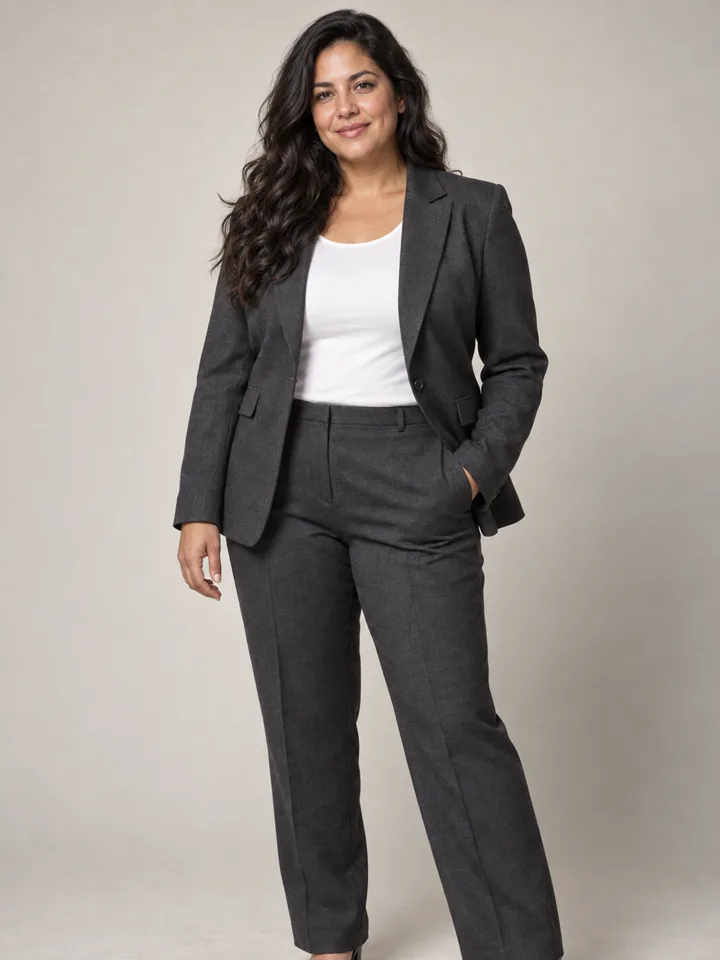
Formal headshots rely on architectural structure. For men, this typically means a dark suit jacket (charcoal, navy, or black), a pressed dress shirt with a stiff collar, and a conservative tie. For women, it involves a tailored blazer paired with a collared dress shirt or a structured, high-neck blouse. The silhouette features clean shoulder lines and sharp lapel angles. This tier signals institutional stability, regulatory compliance, and risk aversion.
2. Tailored Business Casual
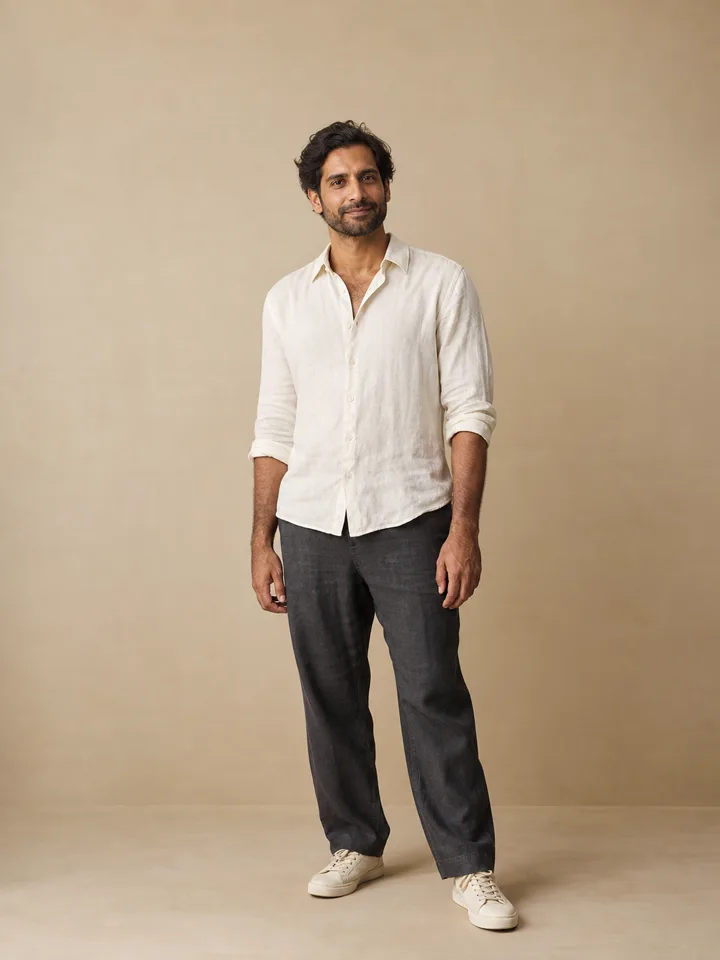
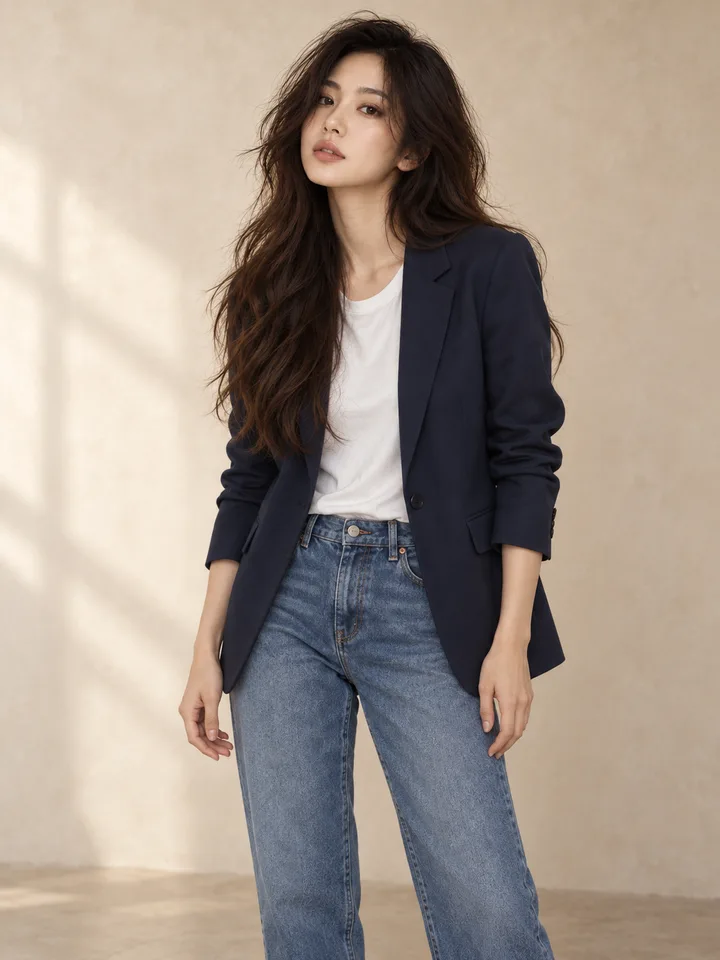
Tailored business casual retains structure while removing rigid ceremonial elements. This tier commonly features an unstructured blazer, sport coat, or tailored jacket worn over an open-collar dress shirt without a tie, or paired with a clean shell or blouse. The jacket preserves clean shoulder lines, but the open collar introduces visual openness around the neck. It balances competence with direct accessibility.
3. Soft Business Casual
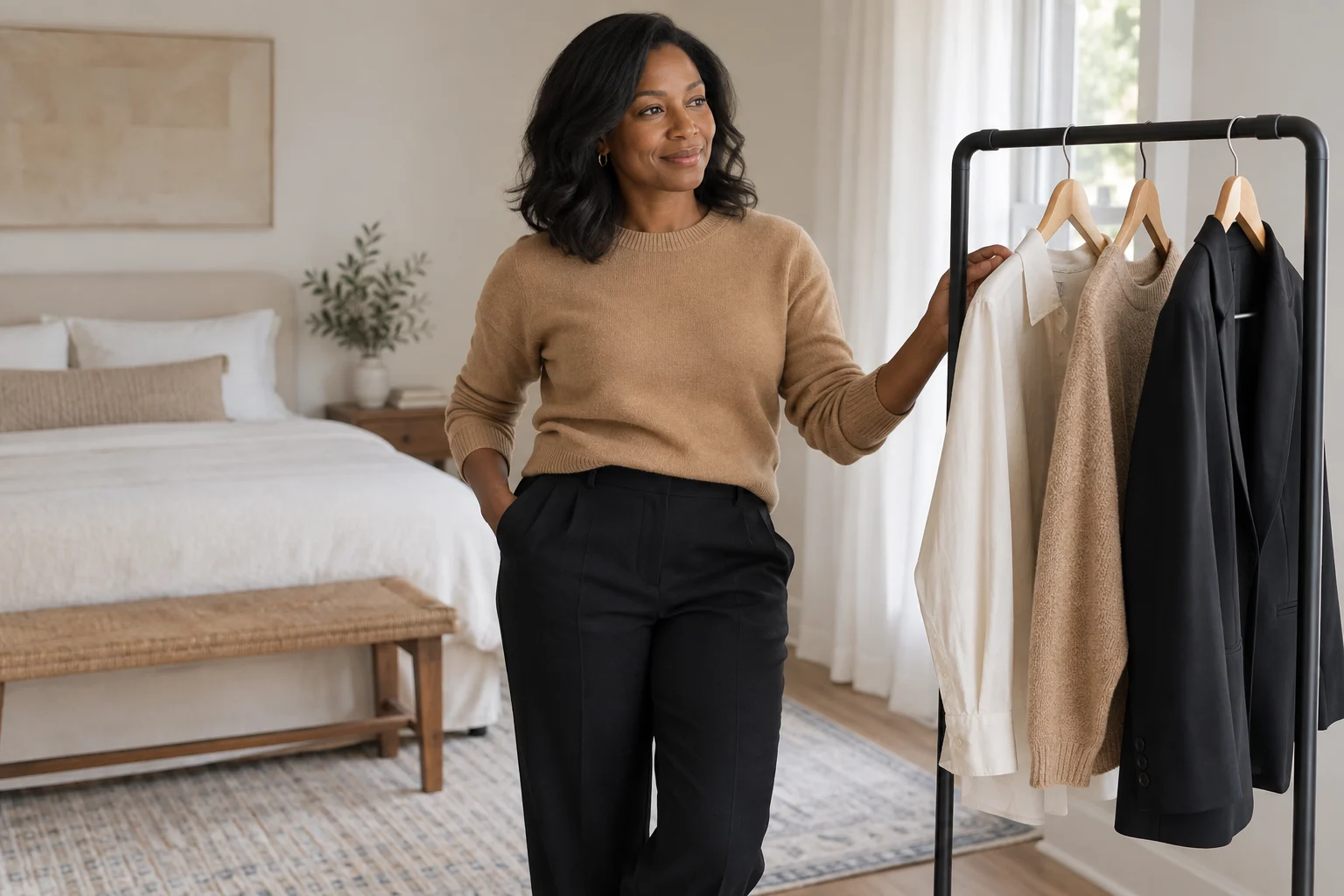
Soft business casual replaces the tailored jacket with refined layering. Examples include a high-quality crewneck sweater, a merino wool cardigan over a collared shirt, or a high-density knit top. While casual, the garments must have clean necklines and dense fabric weaves rather than loose, slouchy textures. This tier conveys agility, modern working habits, and peer-level collaboration.
The Three Inviolable Controls: What to Hold Constant
To evaluate wardrobe formality accurately, you must eliminate all other visual variables. When community members discuss headshot selection on forums like Reddit r/femalefashionadvice, a recurring problem is that changing outfits during a shoot often coincides with fatigue, shifted hair, or altered lighting.
To conduct a valid comparison, maintain these three controls:
- Control 1: Identical Facial Expression: A broad smile signals warmth, whereas a closed-mouth smile or neutral gaze communicates gravitas. If your formal preview features a serious expression while your casual preview features a warm smile, you are judging facial emotion, not wardrobe formality.
- Control 2: Identical Camera Crop: In a tight head-and-shoulders crop, collars and lapels occupy up to 40% of the lower frame, amplifying their impact. In a wider bust-level crop, the torso silhouette dilutes the collar's visual dominance. Maintain the exact same crop boundary across all options.
- Control 3: Identical Background and Lighting: High-contrast studio backdrops with cool rim lighting naturally flatter dark formal wools, whereas warm, natural ambient light flatters soft knitwear. Keep the backdrop neutral (such as soft gray, off-white, or muted slate) and the lighting unchanged so that fabric texture and color can be judged on their own merits.
Context Over Stereotypes: Evaluating Role, Audience, and Channel
A common mistake in headshot selection is relying on outdated industry stereotypes—such as assuming that financial advisors must always wear dark suits or that software engineers must wear plain t-shirts. Professional photographers who analyze client styling, such as Annie Watson in her guide on business casual vs. formal headshots and Alex Kaplan in his formal vs. casual headshot review, emphasize that formality must reflect the specific expectations of your target audience and the digital channel where the image appears.
1. Delivery Channel Requirements
- LinkedIn Profile Avatars: Your avatar is viewed predominantly on mobile screens at sizes under 60 pixels wide. Busy patterns, narrow pinstripes, and thin tie clips turn into visual noise at this scale. Clean collar lines with strong tonal contrast against the background perform best. For an in-depth breakdown of collar shapes and colors suited for digital profiles, consult our guide on what to wear for a LinkedIn photo.
- Corporate "About Us" and Leadership Pages: These images must harmonize with organizational branding and peer headshots. If leadership appears in open collars, a full formal suit can make an individual appear isolated from the executive culture.
- Conference Agendas and Press Kits: Keynote and panel listings often favor tailored or formal attire to establish immediate subject-matter authority on promotional materials.
2. Audience and Decision Context
- Risk and Asset Responsibility: Professionals managing significant legal, financial, or clinical responsibilities (such as corporate counsel, wealth managers, and risk consultants) benefit from formal or tailored layers that project institutional rigor.
- Hands-On Technical Leadership: Vice presidents of engineering, product leads, and tech founders often find that a rigid suit creates perceived distance from their teams, whereas a tailored blazer over an open collar communicates both executive maturity and practical involvement. For tailored styling combinations, see our men's smart casual preview guide.
- Creative and Advisory Roles: Independent strategists and creative directors often choose structured soft casual layers, allowing personal aesthetic sense to show without crossing into untidy presentation.
Step-by-Step Controlled Comparison Workflow
Follow this systematic four-step process to generate and evaluate your wardrobe options:
+---------------------------------------------------------------------------------------------------+
|                                  THE 4-STEP COMPARISON PROCESS                                    |
+-------------------+--------------------+-----------------------+----------------------------------+
| 1. Source Capture | 2. Define Variants | 3. Generate Layer     | 4. Dual-Scale Review             |
| Select a sharp,   | Map formal,        | Use single-variable   | Evaluate at 100% desktop scale   |
| neutral photo with| tailored, and soft | prompts; hold face,   | and 50px mobile thumbnail scale. |
| current likeness. | wardrobe layers.   | crop & light constant.| Reject any anatomical drift.     |
+-------------------+--------------------+-----------------------+----------------------------------+
Step 1: Select an Uncompromising Source Image
Select a clear, front-facing photograph that accurately reflects your current real-world likeness: current hair length, everyday eyewear, and natural skin tone. The image should feature even lighting across the face and shoulders, with no heavy shadows obscuring the neckline.
Step 2: Establish Your Three Formality Variants
Define the three specific wardrobe layers you want to test against your baseline:
- Variant A (Formal): Structured dark navy or charcoal blazer, pressed white collared shirt, optional conservative tie or structured neckline.
- Variant B (Tailored Business Casual): Unstructured mid-gray or navy blazer, open-collar light blue shirt or silk shell, no tie.
- Variant C (Soft Business Casual): Fine-knit crewneck sweater or structured cardigan in a solid neutral tone.
Step 3: Generate the Clothing Layer
Using a styling exploration tool such as the LookScene outfit changer, apply your wardrobe variations while strictly keeping the underlying face, hairstyle, lighting, and background untouched. If you are conducting this test with physical garments in front of a mirror or camera, keep your tripod locked and your head position fixed between outfit changes.
Step 4: Perform a Dual-Scale Evaluation
Review the resulting images side by side at two distinct viewing scales:
- Full-Resolution Desktop View (100%): Inspect the boundary between the collar and your neck. Verify that the fabric looks natural and does not distort your shoulder line.
- Thumbnail View (approx. 50×50 pixels): Step back from your screen or shrink the images to profile avatar dimensions. Does the neckline remain clean and legible, or does it dissolve into the background?
Failure Modes and Rejection Criteria
When evaluating outfit variations—particularly when using AI-assisted photo styling tools—you must apply strict rejection criteria before considering an image usable. Software tools frequently introduce subtle artifacts that compromise realism.
Look for these critical failure modes:
- Facial and Identity Drift: Generative models often modify eye shapes, smooth away distinctive character lines, or reshape jawlines when altering clothing. If your face looks even slightly modified or idealized compared to your original capture, reject the image immediately. LookScene does not guarantee identity preservation; you must inspect and reject identity drift yourself.
- Neckline and Collar Warping: Inspect the intersection where the fabric meets the skin. Watch for floating collars that hover without resting on the clavicle, lapels that blend into neck tissue, or shirts that lack visible collar stands.
- Fabric Smearing and Pattern Hallucination: Synthetic garments often suffer from blurry weave textures, impossible button placement, or asymmetric lapel widths. Garments must display clean seams and plausible construction.
- Anatomical Proportion Shifts: Verify that adding a blazer has not artificially broadened or narrowed your natural shoulders relative to your head size.
If any of these defects appear, do not publish or rely on the image. Discard the result and re-run the preview with a simpler prompt, or capture the outfit with a physical camera.
Decision Matrix: Formality by Role, Channel, and Crop
Use this matrix to match your wardrobe tier to your specific operational requirements:
| Professional Scenario | Recommended Formality | Key Wardrobe Elements | Recommended Framing | Primary Channels | Strategic Objective |
|---|---|---|---|---|---|
| Executive / Legal / Financial Advisory | Formal Professional | Dark tailored jacket, pressed dress shirt, tie or structured shell | Chest-up crop to showcase lapel structure | Corporate board bio, press kit, annual report | Signal institutional authority, stability, and risk mitigation |
| Engineering / Product / Operations Leadership | Tailored Business Casual | Unstructured blazer, open-collar shirt, no tie | Head-and-shoulders crop | LinkedIn profile, internal company directory, industry panel | Balance executive maturity with collaborative accessibility |
| Management Consultant / Executive Coach | Tailored Business Casual | Textured blazer (tweed, hopsack), tailored blouse or open shirt | Bust-level crop | Consultant website, speaking deck, client proposals | Communicate strategic rigor alongside personal approachability |
| Creative Director / Tech Founder | Soft Business Casual | High-density crewneck knit, refined cardigan, or tailored overshirt | Head-and-shoulders crop | Personal portfolio, GitHub profile, startup media features | Signal creative agility, modern execution, and peer alignment |
Real-World Feasibility and Product Limitations
A digital outfit preview is an exploratory decision tool, not a substitute for real-world preparation. Keep these foundational truths in mind:
The Real-World Wardrobe Test
Never select a headshot wardrobe tier that you cannot or will not reproduce in physical meetings. If a client or hiring committee books an interview based on an authoritative formal suit headshot, but you consistently appear on video calls or in person in an unkempt t-shirt, you create an immediate trust deficit. Your headshot should reflect the best, most intentional version of clothing you actually own and wear.
Understanding LookScene's Operational Boundaries
LookScene is an invitation-preview personal AI photo styling tool designed for adults exploring hairstyles, outfits, and portrait settings using their own photos. It is important to understand what the tool does and does not do:
- No Garment Sizing or Tailoring: LookScene does not provide physical clothing measurements, brand-specific fit modeling, or exact-SKU virtual try-on.
- No Wardrobe Management or Commerce: The tool does not manage physical closets, sell garments, or connect to retail inventory.
- No Anatomical Guarantees: LookScene does not guarantee exact identity preservation, true-to-life fabric physics, or anatomical proportions. Users must review all outputs critically.
- Preview Status: The current service is an invitation preview provided at no cost. Paid tiers are displayed as planned features on the interface but are not currently available.
Final Review Checklist and Practical Next Steps
Before you commit to a wardrobe choice for your next professional headshot, run through this five-point verification checklist:
- Baseline Consistency: Did you evaluate your outfit options on the exact same base photo with identical lighting, expression, and background?
- Likeness Integrity: Does the finalized preview preserve your true facial structure, skin texture, and eye geometry without distortion or artificial smoothing?
- Structural Realism: Are the collar, lapels, and shoulder seams anatomically grounded and free from digital warping or smearing?
- Scale Legibility: Does the outfit provide clean contrast and a clear neckline when scaled down to a small smartphone avatar?
- Wardrobe Availability: Do you own and feel comfortable wearing a physical equivalent of this outfit in professional settings?
Next Action
To explore how different levels of collar and jacket structure look on your own photo, test a single controlled change using the free invitation preview at the LookScene outfit changer. If your use case requires verified camera RAW files, exact garment tailoring, or team-wide photographic standardization, schedule a session with a qualified corporate portrait photographer.