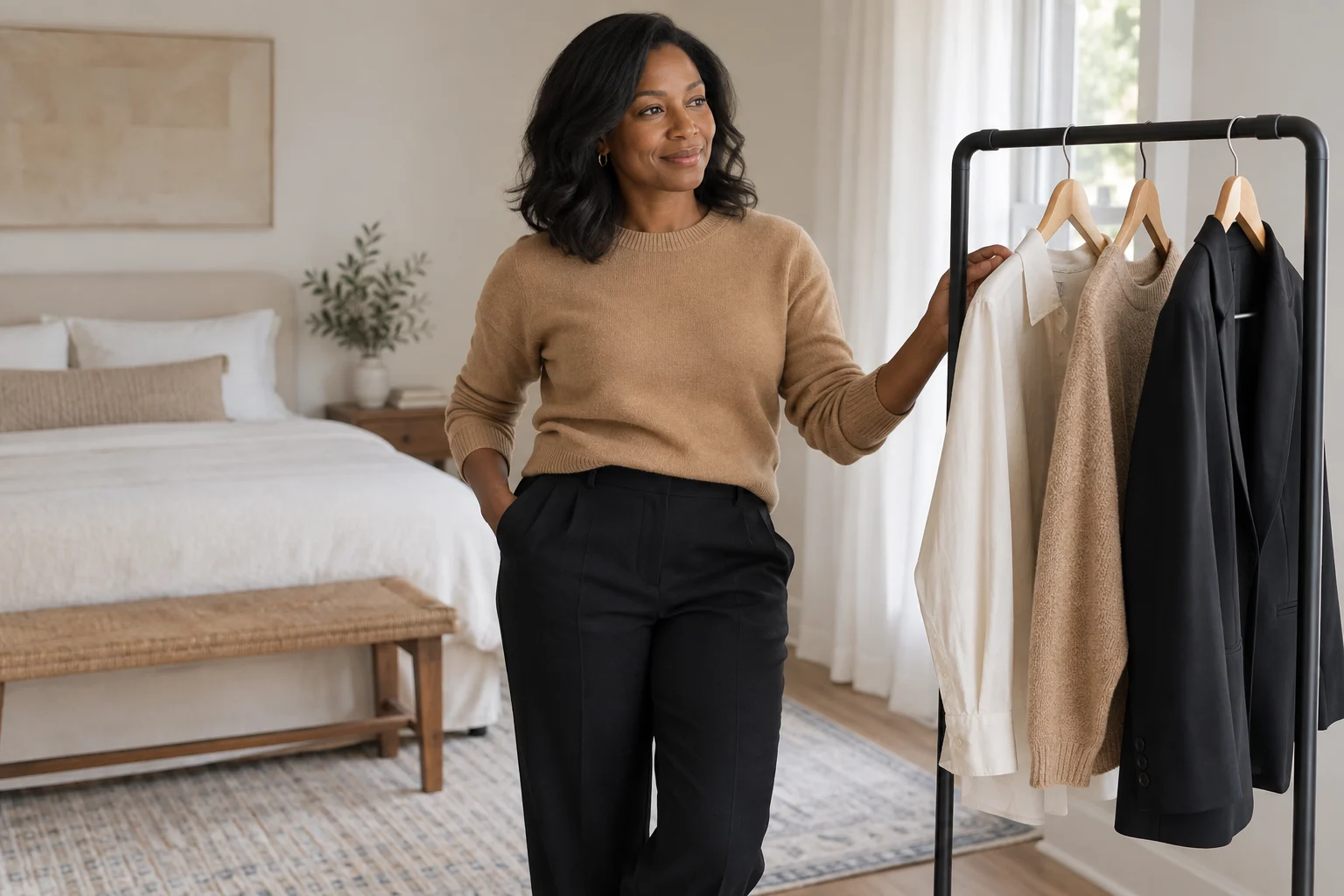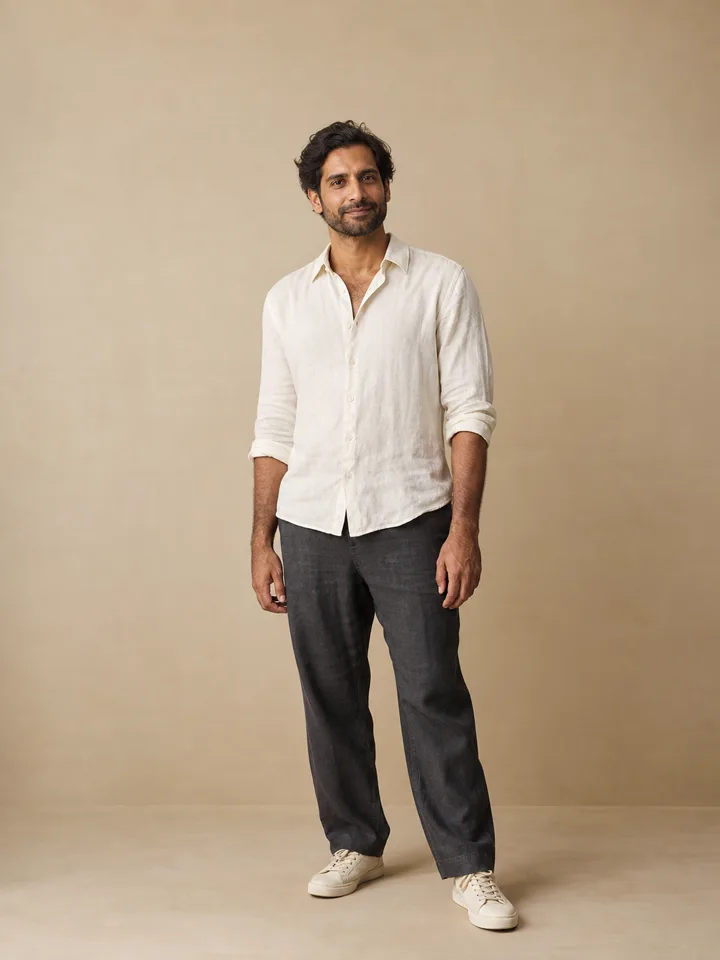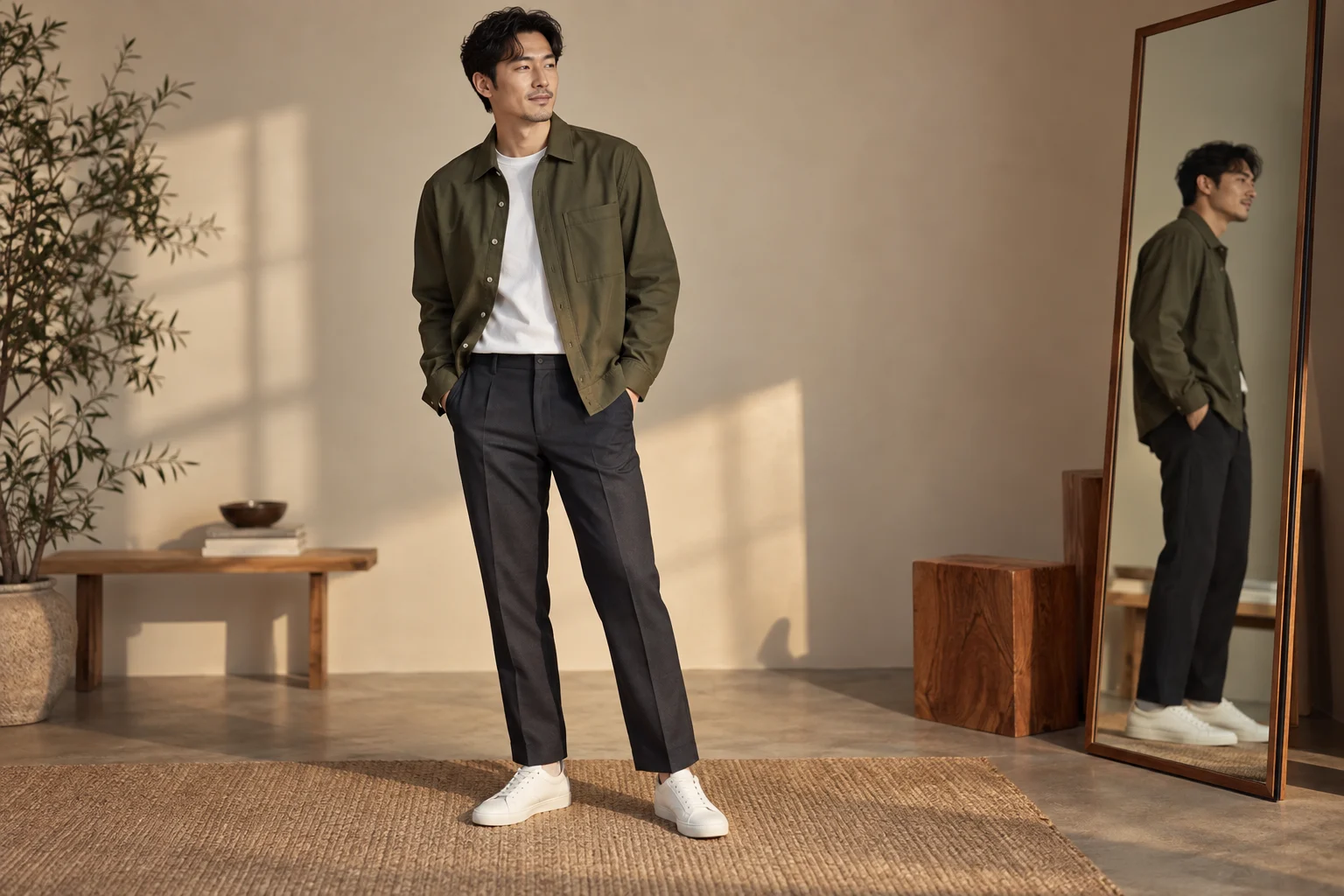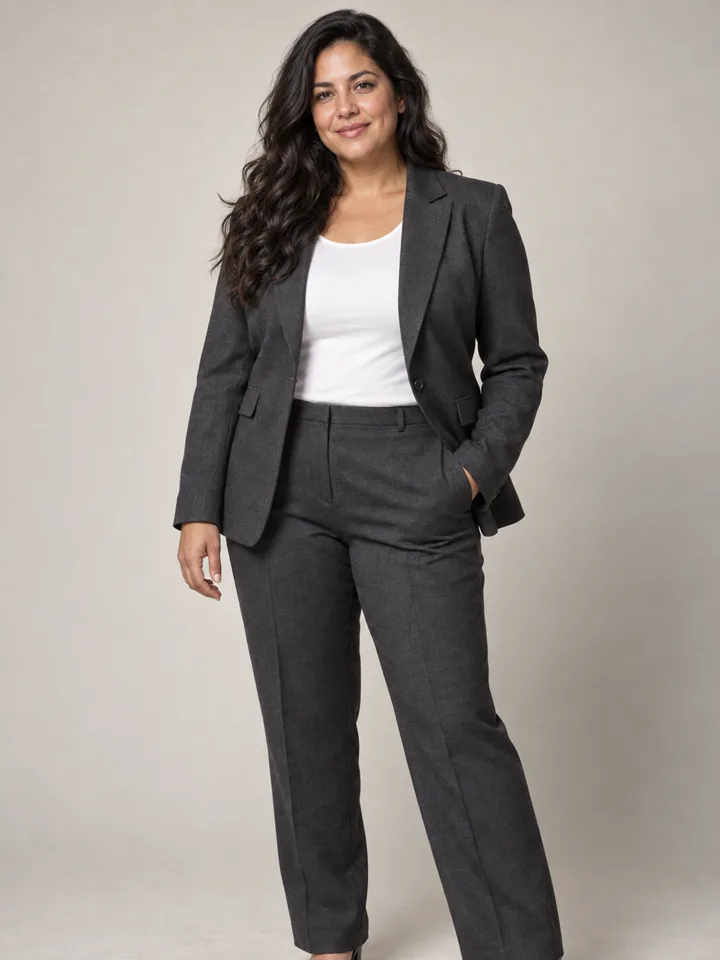
Choose an occasion
Start with something concrete: a relaxed profile photo, a polished presentation portrait or a casual weekend look. A clear occasion helps you choose between styles that might otherwise be hard to compare.
Change one part of the look
Begin with the outfit while keeping your pose, face and background as similar as possible. When the lighting and setting also change, it is easy to confuse a more flattering photograph with a better outfit.
Describe shape, color and fabric
A short direction is often enough to express your idea: a cream knit with a relaxed neckline, a charcoal jacket, or a light linen shirt. Choose a few concrete details rather than combining many conflicting instructions.
Read the image as inspiration
Generated fabric, seams, buttons and proportions may differ from real clothing. The image does not establish whether a garment exists, fits or can be purchased. LookScene’s planned outfit tool creates images; it does not manage a wardrobe or measure your body.
Keep the version that answers your question
Compare a small set, then save the one that helps you understand the color or silhouette you prefer. You do not need a huge collection to make the next decision. All images on this preview site are illustrative.
Try a three-image experiment
Use the same photo and compare a cream knit, a charcoal jacket and a relaxed linen shirt. Keep the background and expression constant. Before looking at the results, decide whether you care most about the neckline, shoulder structure or overall color. This gives you a clear criterion rather than letting the most polished image win by default.
| Version | Look at | Do not assume |
|---|---|---|
| Soft knit | Neckline and texture near the face | Actual warmth or fabric feel |
| Tailored jacket | Shoulder definition and lapel shape | Correct sizing or real fit |
| Linen shirt | Relaxed outline and lighter color | Exact drape or available product |
Check whether the waist, shoulders or arm position changed. If they did, the preview is not just a clothing comparison. Set aside versions that improve the outfit by changing the person. A useful image should help you understand a preference while keeping recognizable features in view.
Make the winning idea more precise
Suppose you prefer the jacket. Your next comparison could be an open versus closed neckline, or a lighter versus darker jacket. Keep the rest of the brief stable. Avoid adding a new setting and hairstyle at the same time, because that creates another whole-look comparison rather than answering the smaller question.
Write a short note for the saved version: “I prefer the defined shoulder and plain neckline.” That note is useful even if no real garment exactly matches the image. It captures the visual qualities that matter to you, without implying that the image has measured your body or checked a clothing catalog.
Continue with the right workflow
The city tailoring and weekend linen briefs provide concrete starting points. For a full comparison routine, read outfit ideas without wardrobe entry. If you are deciding whether to buy a particular garment, read outfit preview vs virtual try-on first so the image does not answer a sizing question it cannot establish.