Name the occasion and one styling variable
“Smart casual” can mean different things at a client meeting, an informal office or a weekend dinner. Name the occasion, then choose a variable to explore: a structured outer layer, a softer fabric or a quieter color combination. This makes the result easier to review than requesting a completely new appearance.
You do not need to enter a wardrobe or upload a specific product. LookScene generates a clothing idea on your own photo. It does not retrieve an exact retail item, confirm stock, recommend a size or guarantee how a garment would fit your real body.
Compare two simple outfit briefs
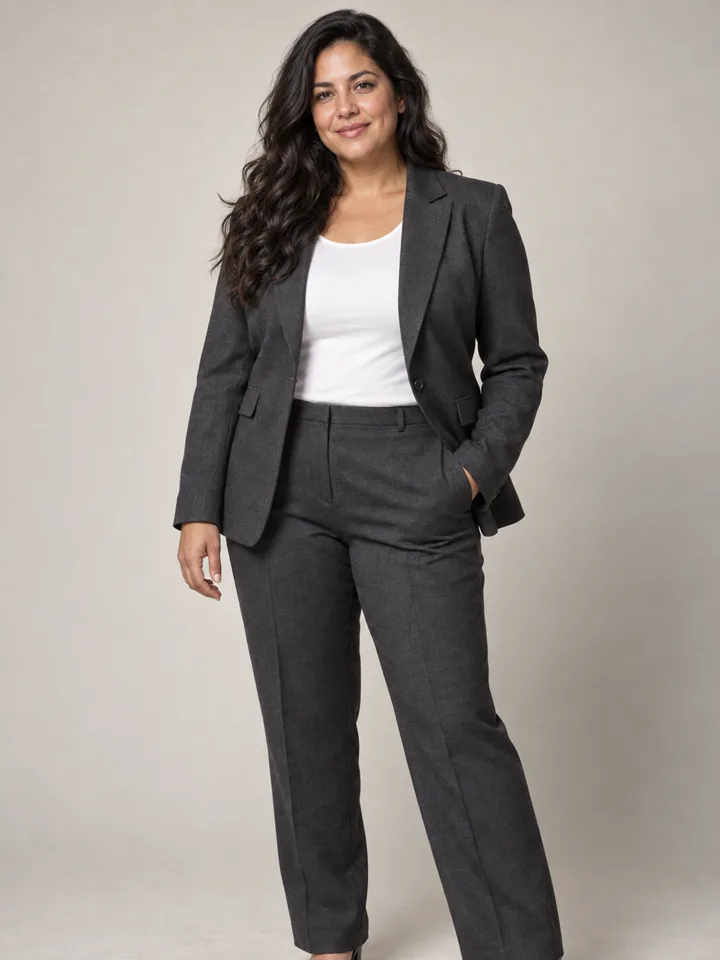
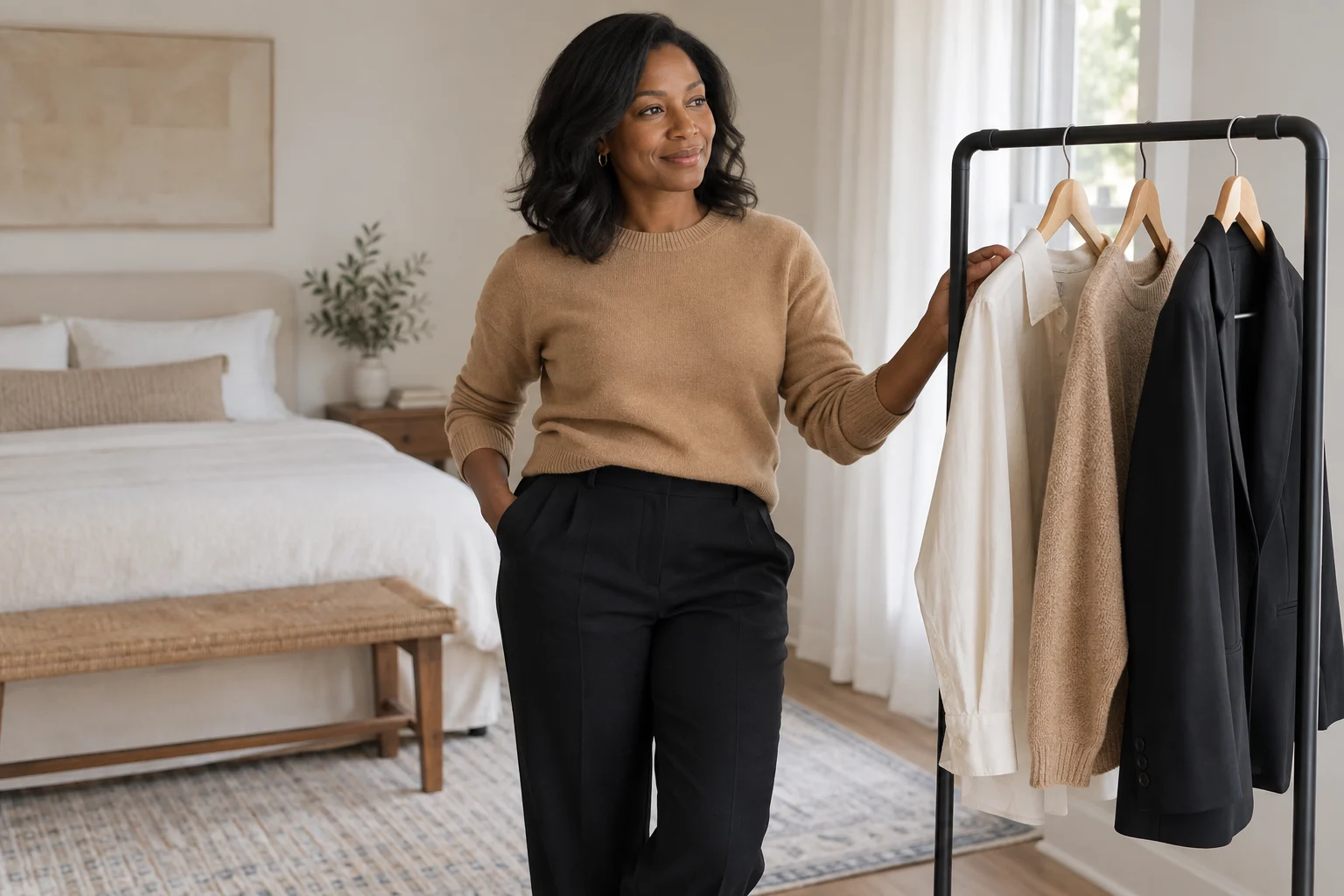
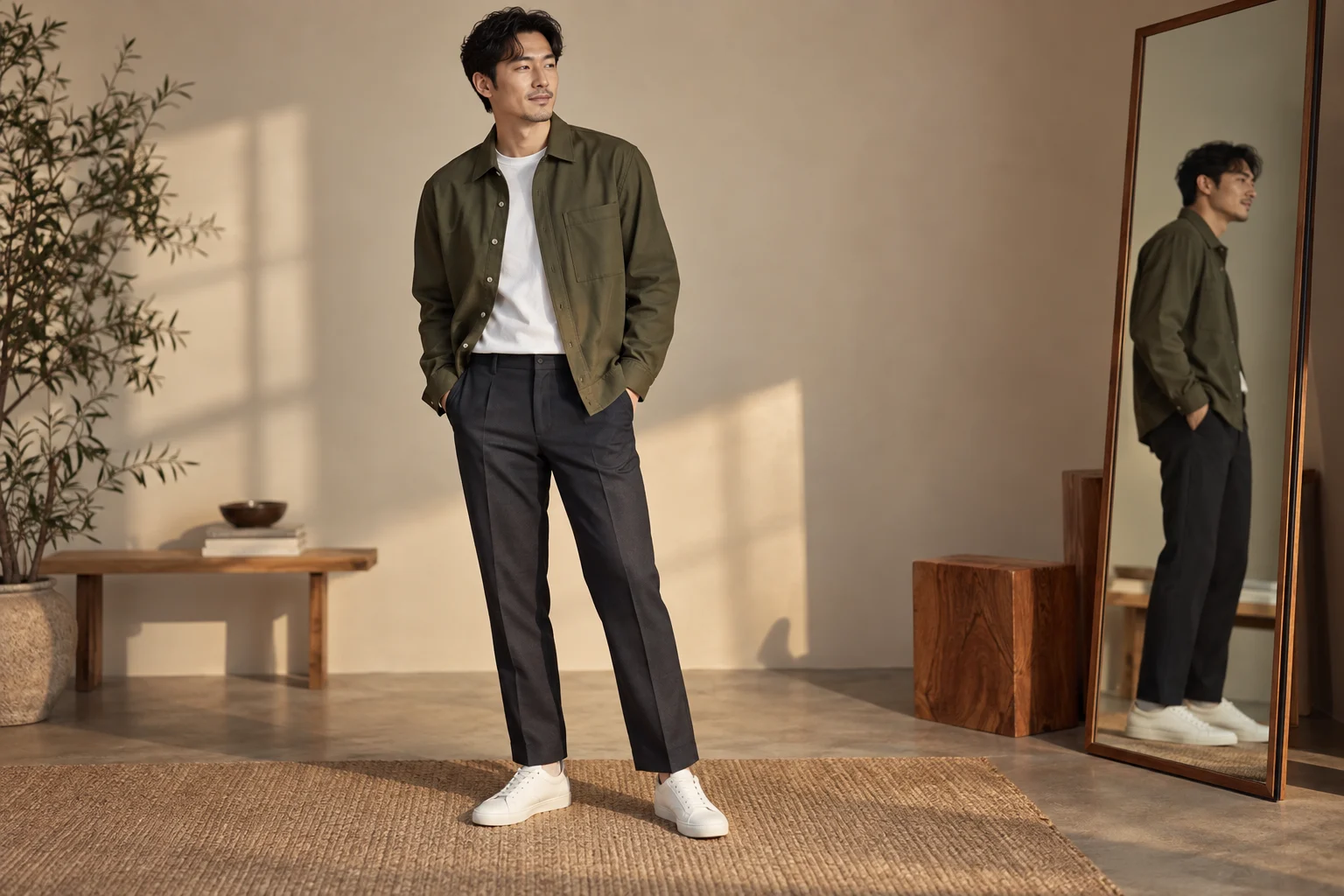
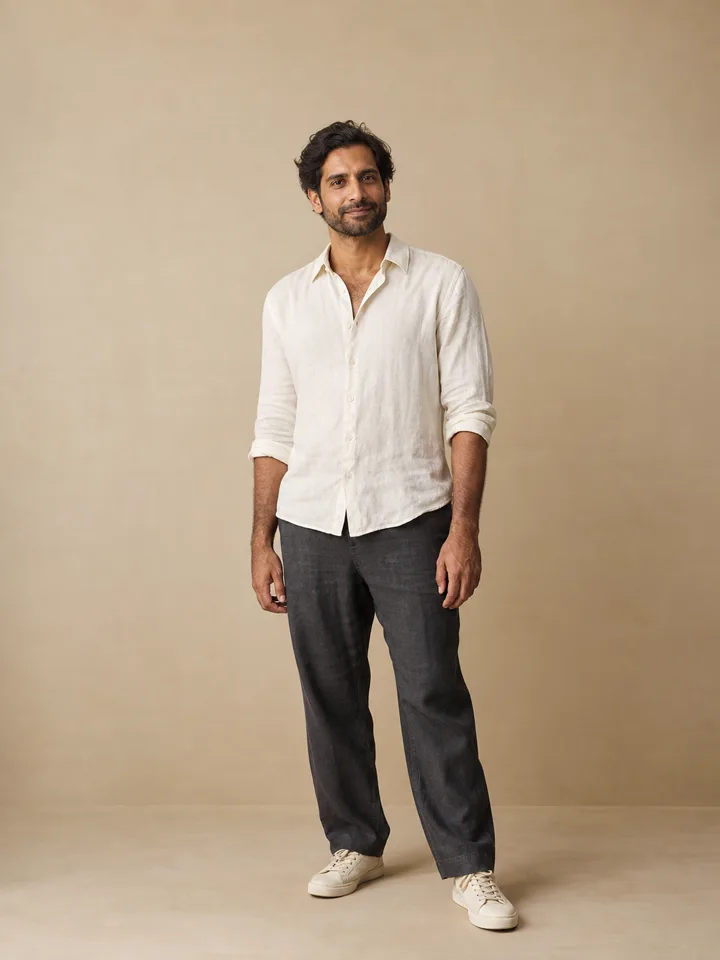
Try relaxed tailoring for a navy blazer, off-white shirt and dark trousers. Compare that with a weekend linen shirt if you want a softer outline. Use the same source photo and background so that pose and lighting do not dominate your preference.
Choose an image with visible shoulders, torso and waist. Keep arms relaxed rather than crossed over clothing. If your photo ends at the chest, it cannot provide a reliable comparison of trouser proportions or the complete outfit. Prepare another source when the clothing area is hidden.
Check the body before judging the clothes
Compare shoulder width, neck length, waist position and arm length against the original. A blazer may seem well fitted because the generated body became narrower, which does not answer your styling question. Reject that result before comparing colors or fabrics.
Inspect collar points, lapels, buttons and cuffs. Look for a sleeve that merges with a hand, a duplicated button row or folds that ignore the direction of an elbow. Linen should not be judged by flawless smoothness: natural folds are part of the material’s appearance, although a generated texture cannot prove how a real fabric feels.
Convert an image into a practical preference
Write down what you liked: “soft navy layer,” “less contrast at the waist” or “open collar with a simple neckline.” Then compare these ideas with clothes you already own, or inspect real garments independently. You do not need to buy the entire imagined outfit for the preview to be useful.
Keep the distinction between inspiration and product try-on clear. The outfit preview versus virtual try-on guide explains why a convincing image is not an assurance about an exact SKU. Model outputs vary, and all gallery examples are explicitly presented as AI illustrations.
Compare the right details
| Direction | Visual question | Separate real-world check |
|---|---|---|
| Relaxed blazer | Do I prefer a structured outer layer? | Shoulder fit and movement |
| Linen shirt | Do I prefer softer texture and contrast? | Fabric feel and transparency |
| Dark trousers | Does the color balance the outfit? | Waist, inseam and comfort |