
Scenes · TEMPLATE 1
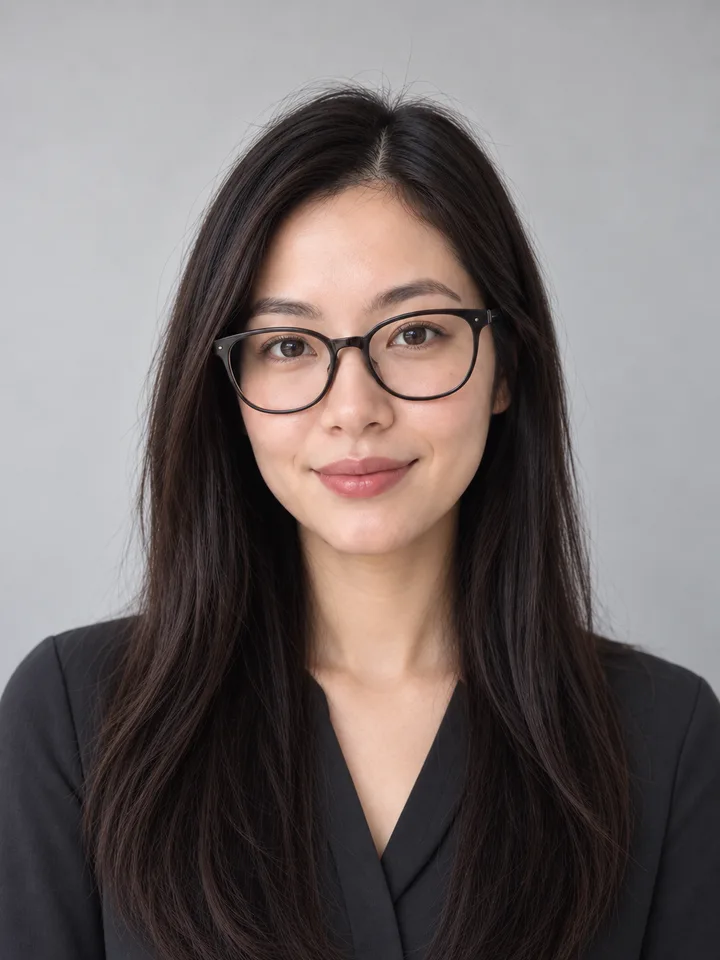
Neutral headshot
An uncluttered pale-gray setting for a clear profile portrait.
Start with the right photo
Use an evenly lit portrait with clear edges around your hair and body.
What to compare
Review eye detail, glasses and headroom at both full and avatar size.
Prepare for this particular style
Start with a centered head-and-shoulders photo and leave enough space for both square and circular crops. Keep the original clothing if the goal is only a cleaner setting.
When to reject the result
Inspect eyes, glasses, jaw, hairline and the edge around both shoulders at full size and avatar size. Reject smoothing that changes identity or a halo that becomes obvious in the small crop.
Compare using the same photo
Compare warm studio using the same portrait to decide whether a pale neutral background or a warmer editorial mood better fits the intended profile.
Warm studio →These are review instructions, not results from a completed generation test.
A starting prompt
Change only the setting to pale-gray neutral studio background and natural head-and-shoulders framing. Preserve the face, glasses, expression, body proportions, pose and all areas outside the requested edit. Avoid added text and logos.
What to expect
We aim to change your selected area and preserve your face. AI can alter other details; always compare the result with your original.
Editorial illustration. This template has not completed live quality validation.
Try this style