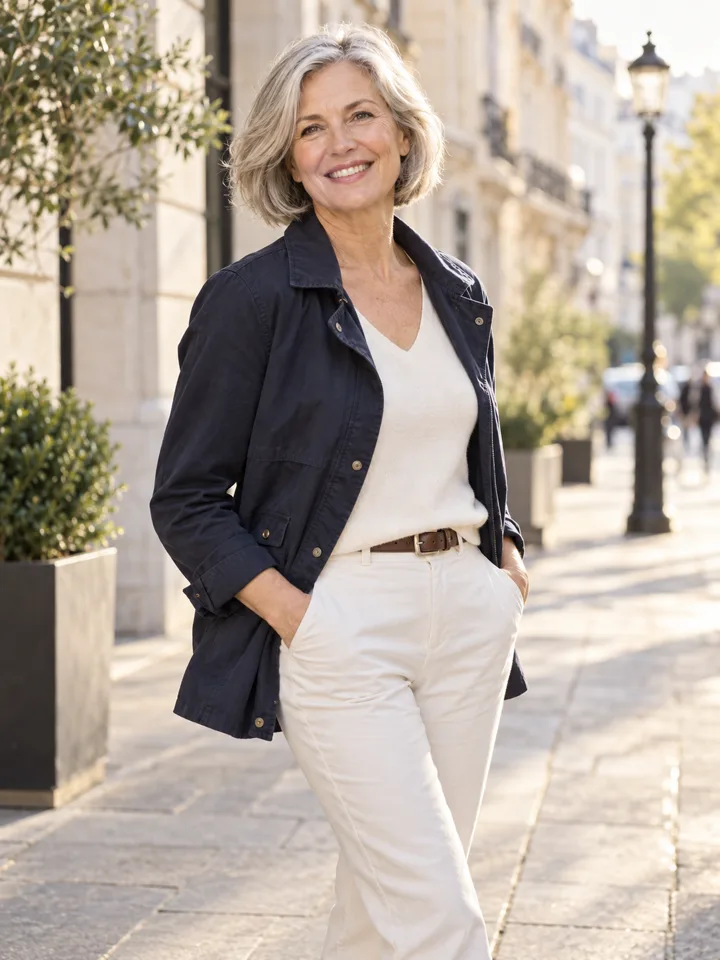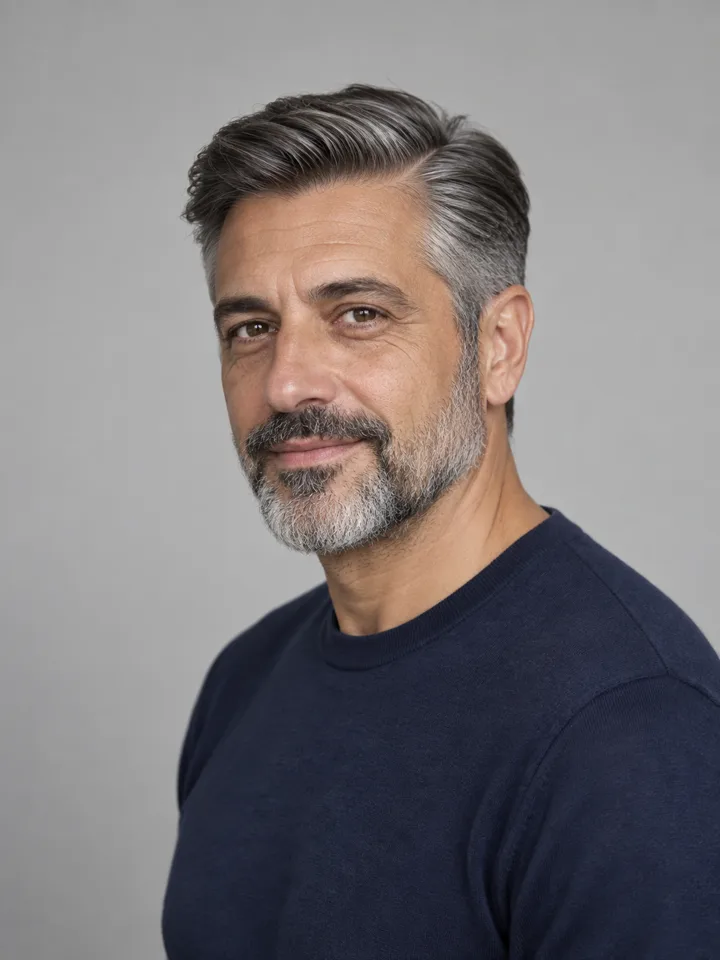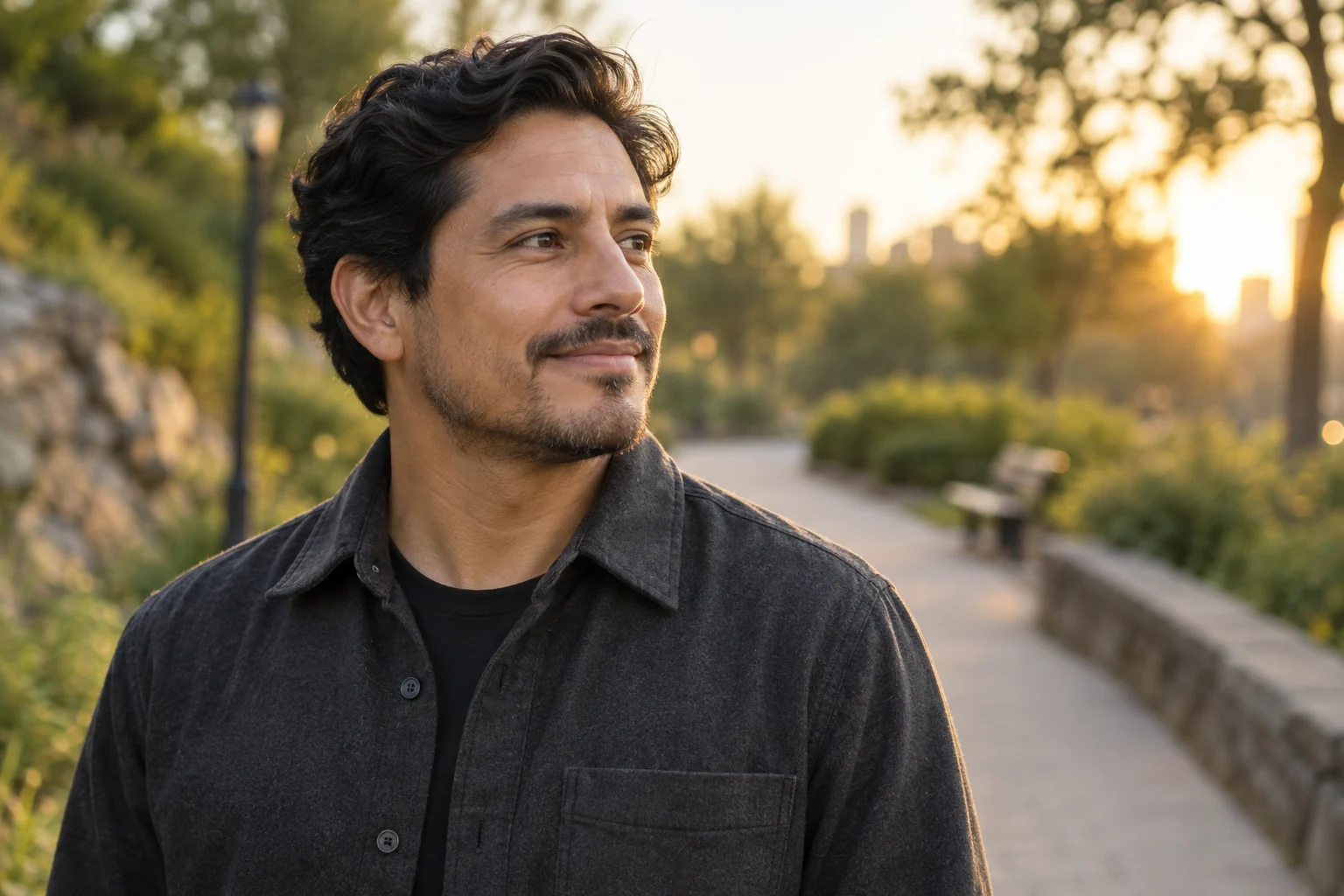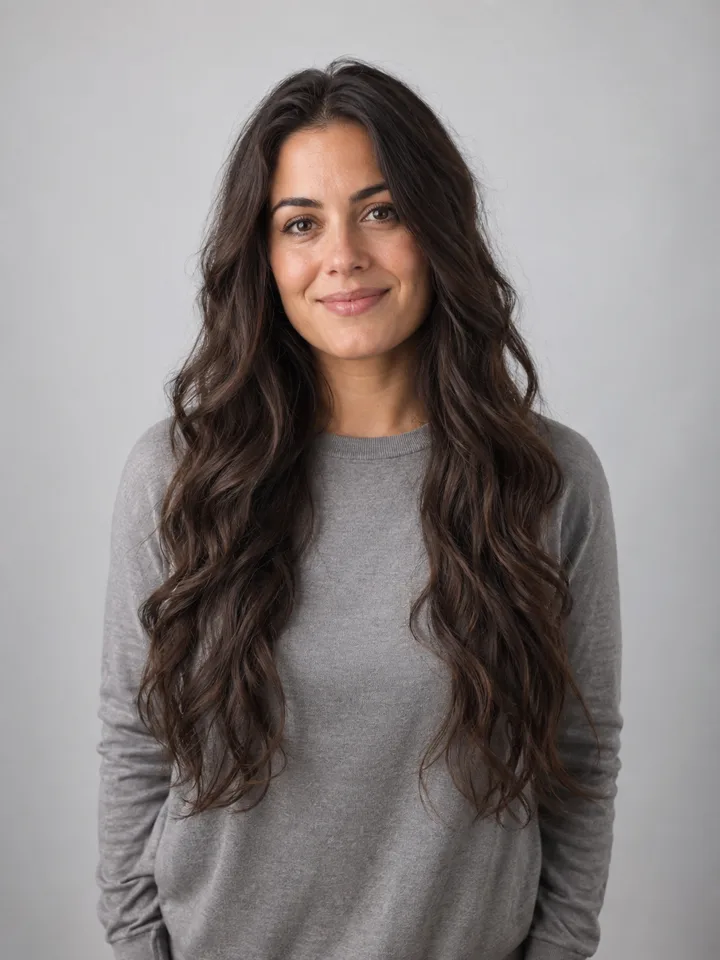
Name the edit before describing the mood
A useful photo-edit brief says what may change, what should remain and what will make the result usable. Start with the region: hair, outfit or setting. Then add a small number of visible details. Words such as “amazing,” “perfect” and “beautiful” do not give you much to check afterwards.
When every part of an image changes together, it becomes difficult to understand why a version worked or failed. A more controlled brief makes the comparison useful even if the first result is not usable. It also gives you a specific next step instead of an endless sequence of random retries.
A reusable four-part structure
- Change: identify the region to edit.
- Describe: name the visible qualities you want.
- Preserve: list the recognizable details and composition to keep.
- Exclude: mention relevant additions you do not want.
For example: change the outfit; use a charcoal jacket with a plain white top; preserve face, body, pose and background; avoid jewelry, logos and text. Each part serves a purpose. Do not add a long list of unrelated restrictions that makes the request hard to interpret.
Three starting briefs
Hair
Change the hairstyle to a jaw-length straight bob with a center part. Keep the original hair color, face, glasses, expression, clothing and background. Keep the full head inside the frame.
Outfit
Replace the visible outfit with a cream knit and a simple round neckline. Preserve body proportions, hands, pose, face and setting. Use natural fabric texture without logos or added accessories.
Scene
Replace the background with a warm, plain studio setting. Match the original direction of light. Preserve the person's face, hair, expression, clothing and position in the frame. Avoid text and props.
These are illustrative creative briefs, not tested guarantees for a particular model. Choose a style template for a more specific starting point and check whether the source photo exposes the area you want to change.
Avoid contradictory instructions
“Keep the exact pose” and “turn the head to the side” conflict. “Keep every shadow” and “move into sunset light” may conflict as well. Decide which change is essential. If you want a new pose, treat that as a separate experiment from preserving the original composition.
Similarly, a head-and-shoulders image cannot establish the actual appearance of unseen trousers. A model may draw them, but that is invention rather than recovery. Take a more suitable source if the missing area matters to your decision.
Retry with a reason
| Problem | Useful next action |
|---|---|
| Face changed | Reduce the edited region and compare a clearer source |
| Glasses distorted | Use an input without glare and explicitly preserve the frame |
| Outfit edge unclear | Remove obstructing bags or crossed arms from the input |
| Scene feels pasted on | Choose a setting closer to the original lighting |
| Too many details added | Remove vague decorative language and simplify the brief |
Keep a short note about the failed detail. Change one input or instruction at a time. If you change the source, style, crop and prompt simultaneously, you lose the ability to understand what made the difference.
Finish by reviewing the exported image
Read the result against the original brief. Did the requested region change? Do the preserved features still look recognizable? Is the final file suitable for the intended crop? Use the AI portrait quality checklist to finish the review. A concise prompt supports a clearer process; it does not remove the need to inspect the result.