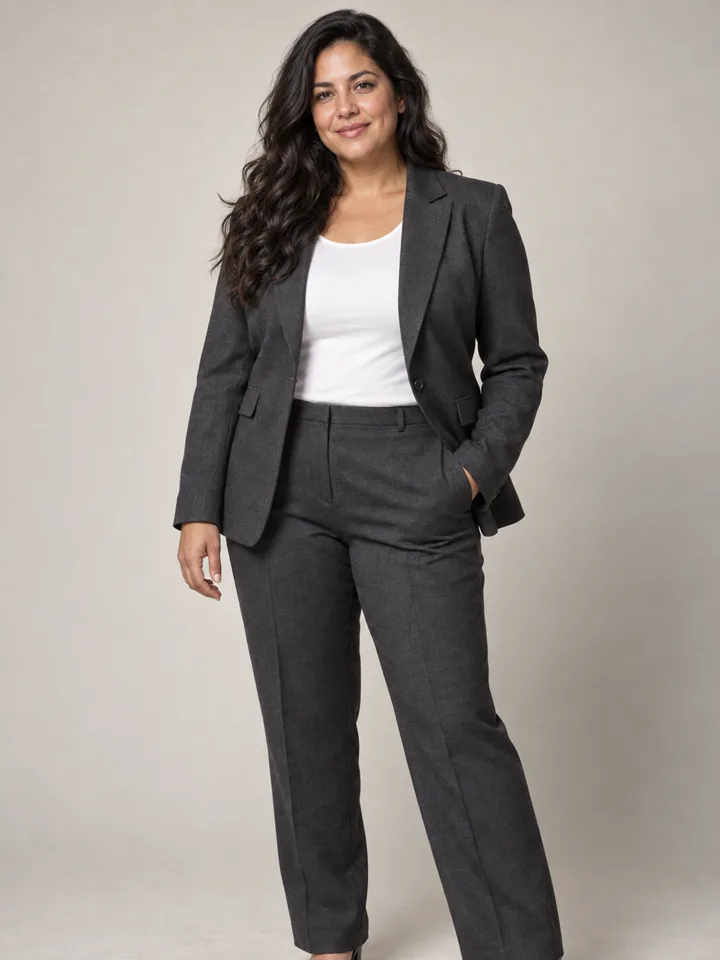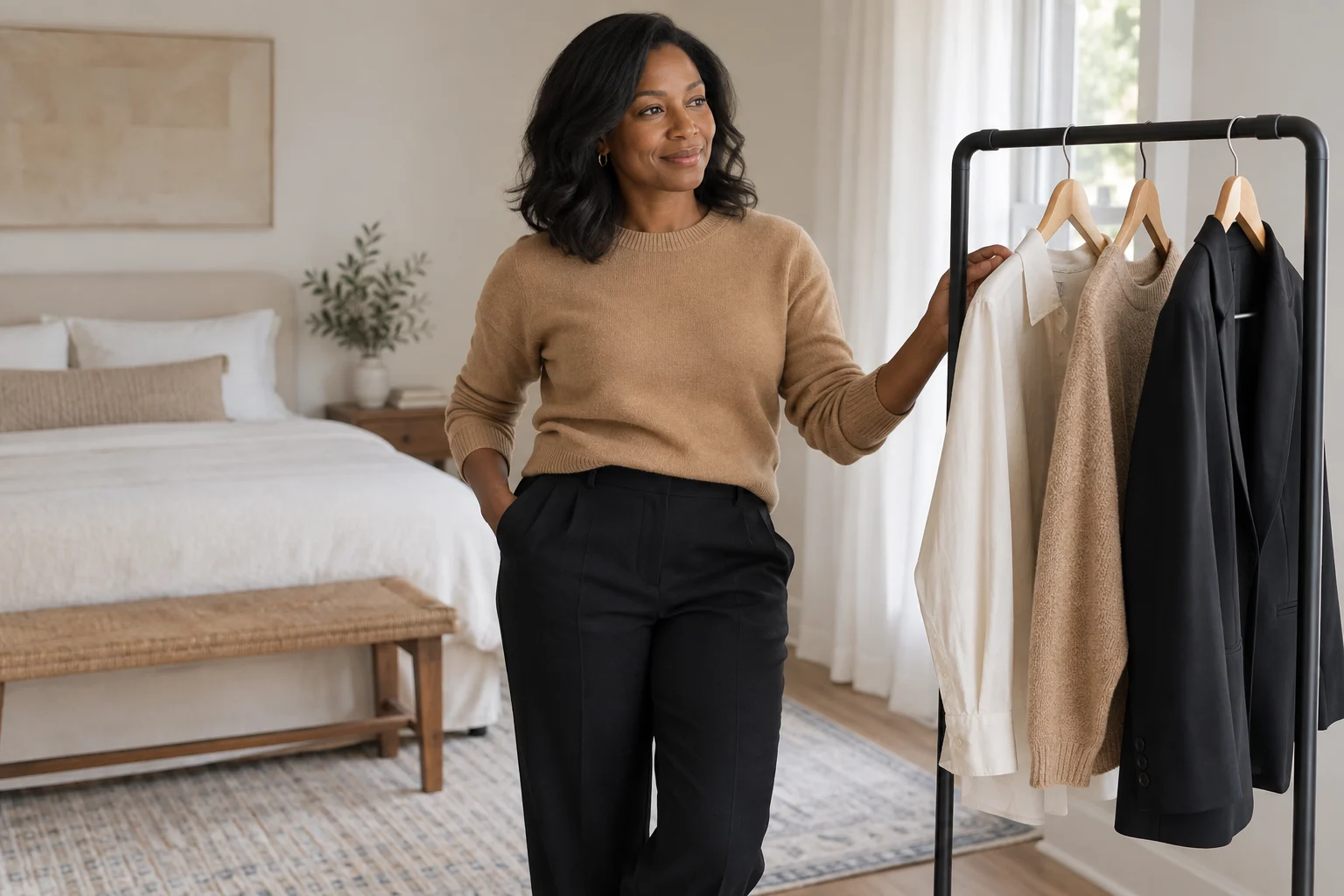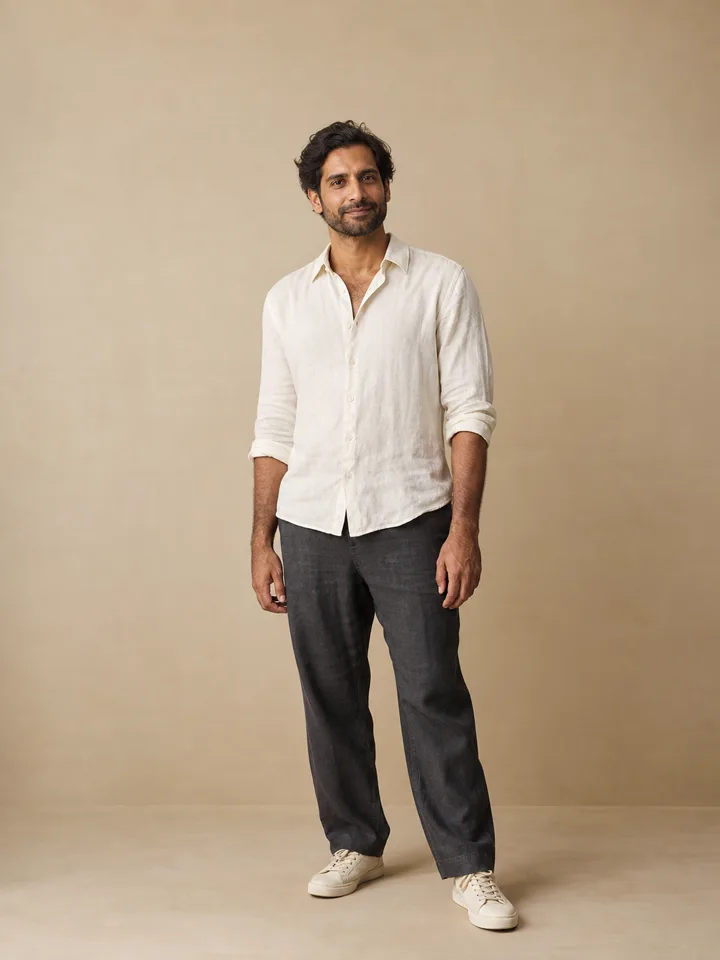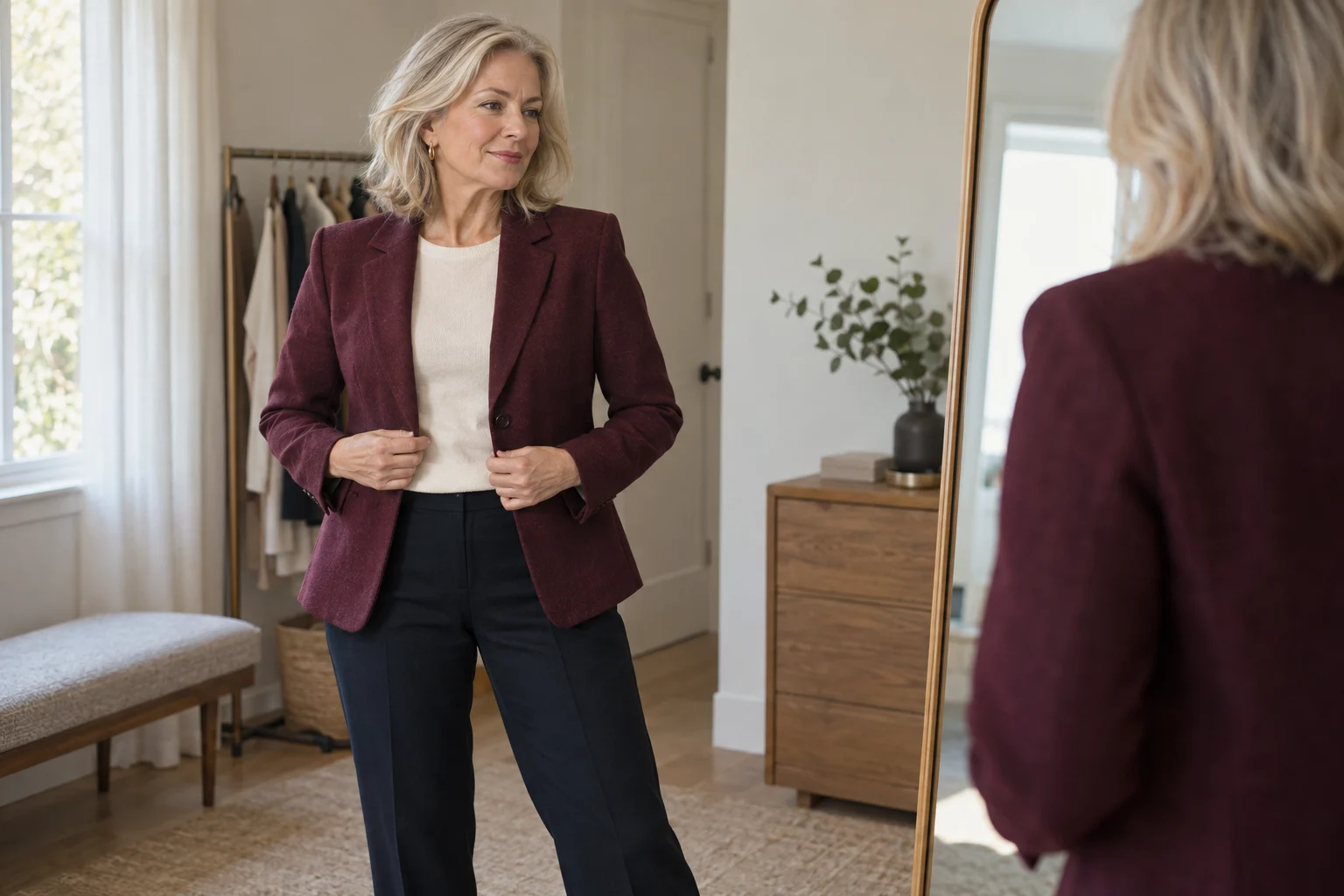
Begin with the occasion you actually need
An outfit image becomes useful when it answers a specific question. Perhaps you want a quieter profile portrait, a relaxed weekend silhouette or an evening look with stronger contrast. Write the occasion in one sentence before choosing a template. That keeps an attractive background from distracting you from the clothes.
Use the same original photo for the first comparison. Changing the pose, expression, lighting and outfit at the same time makes it difficult to identify why one result feels better. For an initial test, keep the setting still and change one clothing direction. The outfit style library provides starting points rather than shopping recommendations.
Ask what makes the outfit feel incomplete
If your first reaction is “does this outfit look complete?”, name the gap before adding anything. The issue may be color balance, an unclear layer, a neckline that competes with the jacket, or shoes and accessories that do not match the occasion. Do not assume every look needs more pieces. A simple outfit can feel complete when its silhouette, palette and level of formality are consistent.
| Question | What to compare | Useful next change |
|---|---|---|
| Does one color dominate? | Top, outer layer and background | Repeat one color or reduce a competing accent |
| Is the silhouette unclear? | Shoulder, waist and hem lines | Change one layer or proportion, not the body |
| Does it fit the occasion? | Fabric, coverage and formality | Choose one clearer casual or formal direction |
| Is a finishing detail missing? | Shoes, belt, jewelry or bag | Add one deliberate detail and compare again |
Compare identity before evaluating the clothes
Look at the original and result at similar sizes. Check the eye spacing, jawline, nose, glasses and expression. If the model has made the face noticeably different, set the image aside before judging the outfit. Otherwise you may be rewarding a different face rather than a different styling choice.
Inspect visible body proportions too. An edit should not need a narrower waist, longer legs or different shoulder width to make a jacket appear attractive. A generated image can change these details unintentionally. It is reasonable to reject a result that looks polished but no longer represents the person in the input.
Check the places where clothing meets the body
| Area | What to inspect | Why it matters |
|---|---|---|
| Collar and neck | Doubled edges, fused jewelry, uneven neckline | These can look plausible only at thumbnail size |
| Sleeves and wrists | Hands disappearing into cuffs | The garment boundary may be incorrectly drawn |
| Waist and hem | Abrupt fabric transitions or floating belts | The silhouette may not follow the pose |
| Crossed arms | Fabric merging with fingers | Overlapping shapes are easy to misread |
| Seams and buttons | Inconsistent spacing or extra closures | The design may be invented rather than wearable |
Zoom in once, then return to the size where you intend to use the image. Both views matter. A small social avatar may hide a seam defect, but it does not make a changed face acceptable.
Turn your preference into a clear next request
Instead of asking for something vaguely “more stylish,” describe one visible change. For example: “Keep the same relaxed pose and face; replace the structured dark jacket with a cream linen overshirt, without changing the background.” A focused request is easier to evaluate than one that asks for new clothing, makeup, lighting and body shape together.
Save two or three alternatives and annotate the reason for each choice: softer color contrast, a more open neckline or a cleaner shoulder line. The notes help you use the image as inspiration even if you never request another version. Explore weekend linen and city tailoring as contrasting briefs.
Separate a style preview from a garment promise
A generated outfit does not establish that a specific product exists, comes in your size or will drape the same way. There is no wardrobe upload or live retailer inventory in this workflow. If you later shop for something similar, check the real garment's measurements, fabric, return terms and photographs independently.
The useful outcome is a clearer visual direction, not a fabricated fitting result. Keep a result only if it preserves enough of your original appearance to answer the question you started with. The illustrations in this guide are synthetic editorial material and have not been presented as verified customer outputs or product-quality benchmarks.