Before you start
By LookScene Editorial, AI-assisted drafting and editorial review.
A professional headshot ensures colleagues and clients recognize you immediately. For anyone wearing facial hair, maintaining a current portrait requires balancing grooming with clear photographic capture. The practical goal is visual currency: photographing the beard you actually wear, lighting and framing it cleanly, and reviewing captures without inventing facial structure or artificial hair density.
Aligning the Photo With Your Current Appearance
Facial hair directly shapes facial geometry and personal identification. Across online communities such as Reddit, professionals often question whether to shave before a headshot session or keep their regular beard. For business portraits, visual currency is the primary goal: your photo should reflect how you look in meetings today.
Professional guidelines confirm this connection. University of Utah Health Headshot Guidelines note that significant changes in facial hair alter personal recognition, advising personnel to update profile photos so others identify them accurately. Shaving an established beard solely for a shoot creates confusion when colleagues meet you in person.
No beard style is inherently professional or unprofessional. Portraits do not determine personal competence or guarantee hiring outcomes, and this guide does not prescribe shaving. An effective headshot simply documents your actual presentation with clarity.
Five Critical Inspection Checks for Facial Hair
Photographing facial hair presents distinct optical challenges, including lost jawline definition and unnatural textures. Review your test shots against five quality checks:
- Chin Outline and Jawline Definition: Ensure the boundary between your jaw and neck remains distinct rather than merging into dark neck shadows.
- Lip Edges and Mouth Framing: Comb your mustache in its usual style and check that the expression is readable; trimming is optional.
- Beard Texture and Flyaway Control: Retain natural strand detail while lightly tidying stray hairs; avoid compression filters that blur hair into a flat patch.
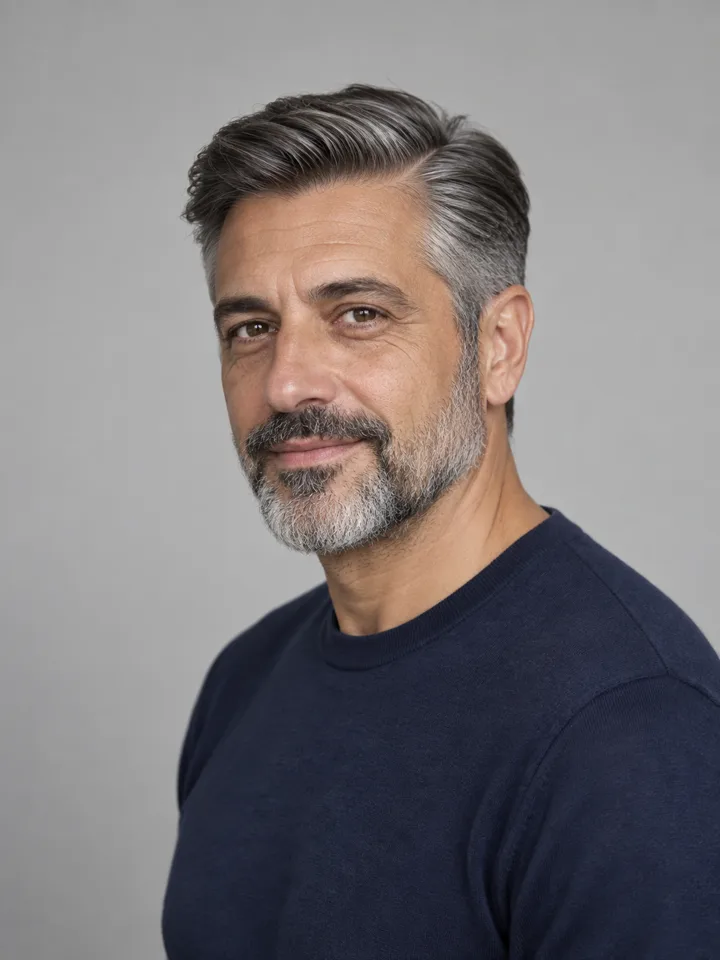
- Natural Color and Gray Distribution: Preserve authentic multi-tone hair and gray patches without applying automatic darkening filters.
- Collar Overlap and Garment Clearance: Verify that your beard does not crush shirt collars. If you wear glasses, consult our guide on taking a professional headshot with glasses to prevent frames and beard margins from crowding your face.
| Review Area | Common Capture Issue | Recommended Setup Practice |
|---|---|---|
| Jawline Separation | Beard blends into neck shadow | Try a weak white reflector to soften shadows without harsh upward lighting |
| Lip Framing | Mustache hairs hide the upper lip | Comb mustache clean of the lip line |
| Hair Texture | Filters blur individual strands | Disable beauty modes to keep hair texture |
| Color Fidelity | Tinted light alters gray patches | Use neutral daylight or balanced flash |
| Collar Alignment | Beard curls over shirt points | Straighten collar points after posing |
Lighting and Framing Setup for Beard Definition
Defining facial hair requires deliberate lighting. Overhead lights cast harsh shadows beneath the nose and chin, flattening beard depth. Position your key light roughly 45 degrees to the side and slightly above eye level to reveal texture across the cheeks and chin.
Background contrast is equally vital. Dark facial hair against a black backdrop obscures your silhouette. Choose a neutral mid-tone background, such as warm gray or off-white, to maintain clean separation around the jawline.
Set your camera at eye level with a 50mm–85mm equivalent focal length. Wide-angle phone lenses used up close distort facial proportions, exaggerating the chin. Stepping back several feet and framing from mid-chest upward preserves natural perspective.
Production Options: Photography versus AI Visual Exploration
When planning your portrait, our analysis of AI headshot vs DIY vs photographer examines the trade-offs among studio sessions, self-capture, and emerging digital workflows.
Digital platforms provide opportunities to explore visual styling prior to a shoot. LookScene offers personal AI photo styling for hair, outfits, and settings, enabling users to preview how different garment necklines or backgrounds look on camera. LookScene provides an invitation preview that is currently free; it does not offer unlimited access.
Visual exploratory tools have clear operational boundaries. LookScene does not provide physical styling, exact clothing fit, medical advice, or guaranteed identity preservation. Crucially, LookScene has no verified dedicated beard simulator; an AI preview cannot establish real beard growth or alter natural density. Institutional photo requirements override any generated preview. Where destination rules permit, use AI strictly for exploratory planning, while relying on actual photographic capture for your official portrait.
Worked Example: A Hypothetical Operations Manager
Consider this clearly hypothetical scenario: Marcus, an operations manager, grew a trimmed beard over two years. His directory still displays a five-year-old clean-shaven photo, causing hesitation during client introductions.
- Grooming: Two days before shooting, Marcus trims his beard to his standard length, keeping the neckline in his usual style.
- Wardrobe: Marcus chooses a navy jacket and open-collar shirt, checking that collar points sit flat under his beard.
- Capture: Setting a 70mm equivalent lens four feet away, Marcus faces an indirect window, using a light wall to soften chin shadows.
- Review: Checking test exposures, Marcus confirms his mustache leaves his smile visible, gray hairs appear naturally, and hair texture remains sharp.
- Delivery: He delivers the unretouched photo to his company's web administrator.
Practical Limitations and Verification Boundaries
Portraits of facial hair must reflect real-world constraints. Beard growth changes quickly; a photo taken during brief stubble will not serve you if you normally wear a full beard. Choose a style representing your consistent presentation.
Furthermore, post-processing must not invent synthetic hair density or alter underlying facial structure. Always check your employer's directory policies or credential rules, for their specific rules on cropping and retouching.
References and Source Materials
- University of Utah Health Profile Headshot Guidelines: Institutional guidance noting that significant changes in facial hair affect personal recognition, advising personnel to update profile imagery so colleagues and patients can identify them accurately.
- Reddit r/beards Community Discussion: Public community discussion highlighting user questions and experiences regarding presenting facial hair in professional portraits.
- Reddit r/headshots Community Discussion: Public community thread documenting ongoing user inquiries regarding whether to photograph clean-shaven or with facial hair for headshot sessions.
Style options to compare
Use these illustrated directions to plan what to try. They are not verified before-and-after results; inspect the review checklist on each page.
- Clean studio portrait — Compare the eyes, jaw, hairline and skin against the original. Crop for your intended profile size after reviewing.
- Warm studio — Check that warm background color does not unnaturally tint the face.
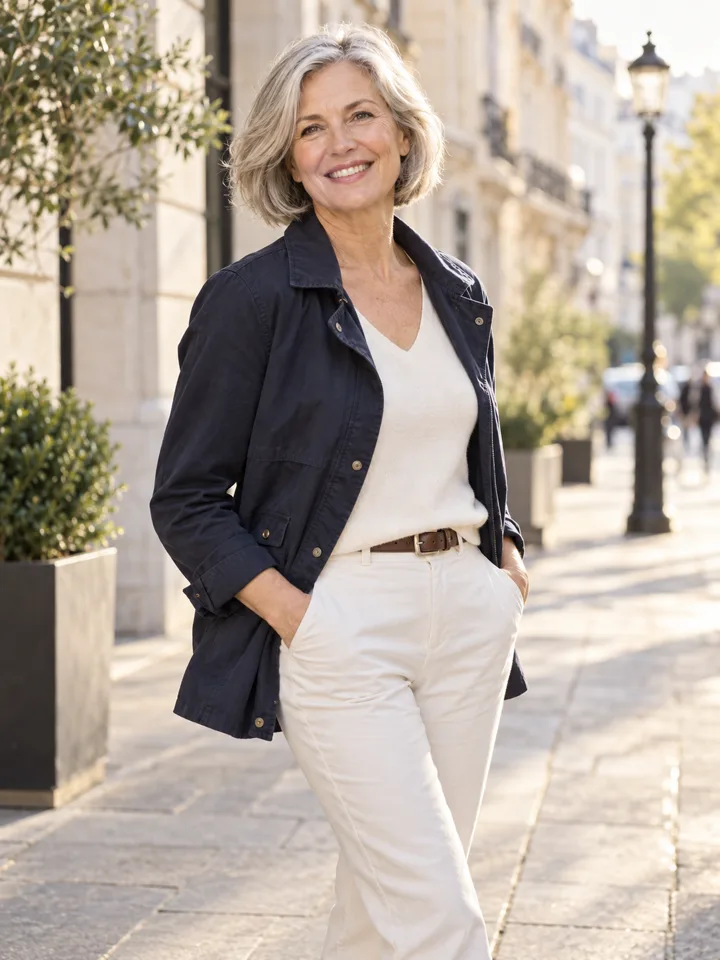
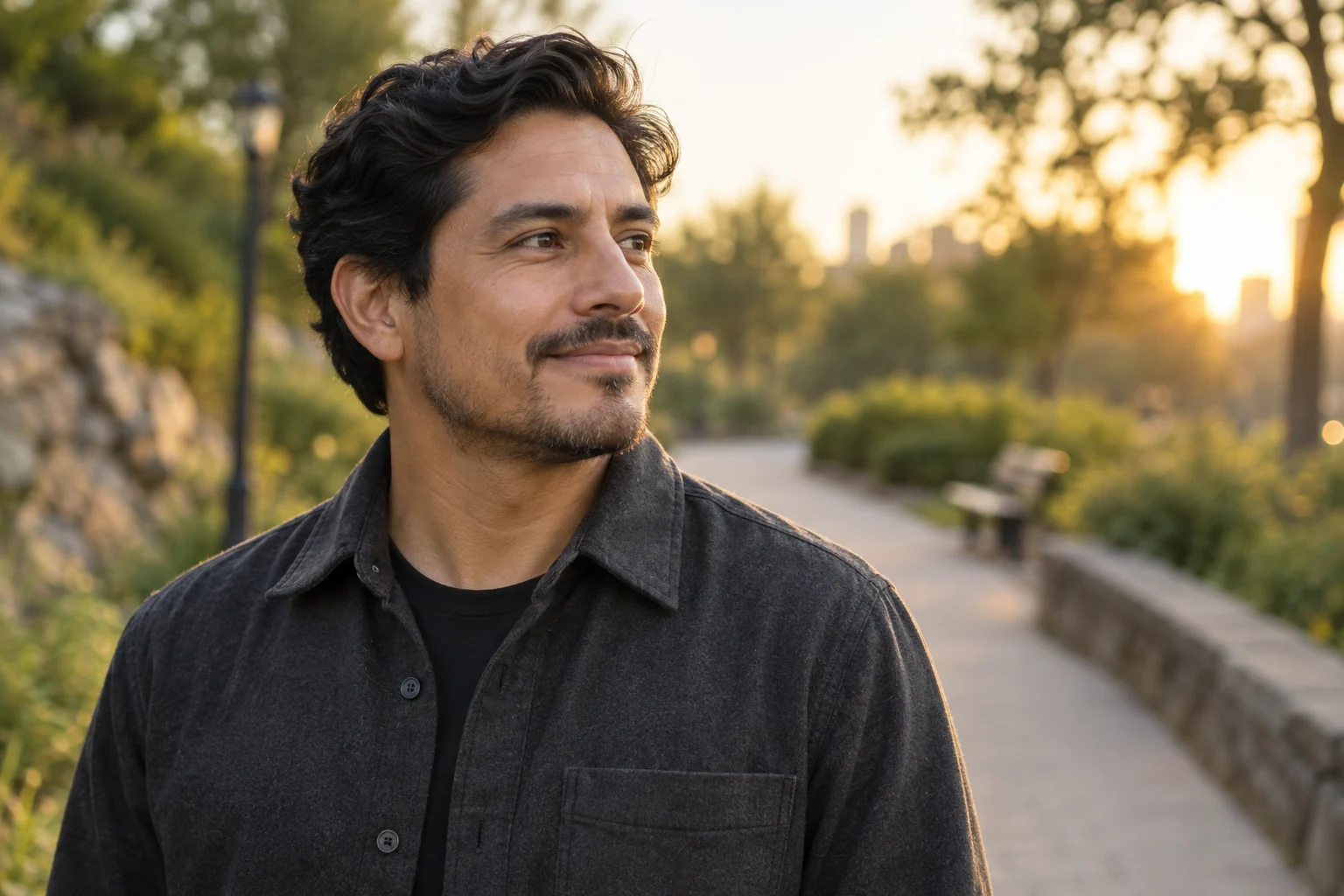
- Garden light — Inspect hair edges and ensure foliage does not cross the face.