Start with the question, not the haircut
A useful comparison starts with one decision: do you want to see less length, a different fringe, or a new color? If every version changes all three, it becomes difficult to tell which change you actually like. Write down your first question before selecting a style.
Choose a photo that makes comparison possible
Use a clear, front-facing photo taken at eye level. Leave space above the head and keep your jawline visible. Avoid beauty filters and heavy shadows. A photo with your head tilted or hair covering your eyes can make it harder to compare the outline of a new cut.
Keep the other details still
Compare the original and preview side by side. Look at the hairline, ears, glasses and shape of the face. If a preview also changes your jaw, skin or clothing, do not credit the haircut for the whole effect. Try a different input or a more focused edit.
Make a shortlist of two or three
Save a small number of alternatives rather than collecting dozens. Describe what you prefer in each: the length at the jaw, the weight at the sides or the openness around your forehead. Those observations are more useful than deciding that one picture simply looks better.
Treat the preview as an idea
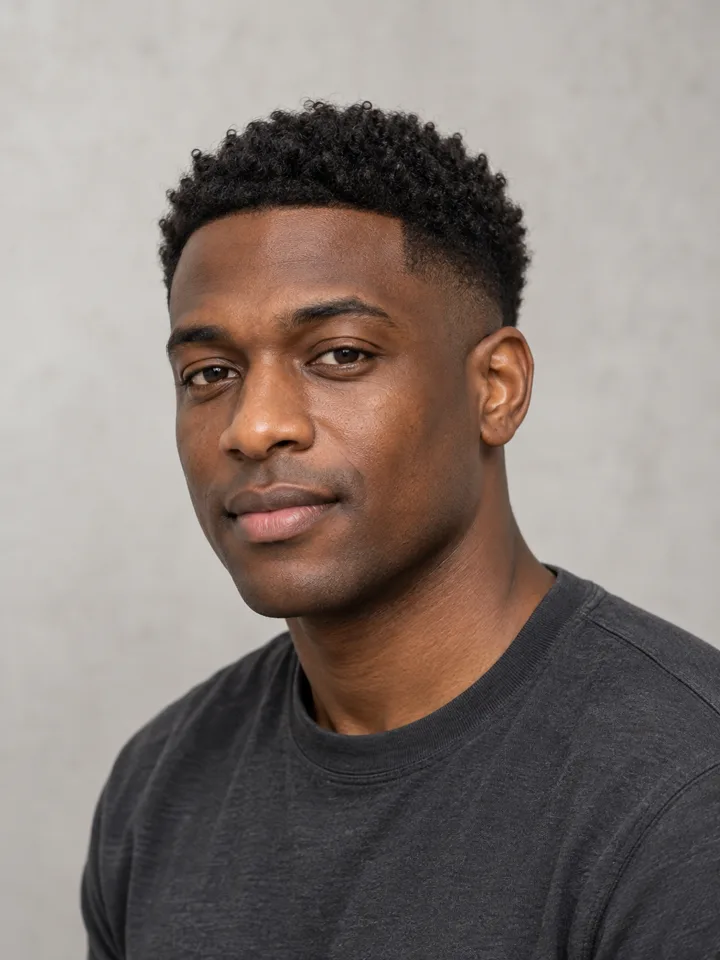
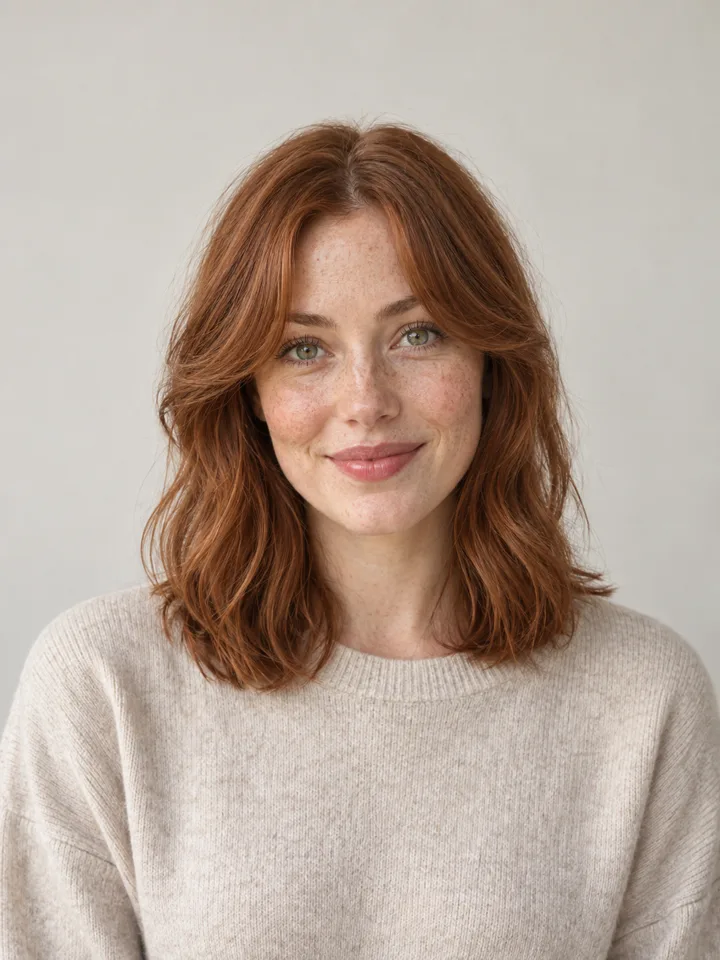
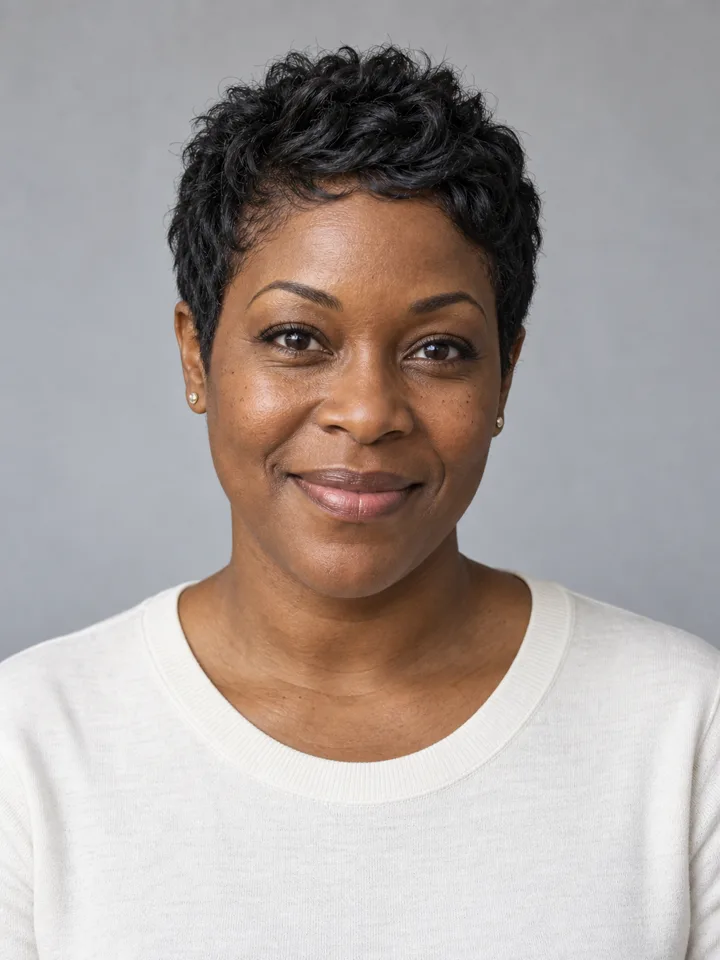
An AI image cannot show how your actual hair texture, growth pattern or daily styling routine will behave. Use it to explore a direction. The photographs in this guide are design illustrations, not a guarantee of a real haircut or verified LookScene generation.
Separate the decisions in your shortlist
| Question | First comparison | Hold steady |
|---|---|---|
| Do I want less length? | Bob and shoulder length | Color and fringe |
| Do I want a new face frame? | Curtain bangs and no bangs | Overall length |
| Do I want more movement? | Soft layers and long waves | Color and photo crop |
| Do I want a color change? | Original and warm brunette | Cut, lighting and skin tone |
The table is a way to organize an experiment, not a rule that assigns haircuts to people. Choose the question you care about first. A color change can make a familiar cut feel different, while a shorter outline can change how much of the neck and shoulders is visible. Combining them immediately makes the source of your preference harder to identify.
Notice what the photo leaves out
A still preview says little about movement, humidity, growth patterns or the time you want to spend styling your hair. Keep those questions in a separate note. If the image shows a very smooth bob but your everyday hair has a different texture, label it as an outline reference rather than a realistic daily result.
You can also compare two original photos of yourself with different partings before using an AI tool. This helps you identify whether your interest is actually in length, volume or forehead coverage. The smaller the question, the easier it is to make a useful comparison.
Make the next step specific
Choose two template briefs and keep the source unchanged. Start with sleek bob and shoulder length for length, or read bob vs curtain bangs for two different kinds of change. If you wear glasses, use the glasses and fringe checklist before making your shortlist.